


 Extension
Collaborate in AI Workspace - Ask AI to Read, Edit, and Track Files
 Install Chrome Extension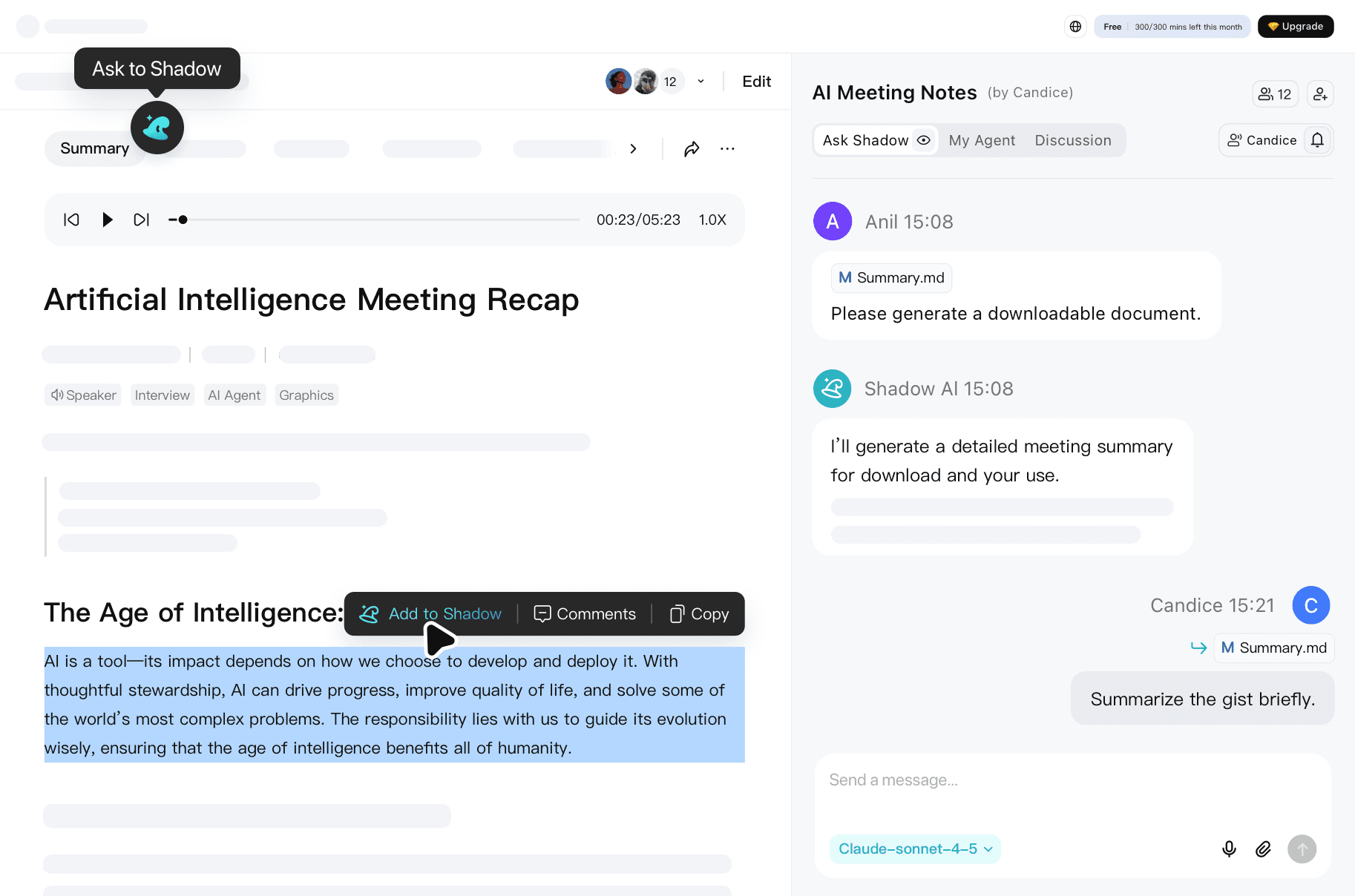

Multi-User Collaboration
All team members can work in the same project. Everyone can discussion with Shadow AI or ask it on a separate conversion space.

Manage Long-Term Project Assets
All project files stay in one place. No re-uploading is needed when processing the same file. The AI remembers context and keeps building on the team work.

AI as Your Capable Teammate
Ask the AI to draft, edit, or organize. It never forgets project details. Works 24/7 and adapts to the team workflow.
This workspace transformed how our product team collaborates. We usually record meetings with TicNote Cloud, and edit specs, meeting notes, and research files in one place. The AI makes precise changes and tracks everything. No more version chaos.
Senior Product Manager, Enterprise SaaS


How to Work with Your AI Teammate
TicNote Cloud records meetings and brings it to a project automatically. Ask the AI teammate to do anything based on your recordings and files.
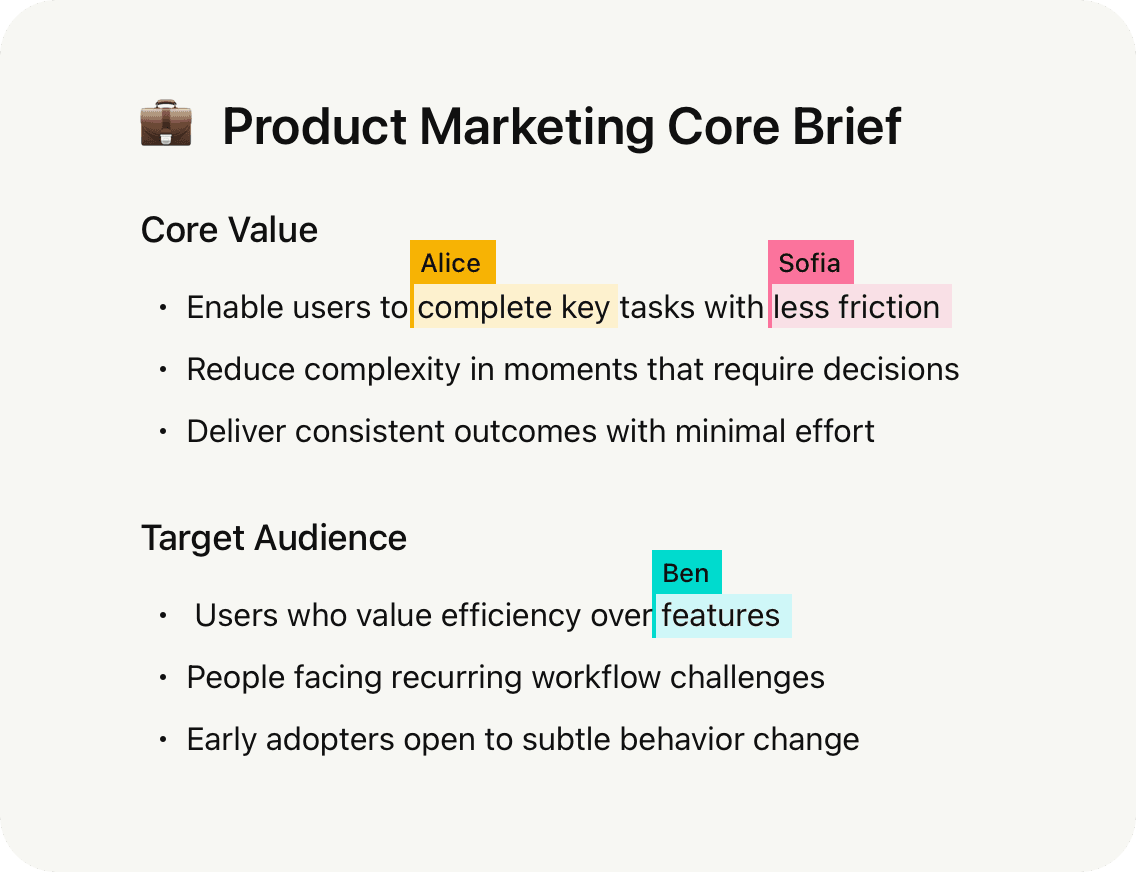
Real-Time Team Collaboration
Invite teammates to join your project workspace.
Team features:
- Set roles: admins, editors, or viewers.
- Track who made which change.
- Work independently while staying aligned.
- Discuss with teammates or consult Shadow AI privately.
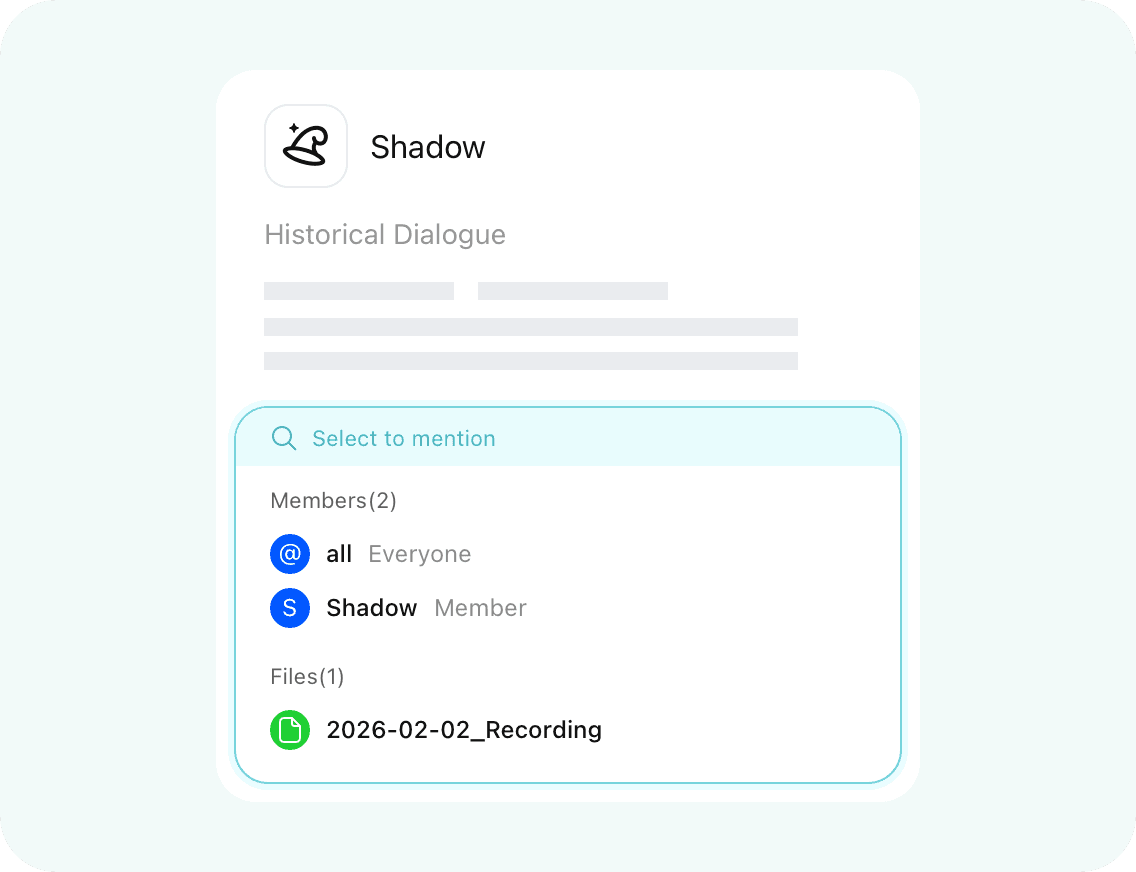
Iterative Project Management
Stop re-uploading files every time you chat with AI. Your TicNote Cloud workspace remembers everything.
How it helps:
- All project files stay accessible in one place.
- The AI recalls previous conversations and edits.
- Keep refining documents without losing context.
- Outputs stay consistent as your project evolves.
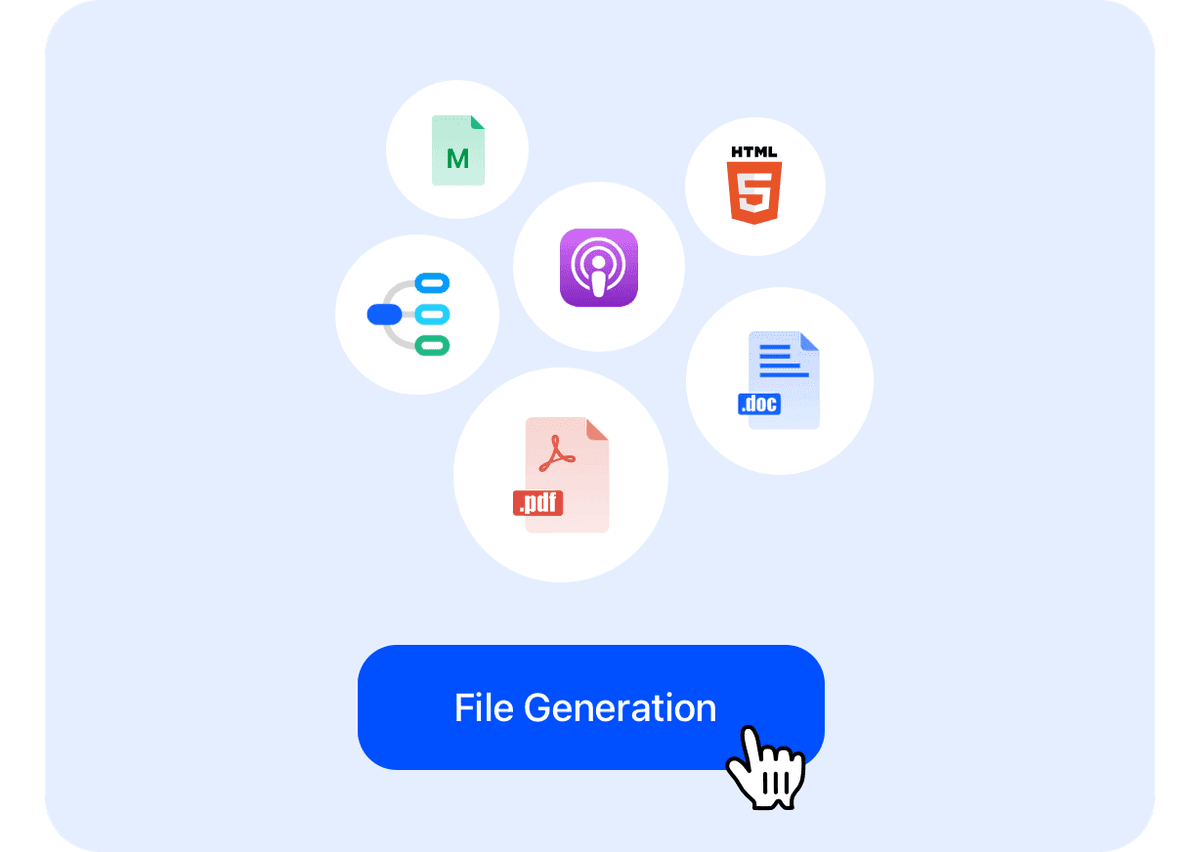
Multi-Format File Generation
Need to hand in a report, plan, or presentation? Throw all files to Shadow AI and it will generate what you want.
Supported outputs:
- Documents: PDF, Word, Markdown
- Web: HTML pages with styling
- Audio: Podcast-ready files
- Visual: Mind maps for presentations








TicNote Cloud - Bring You the True AI Teammate
Other AI tools work for individuals. TicNote Cloud gives your entire team a shared AI teammate. Shadow AI remembers every project discussion, understands full context, and executes tasks anyone on your team requests. No more scattered knowledge across solo chats
Your Team's AI Partner, Not Just a Tool
Discuss in project chat. Tell Shadow to generate reports or edit files. Everyone sees AI actions. Outputs become shared team assets.
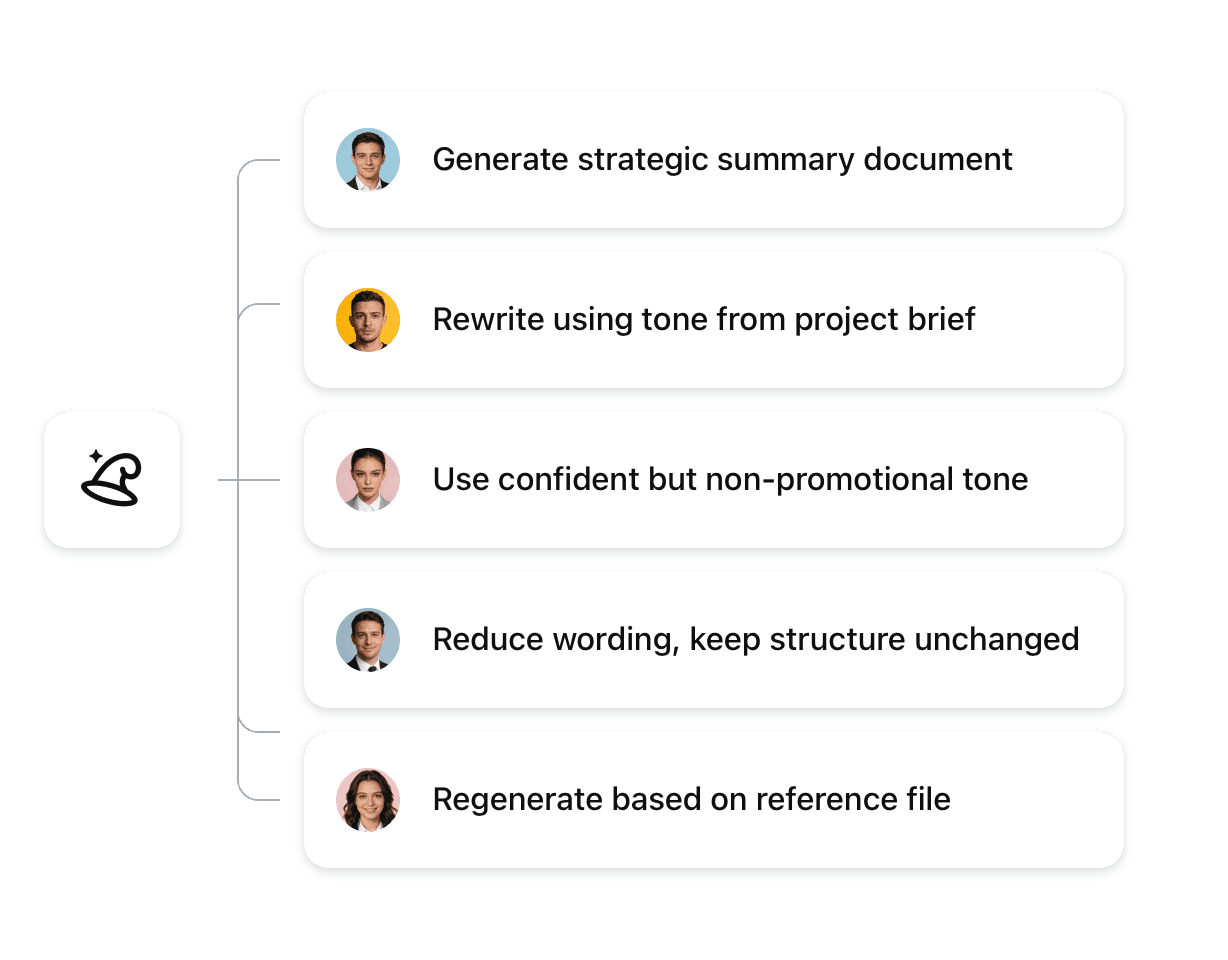
TicNote Cloud redefines team Al-Shadow AI isn't just a tool, it's a shared teammate that remembers context and executes collectively.
FAQs for TicNote Cloud AI Workspace
How is TicNote Cloud different from using ChatGPT with my team?

ChatGPT keeps conversations private — your team can't see each other's AI interactions. TicNote Cloud gives your whole team shared access to Shadow AI inside your project. Everyone can see what Shadow generates, build on each other's work, and reference past discussions. No more copying results into Slack or lost context.
Can multiple people use Shadow AI at the same time?
Yes. Each team member gets their own conversation space with Shadow, so no conflicts happen. You can ask Shadow questions privately or discuss with teammates in the project chat. All Shadow's outputs (files, edits, reports) stay visible to everyone in the project.
Can Shadow work across different projects?
Shadow works inside each project's boundaries for security. But you can drag files from other projects into your current workspace. Shadow will then understand and reference that content when generating outputs. This keeps data isolated while letting you connect related work.
How does team collaboration actually work?
Your team can discuss ideas in the project chat (human-to-human). Anyone can then tell Shadow to turn those discussions into documents, reports, or presentations. Shadow pulls from the full project context—meetings, files, conversations—so outputs reflect everyone's input. No manual copy-paste between tools.


