


 Extension
TL;DR
We compared 6 Google Meet note takers across 4 weeks of real Google Meet calls, phone calls, and in-person conversations. Otter is the best pick for scheduled Google Meet–heavy work that needs live transcripts and searchable team notes, while TicNote Pods 4G fits consultants and field professionals who need bot-free capture for calls and room meetings. The real buying decision comes down to capture method (bot, botless, or hardware), workflow depth, and privacy posture — not transcription quality alone.
What is a Google Meet AI note taker, and why does everyone suddenly need one?
A Google Meet AI note taker records or captures a meeting, turns speech into text, and produces usable notes at minimum; more advanced tools now also create summaries, action items, speaker labels, translations, searchable archives, and follow-up documents.
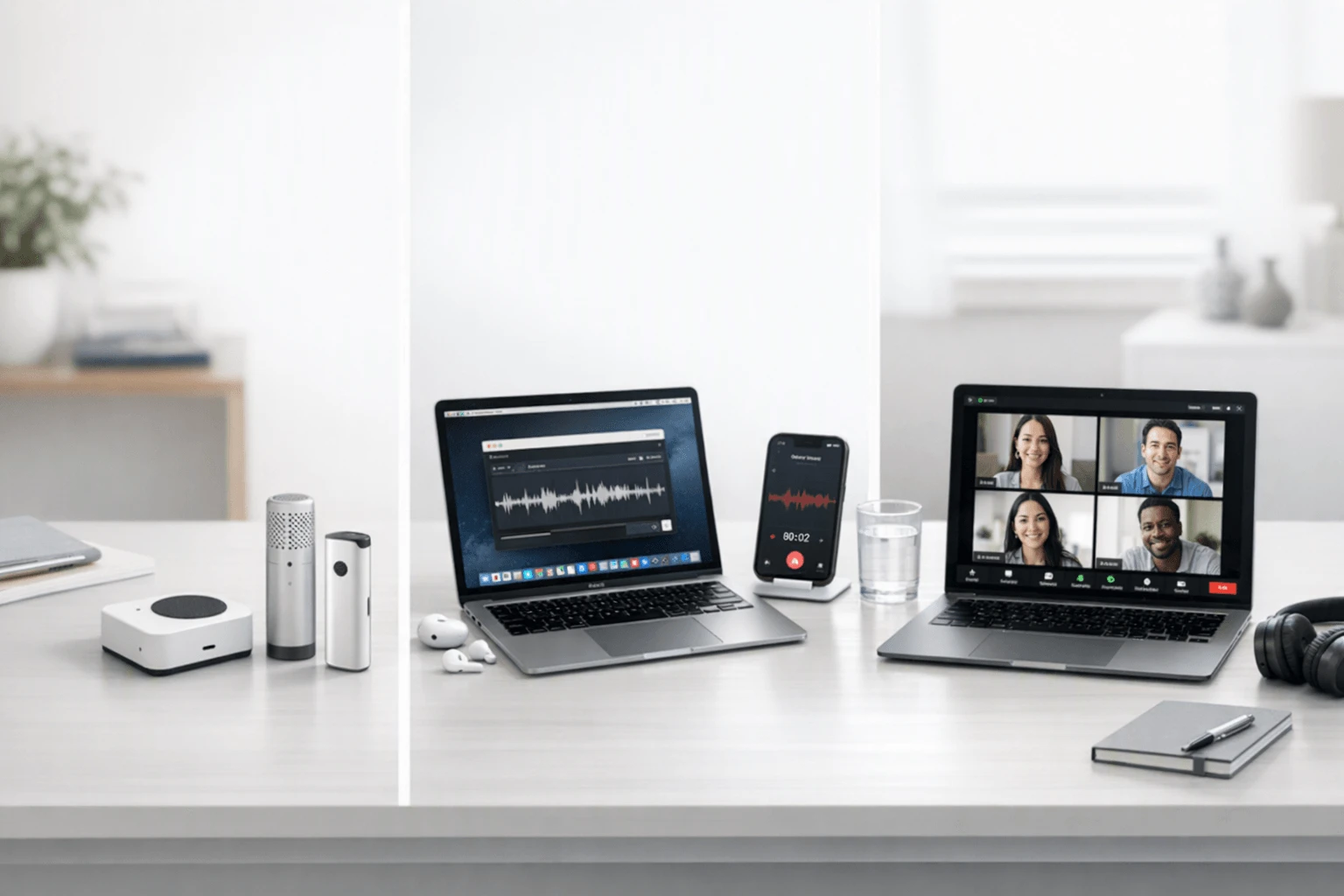
Meeting-note tools now span both software and hardware products, not just browser bots. That shift happened because work now moves between scheduled Google Meet calls, phone calls, and in-person meetings — and a browser extension that joins the call as a bot cannot capture the phone call you took on the way to the office or the conversation you had in a coffee shop. The practical decision is to choose a tool that fits the actual mix of online, call, and room conversations.
But here's what most articles won't tell you. Transcription and summary generation are becoming commoditized, so the real buying decision is no longer about whether a tool can create notes at all. It is about capture method (bot, botless, or hardware), workflow depth (notes, tasks, CRM, and exports), and privacy posture (visibility, storage, and control).
How did we test these tools?
Testing period: 4 weeks. Platforms: Google Meet, phone calls, and in-person meetings, with each tool assessed on its ability to capture, transcribe, summarize, and help with follow-up work for general professional use.
Meeting types tested
- Client check-in (2 participants)
- Internal project stand-up (4 participants)
- Sales discovery call (2 participants)
- Cross-functional review meeting (6 participants)
- In-person planning session
- Mixed scenario: in-person meeting followed by an online follow-up
Evaluation criteria and weighting
- Capture reliability and platform fit (25%) — measured how well the tool handled scheduled Google Meet, phone calls, in-person meetings, and edge cases like dropped calls or background noise.
- AI summary and action-item quality (25%) — measured whether summaries were accurate, structured, and ready to share, with or without editing.
- Privacy and compliance posture (20%) — measured data handling transparency, encryption, recording-notice controls, and whether third parties join the meeting.
- Post-meeting workflow (20%) — measured CRM handoff, and team workflow support.
- Entry cost and pricing transparency (10%) — measured how easy it was to start, what the free tier included, and how quickly paid costs increased.
Our own product is included: TicNote. We were explicit about where TicNote is weaker than software-first tools, especially for direct Google Meet feed capture, deep CRM automation, and built-in team collaboration layers. All other tools were evaluated independently.
Hardware vs. software: which approach fits you better?
The first real decision is not brand choice but capture method.
Side-by-side: hardware vs. software
| Factor | Hardware | Software |
| Phone call recording | ✅ Core feature | ❌ Not supported |
| Face-to-face meetings | ✅ Set on the table | ❌ Needs workarounds |
| Online meeting transcription | ⭐️ Depends on room audio | ⭐️⭐️⭐️ Direct platform feed |
| Speaker identification | ⭐️ Limited | ⭐️⭐️⭐️ Automatic |
| Hands-free start | ✅ Auto-records on answer | ❌ Open app every time |
| Privacy control | ✅ No external bot in meeting | ⭐️ Depends on platform |
| Free-tier monthly minutes | 600 minutes or more | Typically 300 minutes |
| Best for | Mixed workdays with calls + meets | Scheduled online meetings |
If your day is mostly scheduled Google Meet sessions and the goal is searchable notes plus workflow automation, Otter is strong for live notes, search, custom vocabulary, and auto-joining Google Meet, while Fireflies is stronger for broader integrations, comments, bookmarks, and CRM or ATS-adjacent handoff across teams.
The honest answer is both for mixed workdays. If part of the week still happens on phone calls or in person, hardware is the layer software cannot replace.
How do these 6 tools compare side by side?
| Tool | Type | Best For | Platforms | Free Tier | Paid From | Integrations | Post-Meeting Automation |
| TicNote Pods 4G | Hardware | bot-free call and field capture | Earbuds plus case plus app | Plus plan included with hardware: 600 min/mo and 1500 credits | $299.99 device | Cross-platform phone desktop browser | Live Summary plus Quick Summary plus AI docs |
| Otter | Bot | scheduled Google Meet note capture for teams | Web and mobile | Free with 300 monthly transcription minutes | $8.33/month billed annually | Google Meet, Zoom, Teams, Salesforce, HubSpot | Live notes, action items, search, custom vocabulary |
| Fireflies | Bot | meeting notes with CRM-adjacent automation | Web and mobile | Free tier with limited monthly minutes | $10/seat/month billed annually | Salesforce, HubSpot, Slack, Zoom, Google Meet | AI notes, bookmarks, soundbites, workflow integrations |
| Read AI | Bot | AI meeting summaries with analytics | Web and mobile | Free with capped monthly minutes | $19.99/seat/month billed annually | Salesforce, HubSpot, Slack, Google Meet, Zoom | Live summary, action items, analytics |
| PLAUD Note | Hardware | hardware recording with templates and exports | Device plus app | Starter free with 300 minutes/month | $$159 device plus Pro from$$8.33/month billed annually | Google Calendar, Zapier, MCP exports | Ask Plaud, templates, mind maps, AutoFlow |
| HiDock P1 | Hardware | desk-to-room meetings and calls | Device plus HiNotes | Unlimited free transcription | $169 device | HiNotes sync with Zoom Meet Teams Webex compatibility | AI summaries with optional Pro features like speaker ID and templates |
The 6 best AI note takers for Google Meet in 2026
1. TicNote Pods 4G — Best for bot-free Google Meet notes beyond the browser
Best for: bot-free capture across Google Meet, phone calls, and in-person work
TicNote Pods 4G is built for people whose work does not stay inside scheduled meeting links. The differentiator is the charging case with built-in 4G eSIM, which can upload audio in real time without a phone nearby, while the earbuds handle calls and online meetings and the case handles room recording up to a 5–10 m pickup range. It produces Live Summary for real-time transcription feedback, Quick Summary for fast recap, and full AI-generated documents for follow-up work.
Key features
- 4G eSIM in case for phone-free upload (3 years free data on Plus plan)
- Earbuds plus case plus app workflow that captures across phone calls, in-person meetings, and online sessions
- 600 minutes per month free transcription plus 1,500 AI credits
- 16 built-in Skill Agents that run on demand (dr, drag-and-drop, one-tap)
- Cloud sync across mobile, desktop, and browser
Pricing: Hardware: $249.99 sale; Plus: $299.99/year billed annually (or $39.99/month)
Pros
- Truly bot-free capture across phone, room, and online meetings
- 4G upload means the case keeps working without your phone
- Live Summary while the meeting is happening, useful for follow-up questions
- Templates and exports cover most of the post-meeting workflow
Cons
- Hardware cost is a barrier for short-term or browser-only users
- Built-in team-collaboration layer is lighter than Otter or Fireflies
- Direct Google Meet feed capture is weaker than bot-based tools
2. Otter — Best for scheduled Google Meet-heavy work
Best for: teams who need live transcripts and searchable notes inside scheduled Google Meet sessions
Otter has become the default for scheduled-Meet workflows. It joins as a meeting bot, produces live transcripts with speaker labels, custom vocabulary, and searchable archives, and integrates cleanly with Salesforce, HubSpot, and Slack. For teams whose work happens inside the browser, Otter is the easy default.
Key features
- Live transcription with custom vocabulary
- Auto-join Google Meet, Zoom, and Microsoft Teams
- Searchable team workspace with comments and highlights
- AI chat that can answer questions about past meetings
Pricing: Free: $0; Pro: $8.33/seat/month billed annually; Business: $20/seat/month billed annually
Pros
- Strong live transcription and search
- Clean Google Meet and Calendar integration
- Custom vocabulary is mature for specialized fields
- AI chat over past meetings is genuinely useful
Cons
- A bot joins the meeting, which is a deal-breaker for some clients
- No phone call or in-person recording without a workaround
- Free tier is capped at 300 minutes per month
3. Fireflies — Best for teams with CRM-adjacent automation needs
Best for: sales, recruiting, and customer-success teams that need meeting data to flow into CRM, ATS, and collaboration tools
Fireflies is the workflow-heavy option. It joins meetings as a bot, captures transcripts and summaries, and pushes structured notes, soundbites, bookmarks, and action items directly into Salesforce, HubSpot, Slack, and other tools your team already uses. It is less focused on individual note-taking and more focused on team-wide meeting data flow.
Key features
- 100+ languages with auto language detection
- AI notes, comments, bookmarks, and soundbites
- Workflow integrations across CRM, ATS, Slack, and collaboration tools
- Analytics and team visibility features
- Speaker recognition with a 95% accuracy claim
Pricing: Free: $0; Pro: $10/seat/month billed annually; Business: $19/seat/month billed annually; Enterprise: $39/seat/month billed annually
Pros
- Very strong integration story for teams
- Speaker recognition is mature
- Multi-language coverage is broad
- Soundbites make it easy to share short clips
Cons
- Bot-in-meeting model is the same privacy limitation as Otter
- Not designed for phone calls or in-person meetings
- Workflow depth can be overkill for solo users
4. Read AI — Best for analytics-aware teams
Best for: teams that want meeting analytics on top of transcripts and summaries
Read AI sits between Otter and Fireflies. It joins meetings as a bot, produces live transcripts and summaries, and adds analytics — speaker talk time, sentiment, and engagement scores — that larger teams use for coaching and reporting. For smaller teams, the analytics layer can feel like noise; for larger or coaching-heavy teams, it is the differentiator.
Key features
- Live AI summary with action items
- Speaker analytics: talk time, sentiment, engagement
- Cross-meeting search
- Integrations with Salesforce, HubSpot, Slack, Google Meet, and Zoom
Pricing: Free with capped monthly minutes; Pro from $19.99/seat/month billed annually
Pros
- Analytics layer is unique among the bot-based tools
- Live summary is solid
- Integration set is comparable to Fireflies
Cons
- Analytics is overkill for solo or small-team use
- Same bot-in-meeting privacy limitation
- Free tier is restrictive
5. PLAUD Note — Best for hardware with template depth
Best for: hardware-first users who want deep templates, Ask Plaud prompts, and export flexibility
PLAUD Note is the other hardware option on this list. Unlike TicNote, it is a card-style recorder rather than earbuds — it does not capture phone calls or live online meetings directly, but it does produce highly structured notes through Ask Plaud, 10,000+ templates, mind maps, and AutoFlow. The trade-off is a richer software experience at the cost of capture flexibility.
Key features
- Card-style recorder with vibration-conduction phone-call capture
- Ask Plaud for natural-language Q&A over recordings
- 10,000+ templates plus custom templates
- Mind maps, AutoFlow, Google Calendar, Zapier, MCP exports
Pricing: $159 device; Pro from $8.33/month billed annually; Business plans available
Pros
- Templates and Ask Plaud are mature
- Export to Zapier and Google Calendar is well-supported
- Mind maps are useful for project planning
Cons
- No earbud form factor means phone calls need a workaround
- Hardware-only, with no browser-based meeting bot option
- Smaller monthly transcription allowance than TicNote on the free tier
6. HiDock P1 — Best for desk-to-room meetings and calls
Best for: users who want a hardware recorder with strong Bluetooth call capture and an established app ecosystem
HiDock P1 is a hardware option aimed at desk-and-room meetings. It records from a desktop device, syncs with HiNotes, and supports Bluetooth earphone calls. It also integrates with Zoom, Meet, Teams, and Webex, and offers AI summaries plus optional Pro features like speaker identification and templates.
Key features
- Desk device with Bluetooth call capture
- HiNotes sync across Zoom, Meet, Teams, and Webex
- AI summaries with optional Pro features
- Unlimited free transcription on the base tier
Pricing: $169 device; Pro features available as add-on
Pros
- Unlimited free transcription is unusual among hardware
- Bluetooth call capture covers a common gap
- HiNotes ecosystem is broader than PLAUD or TicNote
Cons
- No 4G upload, so the device still depends on phone or Wi-Fi
- Pro features are an add-on rather than included
Conclusion: how to decide
If phone calls or in-person meetings are part of your day, hardware is the layer software structurally cannot replace. TicNote Pods 4G stands out for phone-free 4G upload, Live Summary, and automatic call recording through its earbud workflow, while HiDock P1 is the simpler pick for Bluetooth earphone calls and local storage at $169. PLAUD Note is the better fit if hardware matters but template depth, Google Calendar, and Zapier also matter.
If nearly everything happens inside scheduled Google Meet sessions, Otter is easier for searchable live notes and Fireflies is stronger for integrations and automation. For heavier users, the long-term answer is often both: software for direct Meet capture and hardware for the calls and in-person conversations software never reaches.


