


 Extension
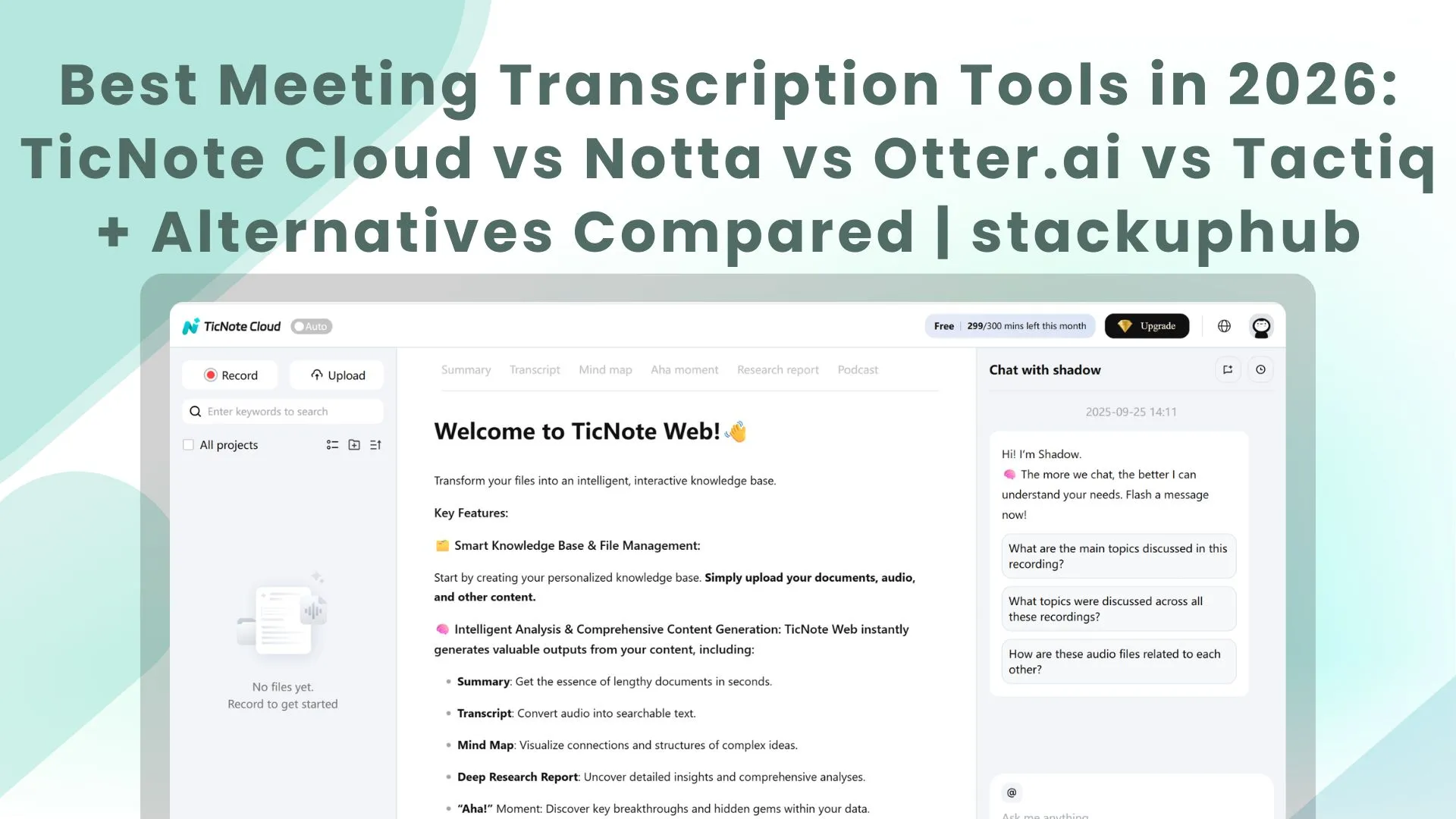
In 2026, meetings aren’t the work — they’re the raw material for it. As AI shifts toward federated setups (multiple models working together) and agentic automation that turns conversations into actions, the “best transcription tool” is no longer the one that types fastest; it’s the one that helps you ship decisions, follow-ups, and deliverables with less busywork. Whether you’re running Zoom calls, Google Meet interviews, or Microsoft Teams standups, this guide compares the top meeting transcription tools — and shows which one fits your workflow today, and the AI trends shaping how work gets done next.
How We Compared These Tools
- Accuracy & speaker identification (diarization)
- Real-time capture (Zoom/Meet/Teams) vs upload-only workflows
- AI summaries, action items, and searchability
- Collaboration (shared workspaces, comments, permissions, versioning)
- Multilingual transcription and translation
- Exports (DOCX, PDF, SRT/VTT, Markdown) and integrations (Notion/Docs/Slack/CRM)
- Pricing model (subscription vs usage-based vs one-time purchase) and privacy posture
At a Glance: Which Transcription Tool Is Right for You?
Don’t have time to read the whole comparison?
Here’s the quick answer — pick a tool based on how you run your meetings:
| If you… | Use this tool |
| Want more than transcripts — turn conversations into actionable deliverables and reusable project knowledge | TicNote Cloud |
| Need real-time transcription in multiple languages | Notta |
| Work with a remote team and share collaborative notes | Otter.ai |
| Want a lightweight browser tool that syncs with Notion/Docs | Tactiq |
| Edit transcripts into publish-ready audio/video content | Descript |
| Need multilingual subtitles, translation, or pay-as-you-go hours | Sonix |
| Prefer unlimited meeting recording on a generous free tier | Fathom (or Fireflies.ai) |
| Want multi-meeting highlights and recap workflows for distributed teams | tl;dv |
| Prefer a one-time payment or want offline-friendly options | AppSumo transcription tools |
Don’t waste time trialing tools that don’t fit your style. Match your workflow first — then commit.
TicNote Cloud — Best for Turning Meetings Into Deliverables + Reusable Knowledge
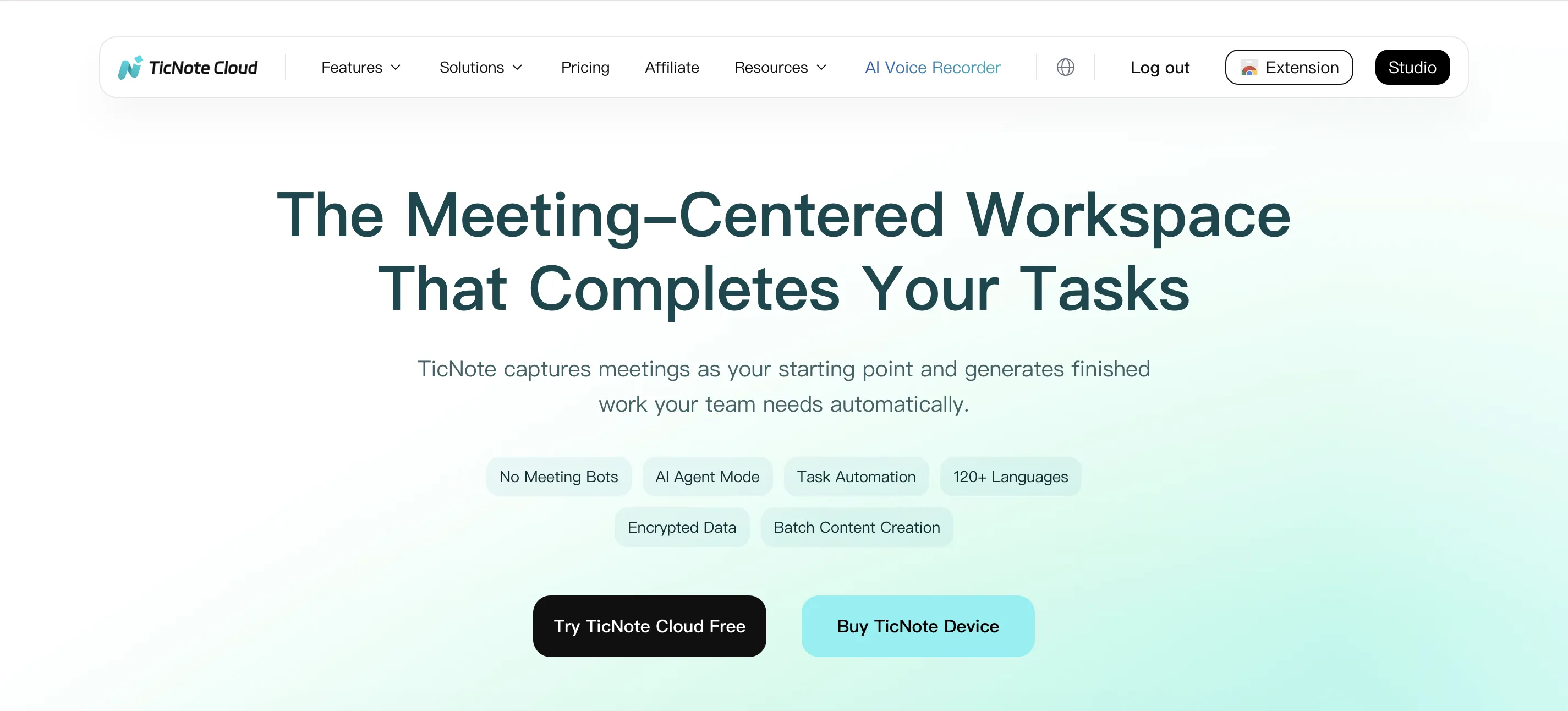
| Feature | Free Plan | Paid Plan (Typical) |
| Real-time capture (no bot join) | Yes | Yes |
| Uploads (audio/video, batch) | Yes (Limited) | Yes |
| Speaker identification (diarization) | Yes | Yes |
| Multilingual transcription + translation | 17+ languages (real-time) and 70+ languages after meeting end | 17+ languages (real-time) and 70+ languages after meeting end |
| Multi-level summaries | Yes | Yes |
| Project workspace + reusable knowledge | Yes | Yes |
| Mind map / theme navigation | Yes | Yes |
| Collaborative editing + comments | Yes | Yes |
| Outputs (reports, decks, web pages) | Yes | Yes |
| Privacy posture | No training on your data without permission | No training on your data without permission |
| Typical bundle quota | 300 monthly credits (device bundle) | Unlimited credits/month Pro upgrade |
TicNote Cloud is an AI collaborative workspace that turns conversations into actionable deliverables — not just transcripts.
Instead of dumping a transcript into a folder and hoping someone reads it, TicNote organizes meetings, documents, and research inside a single Project. A built-in Shadow Agent understands context, edits content, and generates multi-format outputs your team can actually ship.
What makes TicNote Cloud stand out is the compounding value over time: Projects, tags, mind maps, traceable citations, and version history turn scattered meetings into a reusable knowledge asset — perfect for consulting, product, research, strategy, finance, and content teams.
Choose TicNote Cloud if you want meeting transcription plus the “so what”: decisions, evidence, deliverables, and shared context — all in one place.
Notta — Best for Real-Time + Multilingual Users
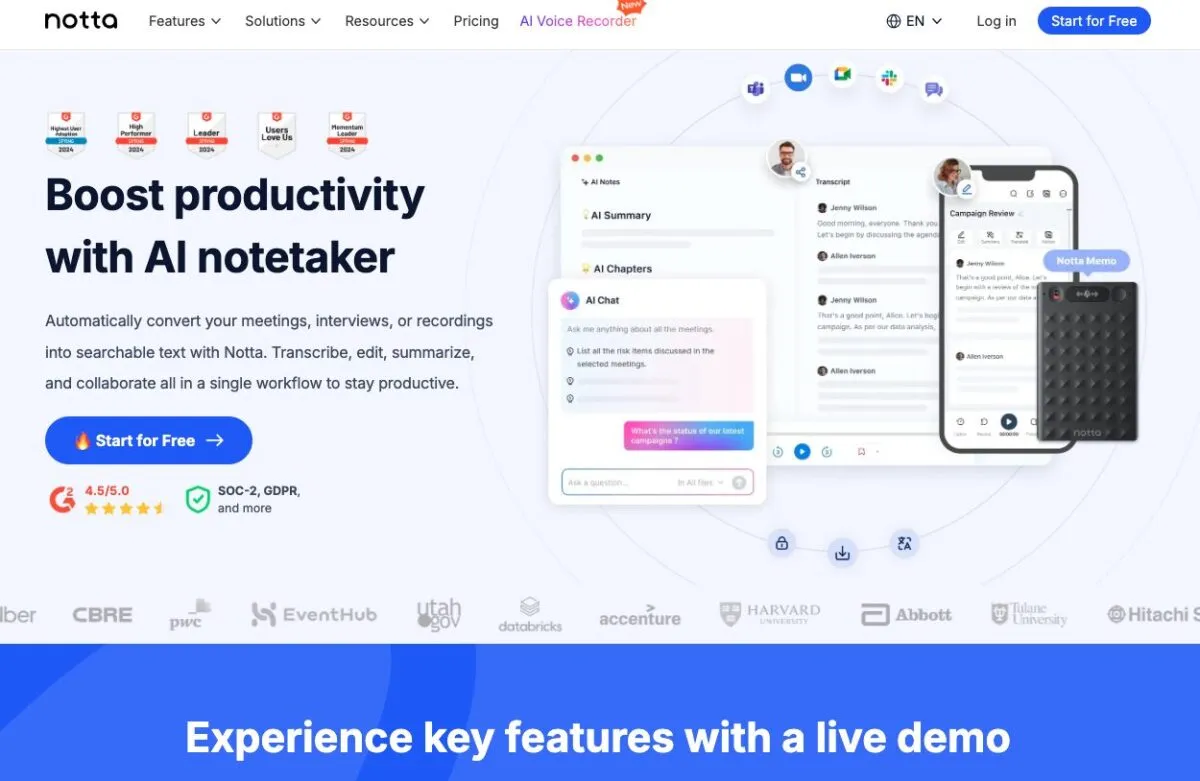
| Feature | Free Plan | Paid Plan (Typical) |
| Real-time transcription (Zoom/Meet/Teams) | Yes (limited) | Yes |
| Transcription quota | 120 min/month | 1,800 min/month (Pro) |
| Translation / multilingual | Yes | Yes |
| AI summaries | Yes (limited) | Yes |
| Export formats | Limited | More export options |
| Price | Free | From ~$8.17/month (annual billing) |
Notta is a strong all-in-one transcription tool for solo professionals, educators, and global teams who need real-time capture and multilingual support.
It works across Zoom, Google Meet, and Microsoft Teams, and it’s especially handy when you’re not tied to English-only meetings.
Pick Notta if your #1 priority is real-time, multilingual transcription with a straightforward product experience — and you don’t need a full project workspace for deliverables.
Otter.ai — Best for Teams and Collaboration
| Feature | Free Plan | Paid Plan (Typical) |
| Real-time transcription | Yes | Yes |
| Team collaboration (shared workspaces) | Limited | Yes |
| AI summaries | Yes | Yes |
| Monthly quota (typical) | 300 min/month | Varies by plan |
| Export formats | Limited | More options |
| Price (typical) | Free | From ~$13.59/month (monthly) or ~$6.67/month (annual) |
Otter.ai is built for teams that meet often and need shared, searchable notes.
It’s great for recurring internal syncs, project reviews, and any workflow where multiple people need access to the same meeting documentation.
Choose Otter if collaboration and shared access matter more than advanced multilingual output or turning transcripts into client-ready deliverables.
Tactiq — Best for Lightweight Live Capture in Browser
| Feature | Free Plan | Paid Plan (Typical) |
| Chrome extension (browser-first) | Yes | Yes |
| Works with Zoom/Meet/Teams | Yes | Yes |
| Transcripts / month | 10 transcripts/month | Unlimited transcripts |
| Exports / integrations | Docs, Notion, Slack (basic) | More integrations + advanced exports |
| AI credits (typical) | 5 AI credits/mo | 10 AI credits/mo |
| Price (typical) | Free | From ~$8/month (annual billing) |
Tactiq is a lightweight Chrome extension that captures live captions directly in your browser — no bots, no extra apps.
It’s perfect for product managers, marketers, and researchers who live in Notion or Google Workspace and want fast, low-friction capture.
Tactiq won’t replace full meeting intelligence platforms, but it’s one of the quickest ways to grab transcripts and push highlights into your existing docs.
AppSumo — Best for One-Time Purchase & Privacy-First Tools
| Feature | Free Plan | Paid Plan (Typical) |
| Pricing model | One-time purchase (varies) | One-time purchase |
| Offline / local processing | Some tools | Some tools |
| AI summaries / highlights | Varies | Varies |
| Multilingual support | Depends on product | Depends on product |
| Export formats | TXT, DOCX, SRT/VTT, etc. | Depends on product |
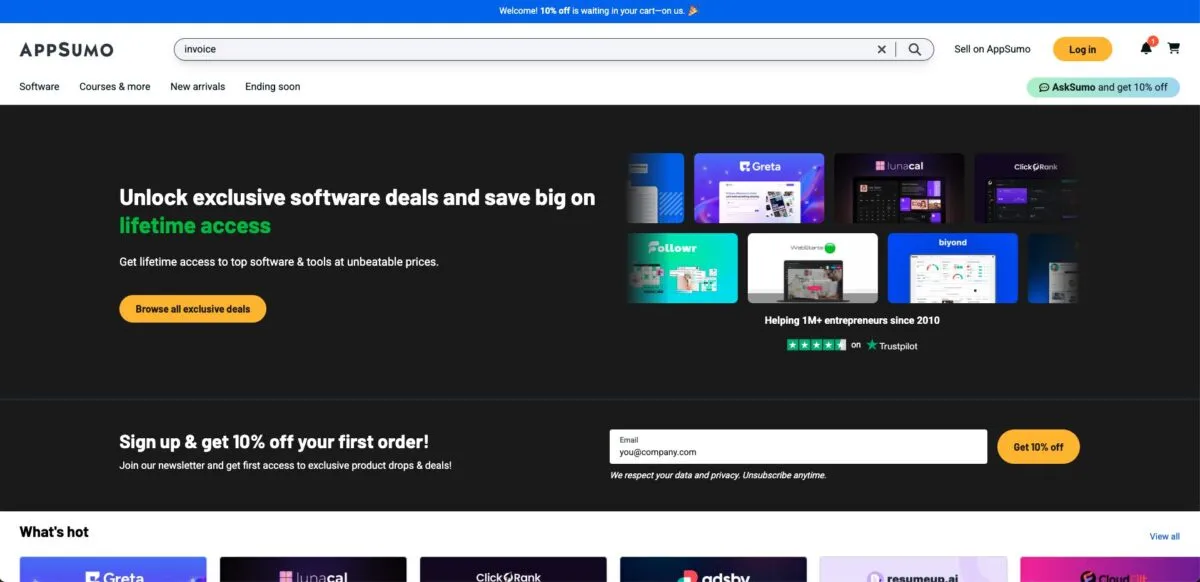
If you prefer to pay once and own it, AppSumo frequently features AI transcription tools with lifetime deals — sometimes with offline options.
The trade-off: deals change often, and the best ones can disappear quickly. It’s great for bargain hunters and privacy-conscious users who dislike subscriptions.
Descript — Best for Editing Transcripts Like a Document
| Feature | Free Plan | Paid Plan (Typical) |
| File upload (audio/video) | Yes | Yes |
| Real-time transcription | Limited / varies | Limited / varies |
| Text-based audio/video editing | Yes | Yes |
| Filler word removal + polishing | Limited | More |
| Export formats | Basic | More options |
| Price (typical) | Free to start | Paid plans from ~$16/month |
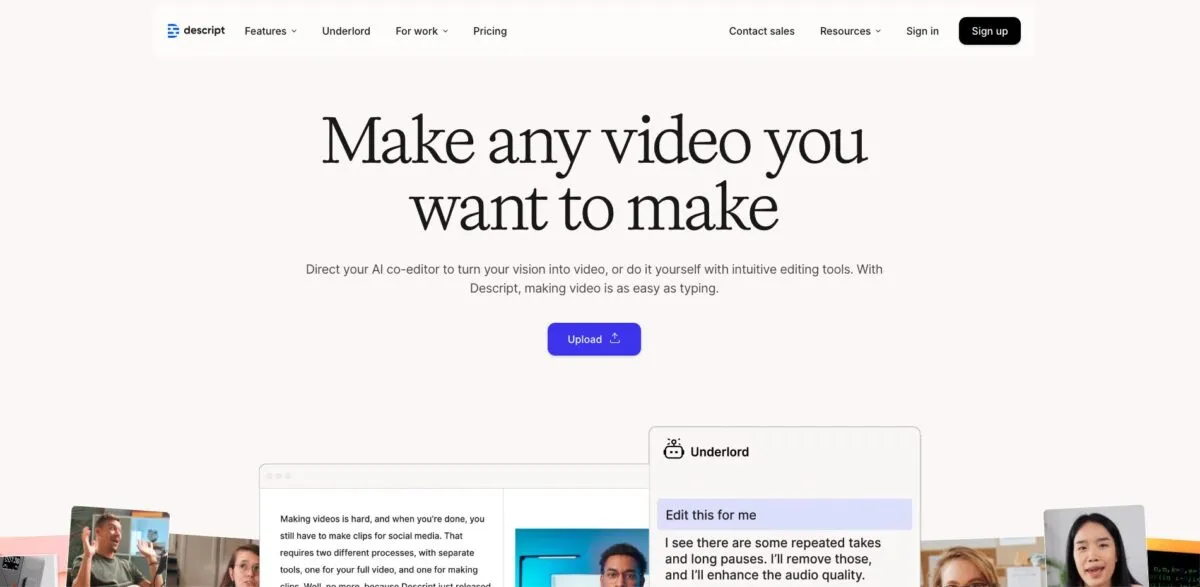
Descript is more than transcription — it’s a script-based editor that lets you edit audio and video by editing text.
Upload your meeting recording, get a transcript, then remove filler words, rearrange sections, and publish content without bouncing between tools.
Choose Descript if your meeting transcripts are raw material for podcasts, YouTube, webinars, or marketing content.
Sonix — Best for Multilingual Transcripts and Subtitle Export
| Feature | Free Plan | Paid Plan (Typical) |
| Pricing model | Free trial (typically limited) | Pay-as-you-go or subscription add-on |
| AI transcription cost | Trial | ~$10/hour (pay-as-you-go) |
| Translation cost | Trial | ~$5/hour (translation) |
| Subtitles export (SRT/VTT) | Yes | Yes |
| Multilingual support | Yes | Yes |
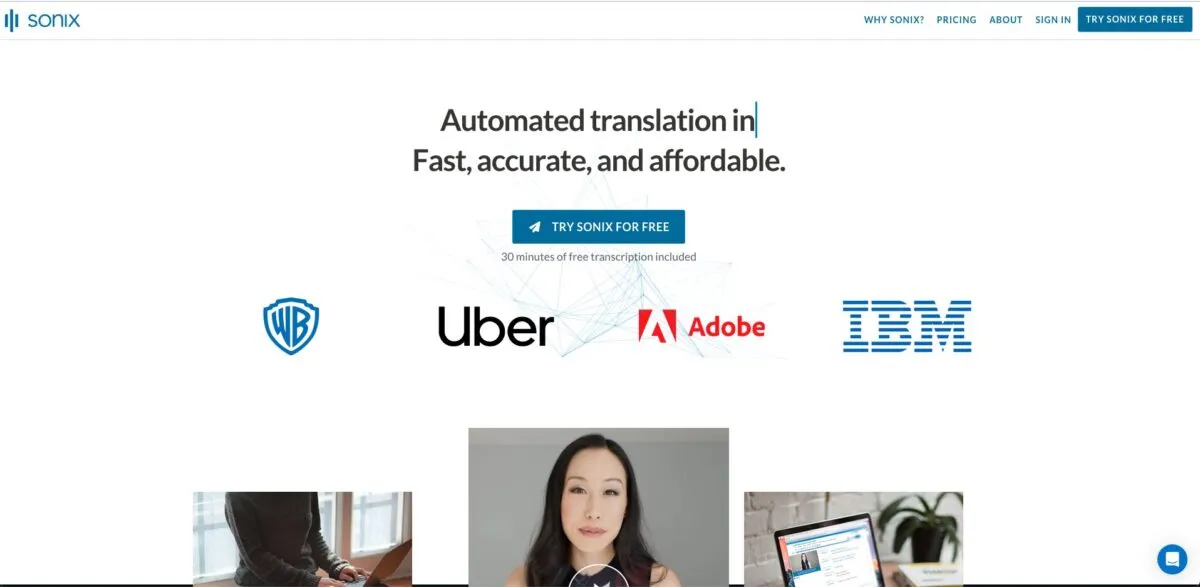
Sonix is ideal for multilingual transcripts, subtitle exports, and translation-heavy workflows.
It shines when you need clean SRT/VTT files for video, podcasts, documentaries, or e-learning — and you want a pay-as-you-go model instead of a monthly subscription.
Pick Sonix if your work lives in video editing timelines and multilingual publishing pipelines.
Other Strong Alternatives (Worth a Look)
- Fireflies.ai: A popular AI notetaker with broad meeting integrations and an accessible free tier (watch storage limits on free).
- Fathom: A generous free plan for individuals with meeting recording, transcriptions, and AI summaries — great for fast personal workflows.
- tl;dv: Built for highlights, clips, and multi-meeting recap workflows, with strong support for distributed teams.
Final Thoughts: Stop Taking Notes. Start Transcribing Smarter.
The real question in 2026 isn’t “Can it transcribe?” — it’s “Can it turn talk into outcomes, without breaking trust?” As leaders increasingly treat transparency as the new trust currency and user consent as a series of meaningful micro-decisions, the winning tools will be the ones that combine accuracy with clarity, control, and reusable knowledge. Pick the tool that matches how you work now — then make your meetings do what agentic AI promises: fewer chores, more momentum, and a straight line from conversation to milestone.


