


 Extension
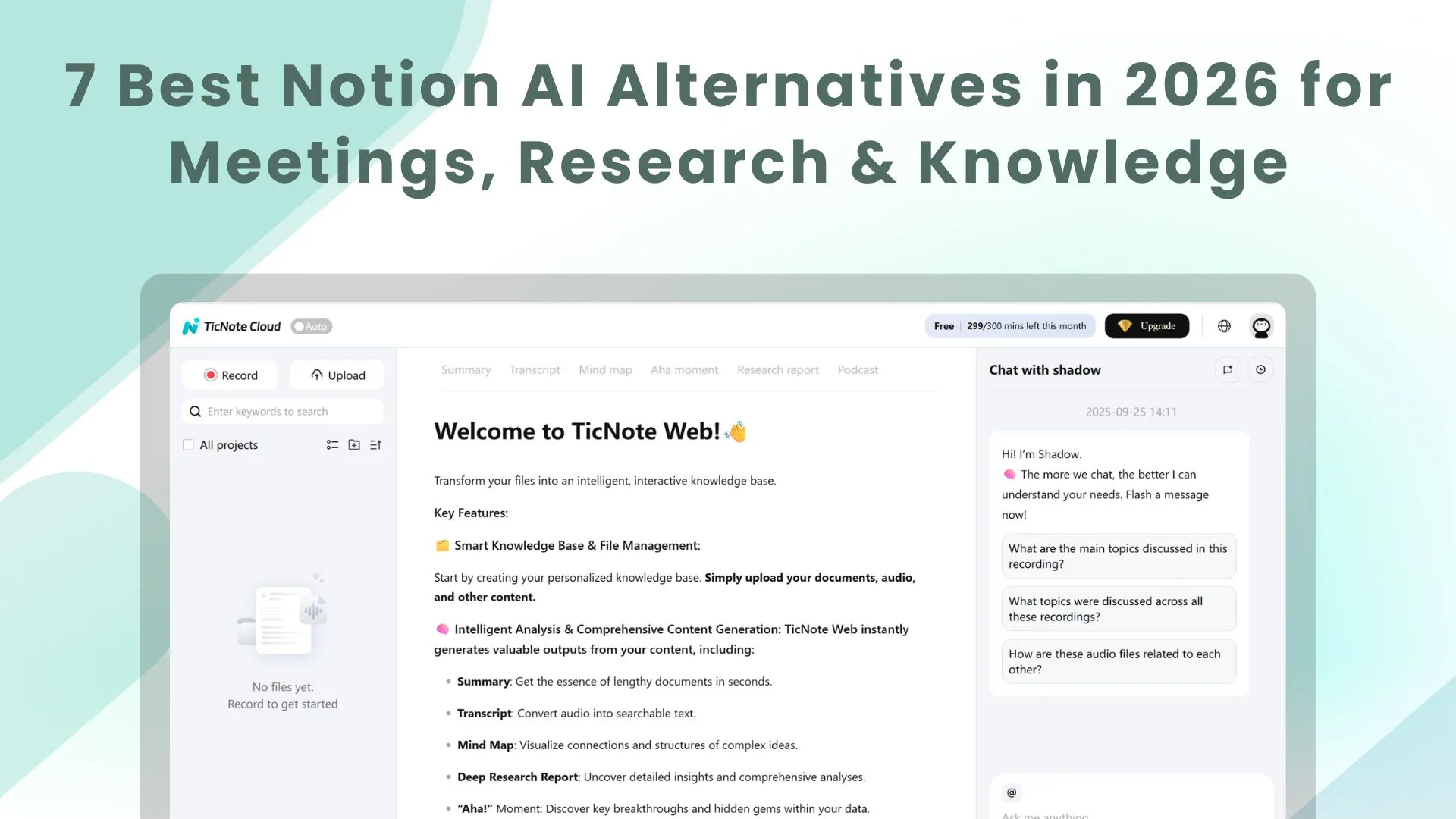
Compare the best AI workspaces in 2026, including TicNote Cloud, for meetings, knowledge management, research, and AI-assisted output.
Looking for the best AI workspace?
This category is moving fast. AI assistants, AI note tools, and meeting copilots are everywhere now, but most of them still solve only one slice of the workflow. They can summarize a call, draft a paragraph, or clean up notes. What they often cannot do is keep the full context together and turn raw conversations into real deliverables your team can use.
That is the gap the best AI workspaces are starting to fill.
Instead of acting like one more floating chatbot in your tab jungle, an AI workspace should help you capture conversations, organize documents, understand what matters, and generate outputs that are actually ready to share. That means reports, decks, briefs, translated documents, podcasts, and follow-up materials, all tied back to the original context.
Let's compare the best options.
Quick Comparison: Top AI Workspaces
| Platform | Best For | Standout Features | Pricing |
| TicNote Cloud | Conversation-to-deliverable workflows | Shadow Agent, Project-based knowledge, multilingual transcription and translation, reports, decks, podcasts, traceable citations | Free plan includes 300 monthly credits; Pro includes 2,100 monthly credits |
| Notion AI | Existing Notion users | AI writing, summaries, Q&A inside docs and databases, strong team docs | Paid Notion plan + AI add-on |
| Coda | Formula-heavy docs and operations | Powerful tables, docs, automations, AI assistance | Paid plans + AI credits |
| Mem | Auto-organized personal knowledge | Fast capture, contextual search, AI-assisted recall | Free plan, Pro from $12/month |
| Craft | Beautiful documents | Polished writing experience, strong design, AI writing help | Paid plans from $8/month |
| Reflect | Private linked thinking | End-to-end encryption, backlinks, built-in AI | $10/month billed annually |
| Obsidian | Local-first knowledge systems | Markdown vaults, plugins, maximum flexibility | Free personal use, paid add-ons available |
| Slite | Simple team knowledge bases | Clean team docs, AI search, lightweight collaboration | Paid plans from $8/user/month |
Why Look for an AI Workspace?
Most teams do not really have a writing problem. They have a context problem.
Meetings pile up. Notes scatter across apps. Documents get copied from one tool into another. The original reasoning behind decisions slowly evaporates into the digital mist. Then everyone wonders why the final output feels generic.
A strong AI workspace fixes that by keeping the chain intact:
- capture the conversation
- understand the signal
- edit inside context
- generate usable output
- Keep that work reusable later
That is a much bigger job than "write me a summary."
Notion AI vs AI-Native Workspaces
Notion AI is useful. For teams that already live in Notion, it is a solid add-on for drafting, summarizing, and searching across workspace content. It makes an existing docs system smarter.
But it is still an add-on.
The best AI workspaces in 2026 are increasingly AI-native. They are built around how work actually enters the system: meetings, recordings, transcripts, research, collaborative edits, and downstream outputs. They are not just helping you write faster. They are helping you move from messy input to finished work with less manual shuffling.
That distinction matters.
If your team already has clean docs and just wants AI inside them, Notion AI is fine. If your team needs to transform conversations and raw material into deliverables, you need something broader.
The 7 Best AI Workspaces in 2026
TicNote Cloud
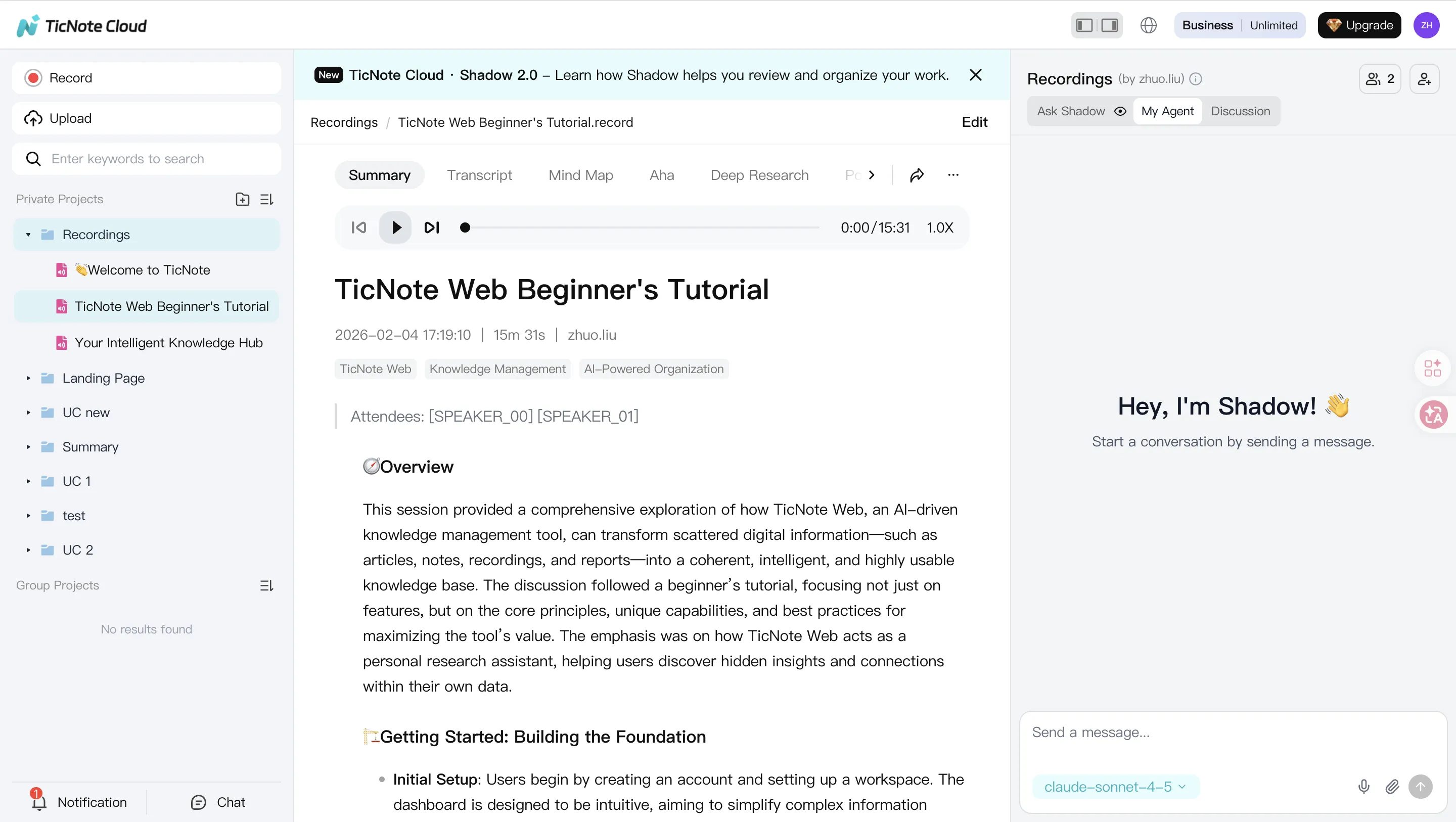
TicNote Cloud is the strongest overall pick if your goal is to turn conversations into deliverables.
It is not just an AI note app with a shiny coat of paint. TicNote Cloud is built as an AI collaborative workspace where meetings, documents, and research live inside a single Project. On top of that, Shadow Agent helps teams understand, edit, and generate output directly from real working context.
That is the key advantage.
Instead of bouncing from recorder to notes app to doc editor to chatbot, teams can stay inside one shared workspace and keep the source material attached to the final result.
Why TicNote Cloud stands out
| Capability | What You Get |
| Capture | Real-time recording, batch audio/video uploads, speaker diarization, support for 120+ languages with near real-time transcription and translation |
| Understand | One-sentence, three-bullet, and full summaries, keyword extraction, timeline and theme jumps, auto mind maps |
| Process | WYSIWYG transcript editing, paragraph-level Shadow actions, comments, collaborative editing |
| Output | Research reports, PDF and Word exports, responsive web presentations, podcasts with show notes, interactive pages, quizzes, full-document translation |
| Knowledge | Project aggregation, cross-file retrieval, tags, version history, traceable citations, permission controls |
| Privacy | No training on user data without permission, enterprise-ready controls |
This is what makes TicNote Cloud feel more like an AI workspace than an AI note utility. It handles the whole path from capture to publishable output.
Best for: research teams, consultants, product teams, multilingual collaboration, customer interviews, sales follow-up, and content repurposing.
Pricing: Free plan includes 300 monthly credits. Pro includes 1,500 monthly credits.
Coda
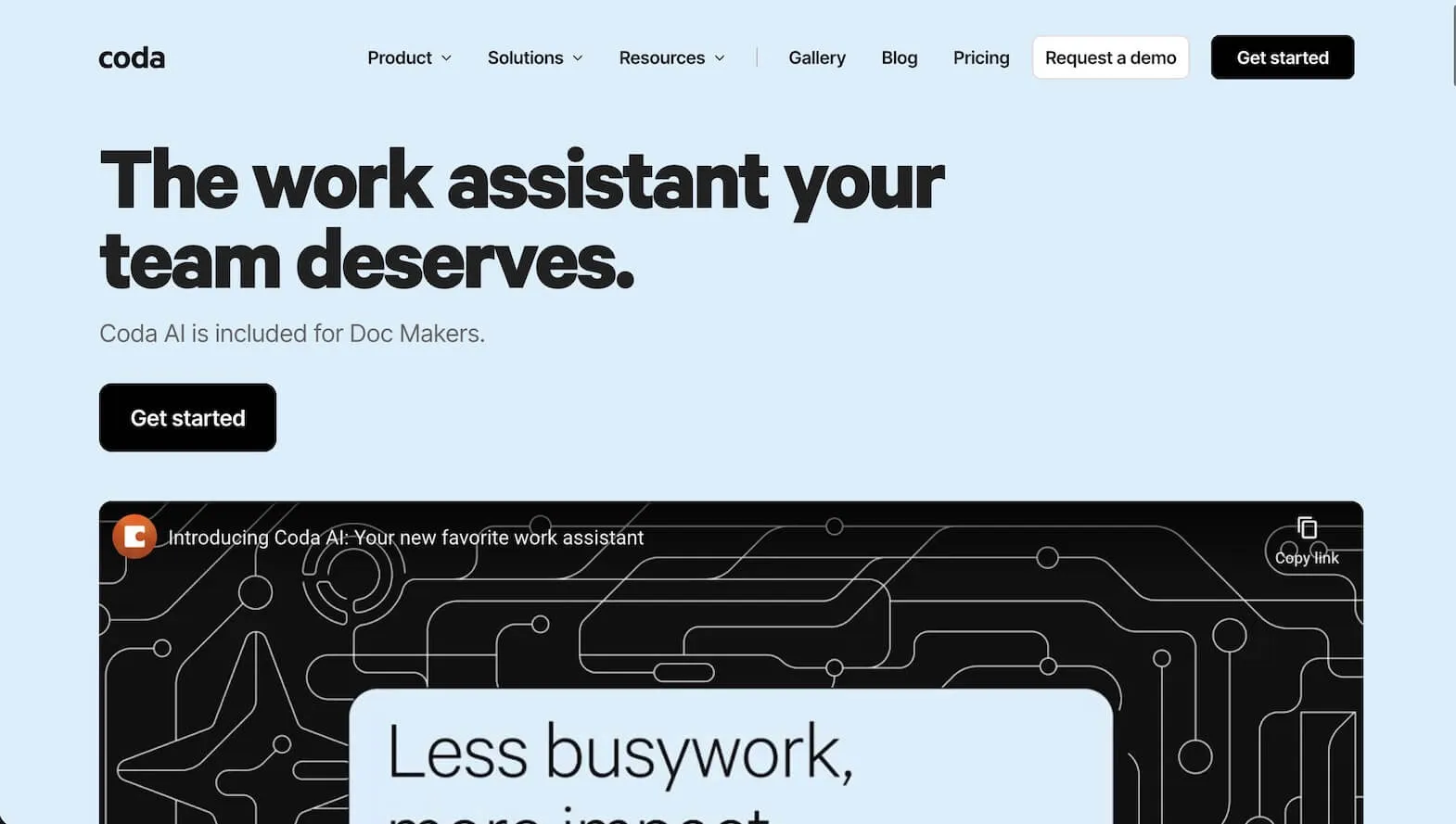
Coda remains one of the best options for teams that think in docs, tables, formulas, and operations. It is flexible, powerful, and unusually good at turning structured information into working systems.
Its AI capabilities help, but Coda's real strength is still operational logic. If your team runs planning, workflows, databases, and structured docs in one place, Coda is very hard to ignore.
Best for: operations, planning, internal systems, formula-heavy docs.
Mem
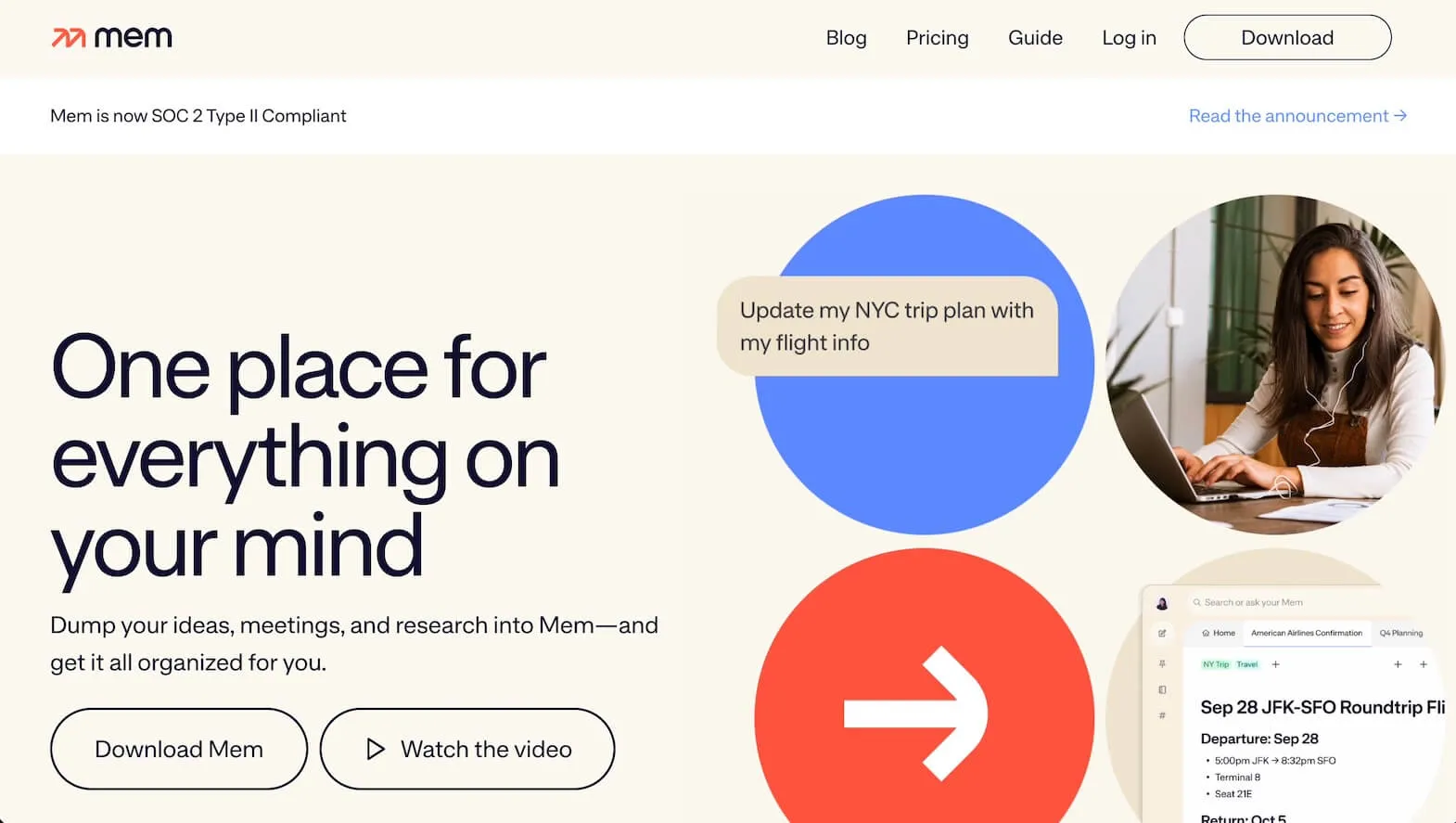
Mem is built for people who want less manual organization and more AI-assisted recall. You drop in notes, meetings, and ideas, and the system helps surface what matters later.
It is especially good for individuals who want speed, loose structure, and a strong "capture now, find later" workflow. It is less of a full team workspace than some others here, but very good at personal knowledge flow.
Best for: personal note-taking, auto-organization, lightweight memory systems.
Craft
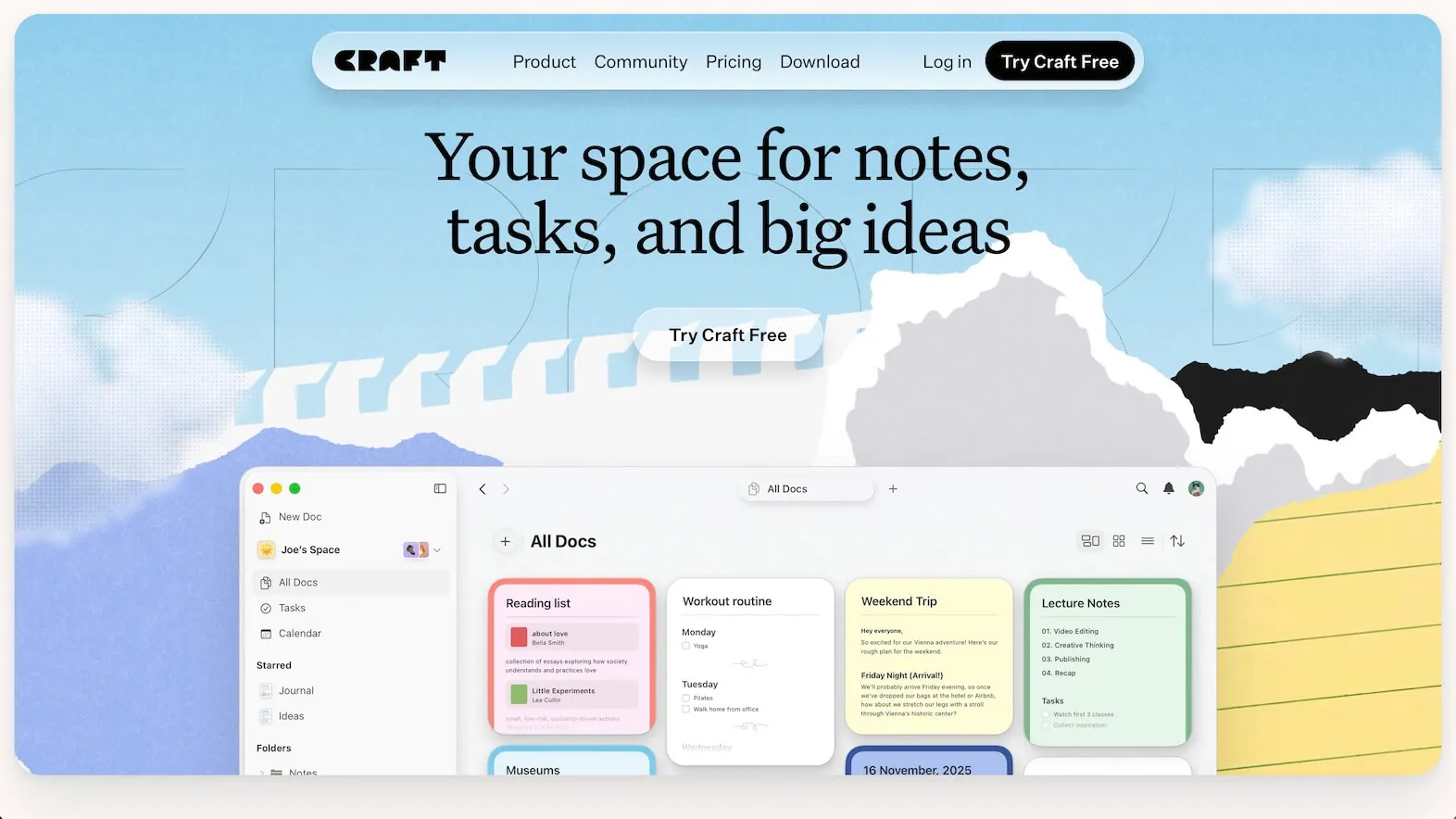
Craft is the best choice if the presentation layer matters a lot to you. It makes documents feel elegant, clean, and polished in a way many productivity tools simply do not.
Its AI features are helpful, but the real draw is the writing experience itself. If you care about beautiful docs, clean sharing, and a more refined editor, Craft is still one of the strongest options around.
Best for: writers, creators, visually polished docs, Apple-friendly workflows.
Reflect
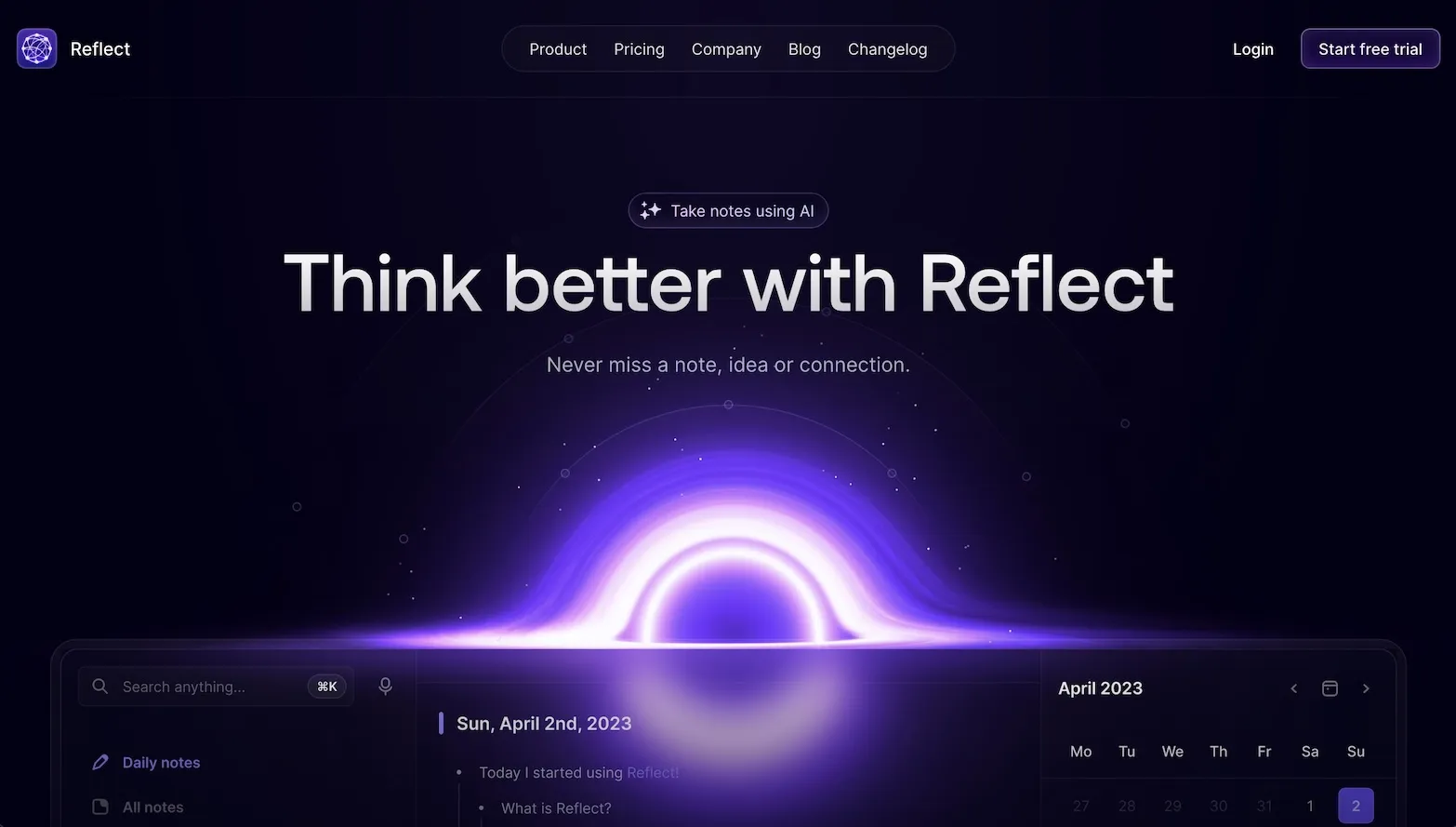
Reflect is a smart pick for people who want AI, linked notes, and privacy in one focused package. It leans minimalist, but it is not flimsy. Backlinks, note graphs, and encrypted storage make it a strong option for thinkers who want a personal workspace that feels quiet and fast.
Best for: private note-taking, linked thinking, personal knowledge management.
Obsidian
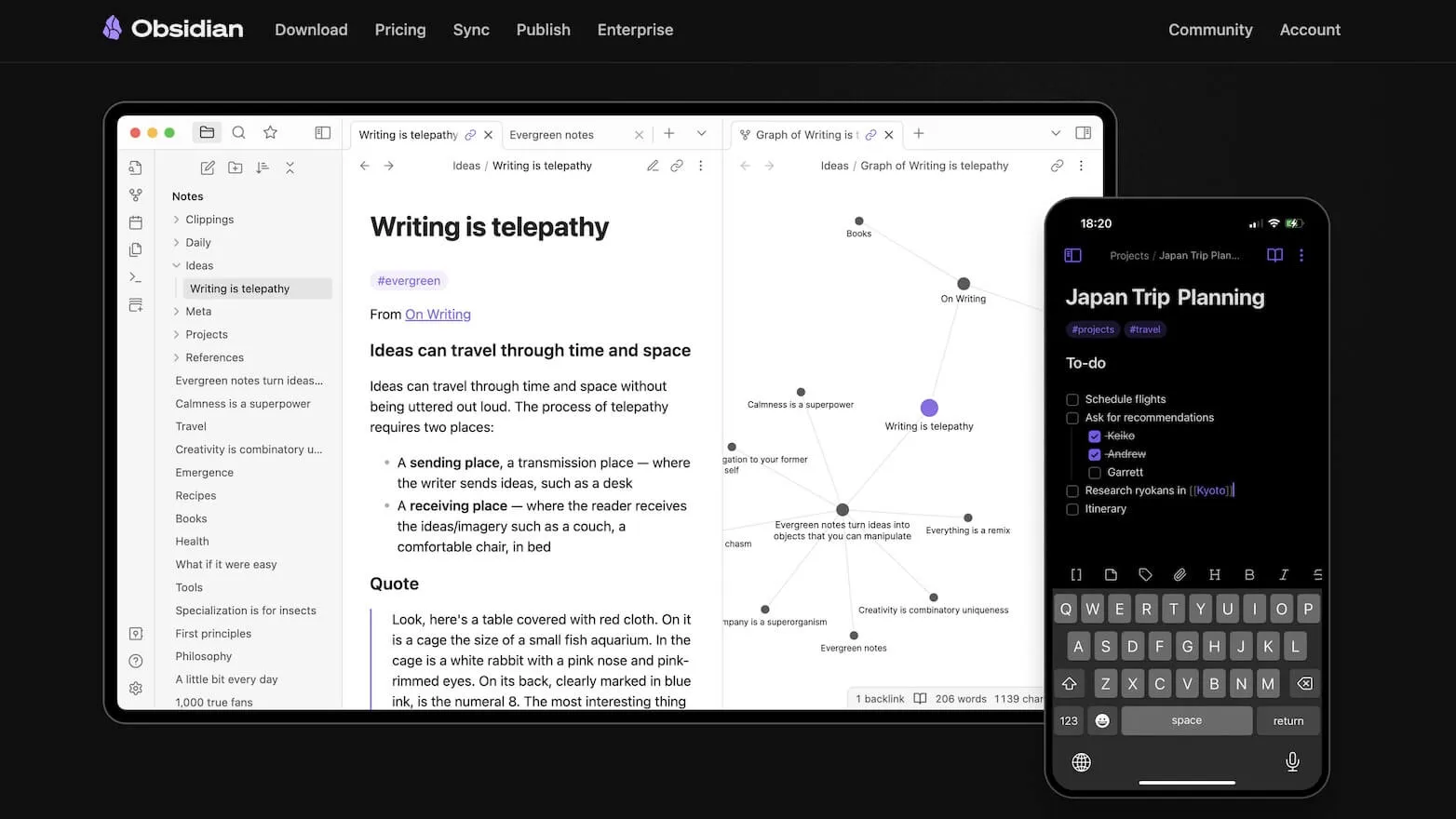
Obsidian is still the obvious choice for local-first users who want maximum control. It is flexible, extensible, and delightfully nerdy in the best way. Add plugins and AI tools, and it can become an extremely capable knowledge environment.
The tradeoff is friction. Obsidian rewards setup effort. It is not the smoothest option for non-technical teams who just want to start working.
Best for: researchers, power users, local-first workflows, customization-heavy setups.
Slite
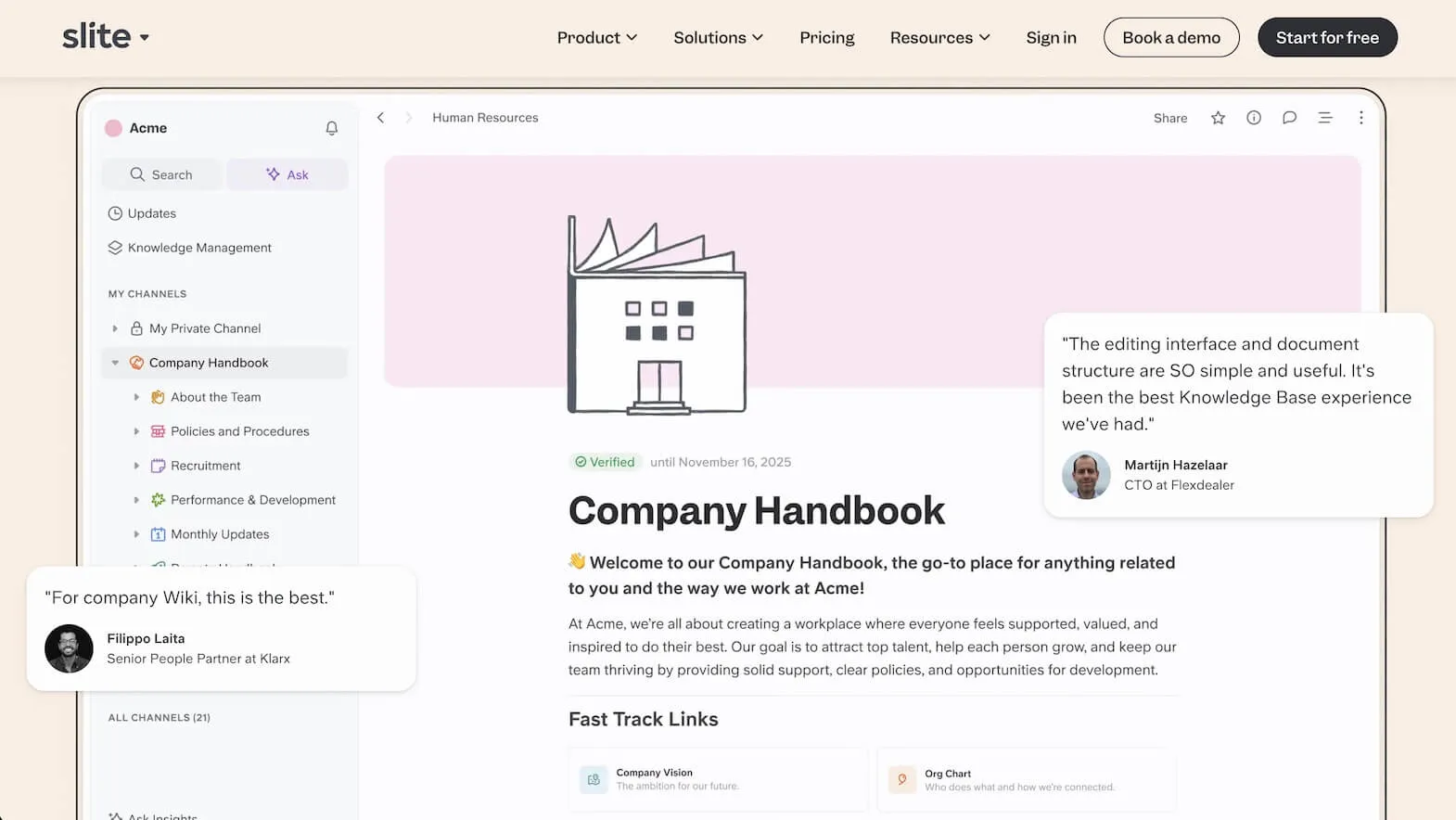
Slite is the simplest team knowledge base on this list. That is not an insult. Simplicity is the whole appeal.
If your team mainly wants internal documentation, a clean knowledge hub, and AI search without turning the whole company into accidental spreadsheet philosophers, Slite is a good fit.
Best for: internal docs, team wikis, lightweight AI knowledge search.
🤔 How to Choose
By Use Case
| If You Need... | Best Choice |
| Turn meetings into deliverables | TicNote Cloud |
| Research synthesis with evidence and citations | TicNote Cloud |
| Multilingual transcription and translation | TicNote Cloud |
| Powerful formulas and structured workflows | Coda |
| Better AI inside an existing docs system | Notion AI |
| Auto-organization for personal notes | Mem |
| Beautiful documents | Craft |
| Privacy-first linked notes | Reflect, Obsidian |
| Simple team knowledge base | Slite |
By Team Size
| Team Size | Best Choice |
| Individual | Mem, Reflect, Obsidian |
| Small team | TicNote Cloud, Craft, Slite |
| Growing team | TicNote Cloud, Coda |
| Research-heavy or client-facing team | TicNote Cloud |
| Enterprise documentation | Notion, Coda, Slite |
📊 Feature Matrix
| Feature | TicNote Cloud | Notion AI | Coda | Mem | Craft |
| Conversation-to-deliverable workflow | ✅ | ❌ | ❌ | ❌ | ❌ |
| Real-time meeting capture | ✅ | ❌ | ❌ | Limited | ❌ |
| 120+ language transcription/translation | ✅ | ❌ | ❌ | Limited | ❌ |
| Traceable citations in workflow | ✅ | ❌ | Limited | ❌ | ❌ |
| Multi-format outputs | ✅ | Limited | Limited | ❌ | Limited |
| Train of context across a Project | ✅ | Limited | Limited | Limited | ❌ |
| Structured docs and databases | ✅ | ✅ | ✅ | ❌ | ✅ |
| Auto-organization | ✅ | ❌ | Limited | ✅ | ❌ |
| AI included in core workflow | ✅ | Add-on | ✅ | ✅ | ✅ |
| Real-time collaboration | ✅ | ✅ | ✅ | ❌ | ✅ |
This is where the difference gets sharp. Notion AI is strong inside Notion. Coda is strong inside structured docs. Mem is strong for personal memory. Craft is strong for polished writing.
TicNote Cloud is the one that most clearly covers the full chain from raw conversation to finished output.
Why TicNote Cloud Ranks First
TicNote Cloud wins because it matches how work actually happens.
Work rarely begins as a perfectly structured document. It begins as a conversation, interview, meeting, voice note, research session, or brainstorming mess. The best AI workspace should be strongest at that starting point, not just at the final formatting stage.
TicNote Cloud does that unusually well:
- It captures conversations in real time
- It supports multilingual teams with 120+ languages
- It lets people edit inside transcripts and the shared project context
- It uses Shadow Agent to generate outputs from real source material
- It supports reports, decks, podcasts, interactive pages, and translated documents
- It keeps knowledge reusable through Projects, tags, retrieval, version history, and traceable citations
That combination is what pushes it past a standard "AI notes" product and into true workspace territory.
🚀 The Bottom Line
Notion AI is a solid add-on for existing Notion users. If your team already runs on Notion and mostly wants AI help inside docs and databases, it is a reasonable choice.
But for teams looking for the best AI workspace, not just the best AI writing add-on, TicNote Cloud offers more range.
It is built for capturing conversations, understanding context, collaborating inside a shared Project, and turning that material into usable outputs. That makes it a better fit for research, customer calls, internal rituals, multilingual collaboration, and content workflows where context actually matters.
Our recommendation:
| Priority | Best Choice |
| Best overall AI workspace | TicNote Cloud |
| Best for Notion-based teams | Notion AI |
| Best for structured operations | Coda |
| Best for personal memory | Mem |
| Best for polished docs | Craft |
| Best for privacy-first note linking | Reflect / Obsidian |
| Best for a simple team knowledge base | Slite |
Ready for AI-native productivity?
👉 Turn conversations into reports, decks, podcasts, and shareable pages with TicNote Cloud
👉 Work inside one Project with Shadow Agent
👉 Support multilingual teams with 120+ language transcription and translation


