


 Extension
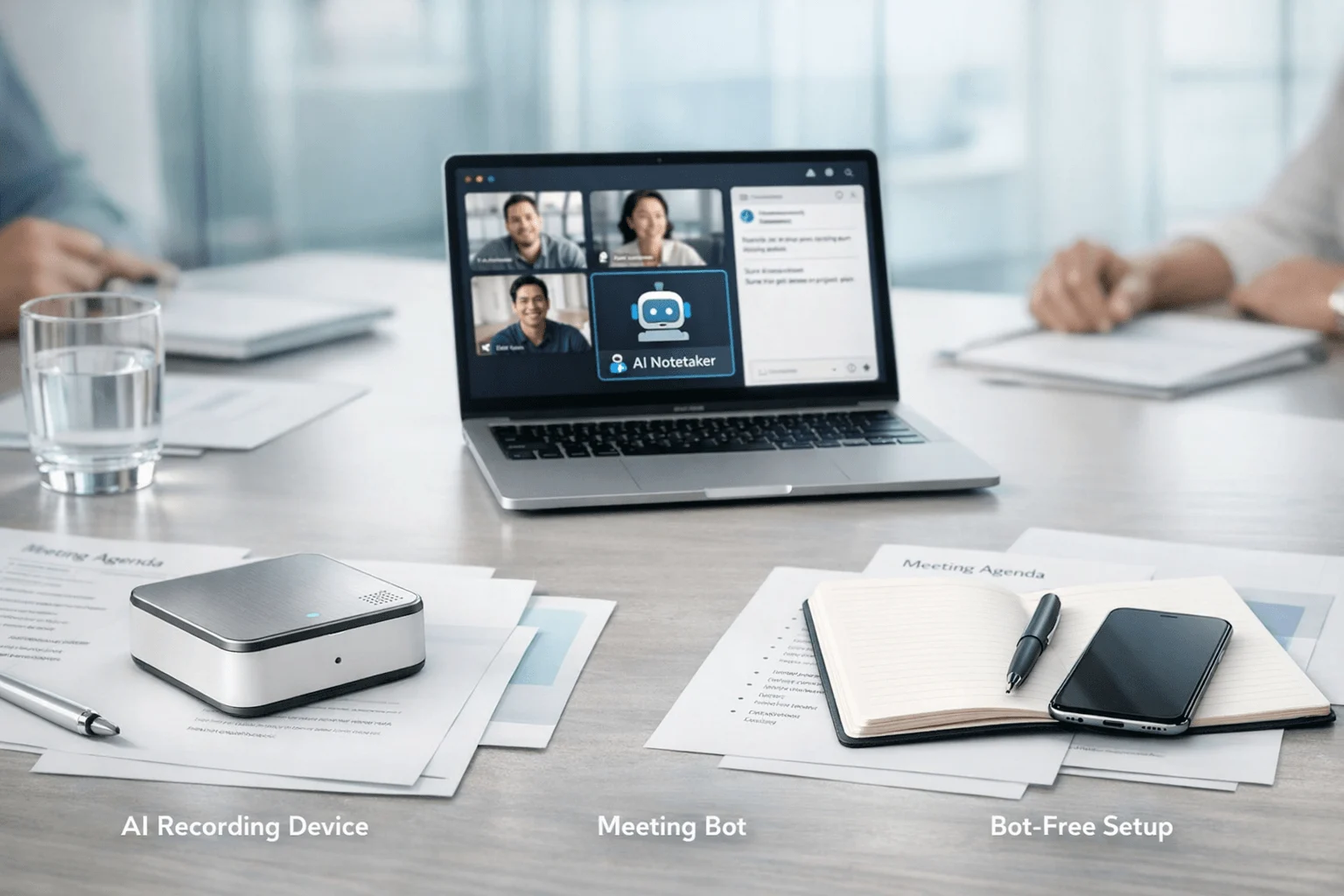
If you want the fastest way to compare your options, start here: this review tested 6 AI note takers across 5 weeks of project-status meetings, client check-ins, planning sessions, and ad hoc calls. TicNote Pods 4G stood out for project managers who split time between phone calls, in-person walkthroughs, and hybrid meetings because it can auto-record calls from the earbuds and upload in real time without a phone nearby, while Fireflies.ai made more sense for PMs who need Jira-, Asana-, Notion-, and Slack-connected follow-up after scheduled online meetings.
The contrarian insight is simple: most tools can summarize meetings, but the real buying difference for project work is whether they can reliably capture decisions and action items in the meeting formats software bots cannot enter.
What you'll learn:
- How to choose between hardware and software for project meetings: understand when a device recorder beats a meeting bot for stakeholder reviews, site visits, and phone calls.
- Which tools actually fit project-manager workflows: see where Fireflies.ai, Otter, Notta, PLAUD, and TicNote support searchable records, summaries, and action-item follow-up.
- How the side-by-side table changes the buying decision: compare tool type, free tiers, integrations, and post-meeting automation in one scan instead of reading 6 isolated reviews.
- How to match a tool to your meeting mix: use scenario guidance for remote PMs, consultants, account teams, and privacy-sensitive hybrid users.
- What tradeoffs matter more than marketing claims: bot visibility, offline capture, call recording, and whether project records stay useful after the meeting ends.
What is an AI note taker for project meetings, and why does everyone suddenly need one?
An AI note taker for project meetings records conversations and turns them into transcripts, summaries, and action items. More advanced tools now add speaker identification, translation, searchable knowledge bases, and document generation from recorded discussions, which is why more teams are also comparing hardware vs software note takers for different meeting setups.
Project managers routinely lose 4–8 hours per week to manual note organization, and that matters because project work now spans in-person discussions, online meetings, and phone calls that create decisions in different places. As teams spread work across tools and channels, the practical requirement is no longer just transcription but a reliable project record that can be searched, reviewed, and turned into next steps.
But here's what most articles won't tell you. Transcription is becoming a commodity, so the real gap between tools is not who can produce text but who can capture the right meeting, preserve context, and make follow-up usable.
- Capture coverage (phone, in-person, hybrid)
- Action-item quality (owners, deadlines, next steps)
- Workflow fit (search, exports, PM integrations)
How did we test these tools for project meetings?
We tested these tools over a full 5-week period across the meeting environments project managers actually deal with: Zoom, Google Meet, Microsoft Teams, in-person conference rooms, and mobile phone calls. The lineup included TicNote Pods 4G, TicNote Card Lite, PLAUD Note Pro, Otter, Fireflies.ai, and Notta, with scoring centered on decision capture, action-item usefulness, and hybrid workflow fit for PMs. For extra context on the hardware-vs-software tradeoff, we also reviewed this related guide on internal meeting note capture.
Meeting types tested:
- Weekly project status meeting (6 participants)
- Cross-functional planning session (8 participants)
- Client implementation review (5 participants)
- In-person stakeholder decision meeting (7 participants)
- One-to-one project escalation call (2 participants)
Evaluation criteria (weighted):
- Decision capture quality (22% weight) -- measured whether the tool preserved decisions clearly enough for a project log, not just a general recap.
- Action-item extraction (18% weight) -- measured whether next steps were specific, readable, and usable by PMs after the meeting.
- Coverage across meeting formats (18% weight) -- measured whether the tool worked in virtual, in-person, hybrid, and phone-call scenarios.
- Search and project memory (12% weight) -- measured how easily past conversations could be searched, queried, or grouped into ongoing workstreams.
- Post-meeting automation (12% weight) -- measured exports, integrations, and workflow support into tools like Jira, Asana, Notion, and Slack.
- Privacy and bot visibility (10% weight) -- measured whether the tool required a visible bot, full cloud dependence, or offered more controlled capture.
- Cost and plan clarity (8% weight) -- measured starting price, free access, and whether the pricing model was predictable for regular meeting volume.
The author's own product is included: TicNote. We were explicit about TicNote's limits too: hardware devices do not match software tools like Fireflies.ai on native PM integrations or team collaboration features. All other tools were evaluated independently.
Hardware vs. software: which approach fits you better?
For project meetings, the first real buying decision is not brand but capture method. If your work happens across calls, conference rooms, and site visits, the format you need to record matters more than the logo on the app.
| Factor | Hardware | Software |
| Phone call recording | ✅ Core feature | ❌ Not supported |
| Face-to-face meetings | ✅ Set on the table | ❌ Needs workarounds |
| Online meeting transcription | ⭐️ Depends on room audio | ⭐️⭐️⭐️ Direct platform feed |
| Speaker identification | ⭐️ Limited | ⭐️⭐️⭐️ Automatic |
| Hands-free start | ✅ Auto-records on answer | ❌ Open app every time |
| Privacy control | ✅ Local-first, encrypted | ❌ Full cloud pipeline |
| CRM / workflow automation | ❌ Not supported | ✅ Fireflies, Notta |
| Team collaboration | ❌ Not supported | ✅ Comments, search, sharing |
| Upfront cost | ❌ $129.99–$299.99 device | ✅ Free to start |
| Long-run cost | ✅ One-time purchase | ⭐️ Monthly fees add up |
Hardware wins when project work includes phone calls, in-person reviews, site walks, or any conversation without a meeting link. TicNote Pods 4G uses earbuds for calls and the case for room recording, then uploads in real time over built-in 4G without needing a phone nearby, while PLAUD Note Pro is a dual-mode card recorder built for heavy professional use with 64GB storage and up to 16.4 ft pickup. Hardware also brings battery-driven reliability and more control over when audio syncs, especially if you need device-based meeting capture.
Software wins when the workflow starts with scheduled online meetings and ends inside collaboration tools. Otter is strongest for live notes, searchable conversation history, and automatic note capture in Zoom, Teams, and Google Meet, while Fireflies.ai is stronger for post-meeting automation through Jira, Asana, Notion, Slack, and analytics-oriented team workflows.
The honest answer is both for mixed workdays. But if project meetings regularly happen on calls or in person, hardware covers the part of the job software still cannot replace.
How do these 6 tools compare side by side?
If you want the quick version, the biggest split is simple: hardware tools are stronger for in-room capture, while bot-based tools are stronger for visible live notes inside online meetings. For project work, that matters because your best fit depends on whether you need decision capture across conference rooms, virtual calls, or both—and how much post-meeting automation you expect after the transcript is done.
| Tool | Type | Best For | Platforms | Free Tier | Paid From | Integrations | Post-Meeting Automation |
| TicNote Pods 4G | Hardware | PMs who need call + room capture in one device | Earbuds + case + mobile + cloud | Plus with hardware: 600 min/mo and 1,500 credits | $299.99 device; Pro with device $79/yr | Cross-platform phone desktop browser workspace | Live Summary during recording, Quick Summary, to-do list, project knowledge base, document generation |
| PLAUD Note Pro | Hardware | PMs who want a premium card recorder for in-room meetings | Card recorder + app + cloud | Starter free 300 min/mo | $189 device; Pro from $8.33/mo billed annually | Google Calendar Zapier MCP | Templates Ask Plaud exports and workflow handoff |
| Otter | Bot | Remote PMs who want live transcript visibility during online meetings | Web + mobile + Zoom Teams Meet | Free with 300 min and lower-tier monthly limits | Pro and Business ladder with Business from $19.99/user/mo surfaced in search | Zoom Teams Google Meet | Live notes captions search edit share and conversation history |
| Fireflies.ai | Bot | PMs who need meeting notes pushed into work systems | Web + meeting platforms | Free at $0 | Pro $10/seat/mo billed annually | Jira Asana Notion Slack CRM and ATS options | AI notes comments bookmarks analytics and workflow routing |
| Notta | Bot | PMs who want transcripts plus visual outputs and cross-meeting search | Web + mobile + meeting platforms | Free 120 min/mo | Pro $97.99/yr | Google Drive Notion Slack Salesforce | Summaries Notta Brain search PPT and infographic generation |
| TicNote Card Lite | Hardware | Budget-conscious PMs who want simple in-person capture | Card recorder + mobile + cloud | Plus with hardware: 600 min/mo and 1,500 credits | $129.99 device; Pro with device $79/yr | Cross-platform phone desktop browser workspace | One-button recording, transcript summary action items after sync, searchable project records |
Looking across all 6 tools, TicNote Pods 4G is the most balanced option if you run project meetings across calls, rooms, and hybrid setups. TicNote Card Lite is the lower-cost hardware pick for simple in-person capture, PLAUD Note Pro leans premium for room use, and Otter, Fireflies.ai, and Notta are better matched to teams that are comfortable with bot-based meeting capture and cloud-first workflows.
The 6 best AI note takers for project meetings in 2026
If you run project meetings across Zoom calls, conference rooms, client sites, and quick hallway check-ins, the best tool depends on how those decisions actually get captured. Below, you'll see the six strongest options for 2026, ranked through a project-meeting lens: action-item quality, offline vs. cloud dependence, bot visibility, and how well each one handles virtual, in-person, and hybrid work.
1. TicNote Pods 4G — Best for hybrid PMs who move between calls and in-person meetings
Best for: PMs who need one tool for phone calls, room meetings, and on-the-go follow-up
TicNote Pods 4G is built for professionals whose project decisions happen outside neat calendar workflows. The differentiator is the built-in 4G eSIM in the charging case, which uploads audio in real time without a phone nearby and enables Live Summary while the meeting is still happening. For project managers, that makes it a real fit when stakeholder calls, field visits, and hallway decisions all matter, but it is a weaker fit if the main need is Jira- or CRM-driven automation.
Standout features:
- Built-in 4G eSIM for phone-free real-time upload
- Live Summary during recording and Quick Summary when recording ends
- Automatic call recording when taking a call while wearing earbuds
- Dual recording modes: earbuds for calls and online meetings, case for room recording
- Project Knowledge Base and Ask AI across recordings
Pricing: Plus with hardware included: 600 min/mo and 1,500 credits | Device: $299.99 | Pro with device: $79/yr for 2,100 min/mo and 3,000 credits
Pros:
- Captures both calls and in-person meetings without switching to a separate tool.
- Works without a phone nearby, which matters for fieldwork and mobile project reviews.
- Live Summary gives faster decision review than post-meeting-only devices.
- Supports searchable project records and generated documents after sync.
Cons:
- Higher upfront cost than card-style hardware and software free tiers.
- Does not offer native Jira, Asana, or Slack workflow integrations.
- Battery life drops to about 13 hours when 4G is on.
In our project-meeting workflow, Pods 4G was the only device that covered a one-to-one escalation call in the morning, a hallway stakeholder conversation at lunch, and an in-person status review later the same day without asking the PM to open a bot or keep a phone connected.
2. PLAUD Note Pro — Best for premium in-room project capture
Best for: PMs who mainly run in-person planning sessions and want a higher-spec card recorder
PLAUD Note Pro is a hardware-first recorder designed for heavy professional use, not a lightweight meeting app. Its market position is the premium card-style option, with 64GB storage, 4 MEMS plus 1 VPU, and up to 16.4 ft pickup. For project managers, it fits conference-room planning and stakeholder reviews well, especially when the goal is dependable room capture rather than bot-based collaboration.
Standout features:
- Dual-mode recording for different capture scenarios
- 64GB storage and up to 16.4 ft pickup
- 112+ languages and speaker identification
- 10,000+ templates and Ask Plaud
- Google Calendar, Zapier, and MCP support
Pricing: Starter free: $0: 300 min/mo | Device: $189 | Pro: $8.33/mo billed annually or $17.99 monthly with 1,200 minutes
Pros:
- Stronger pickup range than many compact hardware devices.
- Template and export depth is broader than basic recorder apps.
- Good fit for PMs who want a hardware recorder with some automation layers.
- Private Cloud Sync and team options add flexibility for organizations.
Cons:
- Still weaker than software tools on direct PM workflow integrations.
- Requires hardware purchase before it makes financial sense against free software.
- Less specialized than earbuds for automatic call recording.
3. Fireflies.ai — Best for project managers who need integrations
Best for: PMs who want meeting notes routed into Jira, Asana, Notion, Slack, or CRM workflows
Fireflies.ai is built as meeting intelligence software, not just a transcript tool. Its real strength is what happens after the meeting: AI notes, comments, bookmarks, channels, analytics, and broad integrations that turn conversations into trackable work. For project managers, this is one of the clearest fits when online meetings are frequent and the notes need to move into existing systems fast.
Standout features:
- Jira Asana Notion Slack CRM and ATS integrations
- 100+ languages and speaker recognition
- AI notes plus comments and bookmarks
- Analytics and user-group features for teams
- Security options including custom retention and SSO on higher tiers
Pricing: Free tier: $0 | Pro: $10/seat/mo billed annually | Business: $19/seat/mo billed annually
Pros:
- Best fit in this list for post-meeting automation into PM systems.
- Good team collaboration structure with comments, bookmarks, and channels.
- Pricing starts lower than most hardware devices.
- Useful for recurring online project meetings with shared records.
Cons:
- Cannot replace hardware for phone calls or in-person project discussions.
- Bot presence can feel awkward in client or sensitive meetings.
- Cloud-first workflow may be a blocker for stricter privacy reviews.
4. Otter — Best for live transcript visibility in remote project meetings
Best for: PMs who want to follow the transcript while the meeting is happening
Otter is designed for software-first meeting capture with searchable voice conversation records. It is strongest when the team spends most of its time in Zoom, Teams, or Google Meet and values live notes, live captions, and conversation history more than deep workflow routing. For project managers, that makes Otter useful for remote standups and decision reviews where real-time visibility matters.
Standout features:
- Automatic note capture for Zoom Teams and Google Meet
- Search edit organize and share conversation history
- Speaker identification and inline photos
- Live notes and captions
- Custom vocabulary on paid plans
Pricing: Free: lower-tier monthly limits including 300 minutes surfaced in research | Paid plans: Pro and Business ladder | Business from $19.99/user/mo surfaced in search
Pros:
- Strong live transcript experience for remote meetings.
- Easy to search and revisit old conversations.
- Recognizable product with broad meeting-platform support.
Cons:
- No hardware path for in-person or phone-call capture.
- Integration depth for project workflows is not the main selling point.
- Language support is narrower in the cited pricing-page material than some alternatives.
5. Notta — Best for PMs who want transcripts plus visual outputs
Best for: PMs and consultants who turn meeting notes into presentations, summaries, and cross-meeting insights
Notta is a software note taker focused on turning spoken content into more than a transcript. The differentiator is Notta Brain and its content-generation angle, including presentation and infographic outputs, plus exports into tools like Google Drive, Notion, Slack, and Salesforce. For project managers, it fits reporting-heavy roles that need polished outputs after recurring online meetings.
Standout features:
- Notta Brain for cross-meeting search and insight flow
- Presentation and infographic generation
- 58 transcription languages
- Exports to Google Drive Notion Slack and Salesforce
- Workspace permissions and custom vocabulary
Pricing: Free: 120 min/mo | Pro: $97.99/yr | Business: $199.99/yr
Pros:
- Useful for turning meeting notes into client-ready or leadership-ready outputs.
- Cross-meeting search helps on long-running projects.
- Annual pricing can be efficient for steady software users.
Cons:
- Still limited to software-style capture, so in-person and phone workflows need workarounds.
- Free tier is smaller than several competing options.
- Less direct than Fireflies.ai for PM-tool-specific automation.
6. TicNote Card Lite — Best for budget-conscious in-person project capture
Best for: PMs who want the simplest entry into hardware note capture
TicNote Card Lite is the lower-cost hardware option in TicNote's lineup and is designed around one-button simplicity. It keeps the 3-mic array, 25-hour battery, 10m pickup, and AI transcript-summary-action-item workflow, but removes the lever and premium case to lower the price. For project managers, it fits teams that mostly need room capture and searchable notes without jumping straight to a higher-priced wearable setup. If you want more device context before choosing, this AI recorder comparison gives a useful hardware-focused look.
Standout features:
- One-button modeless recording with no mode switch
- 3-mic array and 10m pickup
- 64GB-equivalent stated recording capacity of about 434 hours in product materials
- Transcript summary and action items after sync
- Included Plus plan with 600 min/mo and 1,500 credits
Pricing: Plus with hardware included: 600 min/mo and 1,500 credits | Device: $129.99 | Pro with device: $79/yr
Pros:
- Lowest upfront cost among the hardware options featured here.
- Simple enough for PMs who do not want mode switching or app setup friction.
- Keeps the searchable project-record workflow after recordings sync.
Cons:
- No built-in 4G or live summary during recording.
- Less flexible than earbuds for automatic call recording.
- Still lacks native PM integrations found in software products.
Conclusion: how to decide
If phone calls or in-person meetings are part of your day, hardware is the category software cannot structurally replace. TicNote Pods 4G is the clearest fit when one PM handles calls, hybrid check-ins, and field conversations because it can auto-record calls from the earbuds and upload in real time over 4G, while PLAUD Note Pro is the stronger premium card choice for conference-room capture with up to 16.4 ft pickup and 64GB storage. If budget matters more than live upload, TicNote Card Lite gives project teams a simpler $129.99 entry point into device-based capture.
For software-first teams, Fireflies.ai wins on integrations and Otter wins on live transcript visibility. The final verdict is still both for heavy project-meeting users: software streamlines scheduled online collaboration, but hardware covers the phone and in-person conversations software never will. If you want more detail on device-based trade-offs, this AI voice recorder guide breaks down costs, privacy, and meeting fit.



