


 Extension
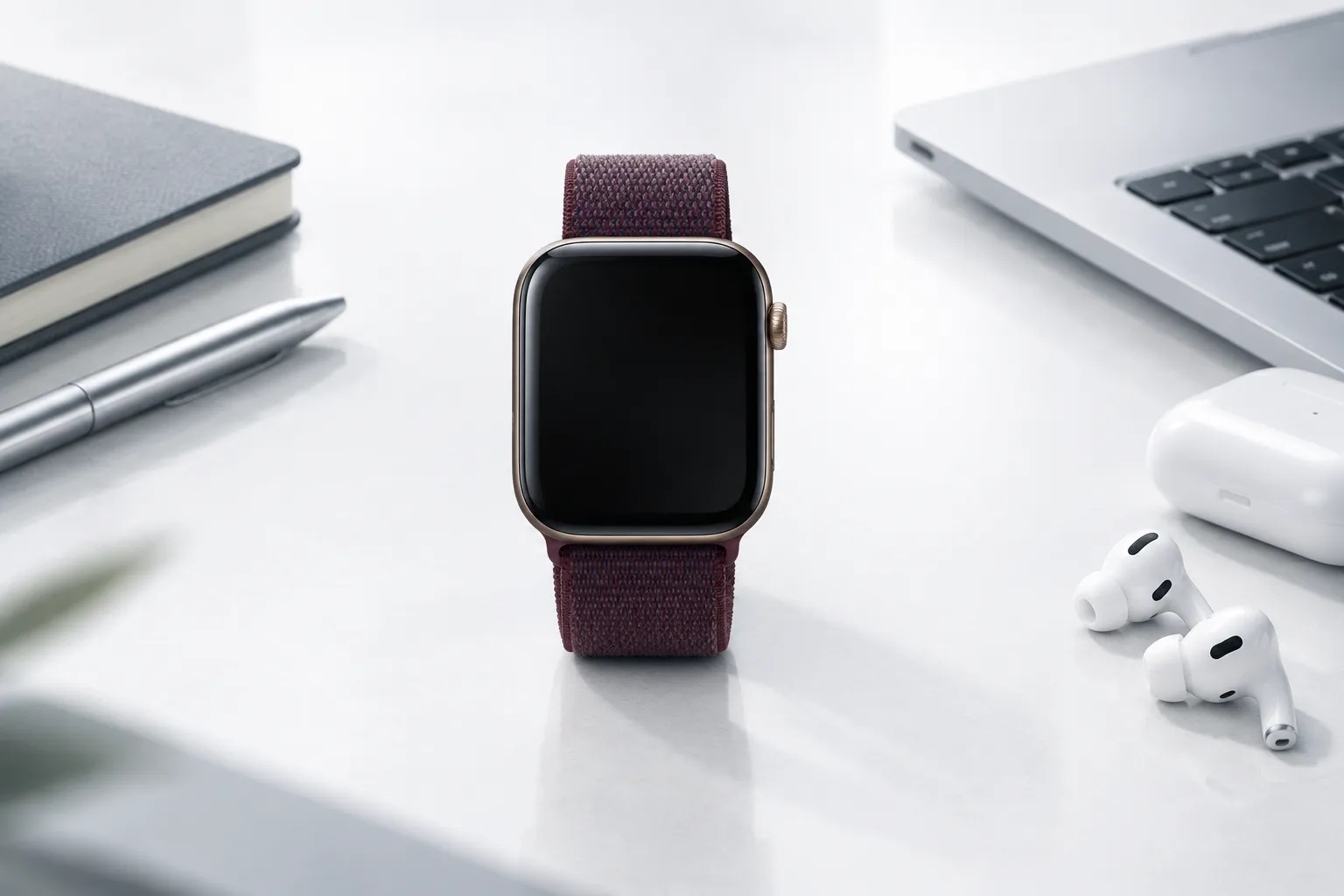
Apple Watch Audio Intelligence has generated many questions. This FAQ answers the 62 most common ones.
TL;DR
- 62 questions covering features, compatibility, privacy, and alternatives
- Live Rewind: 15-second snippets, double-press Digital Crown
- Siri Recap: Daily summaries, 7-day auto-delete
- Requires Series 12 / Ultra 4 + iPhone 16+
- Not available in EU, English only at launch
General Questions
1. What is Apple Watch Audio Intelligence?
Audio Intelligence is Apple's term for four microphone-driven features on Apple Watch Series 12 and Ultra 4: Sound Recognition, Music Recognition (Shazam), Live Rewind, and Siri Recap.
2. What are the four features?
- Sound Recognition: Alerts you to environmental sounds like sirens and alarms
- Music Recognition: Identifies songs playing nearby via Shazam
- Live Rewind: Shows the last 15 seconds of speech as text
- Siri Recap: Generates a daily summary of your conversations
3. When was it announced?
September 9, 2026, at Apple's fall event.
4. When did it go on sale?
September 18, 2026.
5. How much does it cost?
Apple Watch Series 12 starts at $$399. Apple Watch Ultra 4 starts at $799.
6. What's the difference between Series 12 and Ultra 4?
Both support Audio Intelligence. Ultra 4 has a larger display, longer battery life, and more rugged construction.
7. Is Audio Intelligence available now?
Sound Recognition and Shazam are available now. Live Rewind and Siri Recap are in beta, rolling out later in 2026.
8. Which features are available now?
Sound Recognition and Music Recognition (Shazam).
9. Which features are in beta?
Live Rewind and Siri Recap.
10. When will the beta features ship?
Apple says "later in 2026" but has not given a specific date.
Live Rewind Questions
11. What is Live Rewind?
Live Rewind shows the last 15 seconds of speech as a text snippet on your wrist when you double-press the Digital Crown.
12. How do I use Live Rewind?
Double-press the Digital Crown. The last 15 seconds of speech appear as text.
13. How far back does Live Rewind go?
15 seconds. There's no way to go back further.
14. Can Live Rewind record audio?
No. It creates no audio file — only a text snippet.
15. Does Live Rewind save recordings?
No. You can save the text snippet, but there's no audio to save.
16. How do I save a Live Rewind snippet?
After triggering Live Rewind, choose to save the snippet to the Siri app.
17. Can I export Live Rewind snippets?
No. There is no export function.
18. Does Live Rewind work offline?
The watch processes audio locally, but some features may require iPhone connectivity.
19. Does Live Rewind drain battery?
Apple has not disclosed battery impact details.
20. Can people tell when I use Live Rewind?
Yes. The watch plays a chime and shows a microphone indicator, even in silent mode.
Siri Recap Questions
21. What is Siri Recap?
Siri Recap listens to your environment throughout the day and generates a summary of your conversations each evening.
22. How do I use Siri Recap?
Enable it in Settings, wear your watch throughout the day, and check the Siri app in the evening.
23. Does Siri Recap provide a full transcript?
No. It provides a summary only, not a word-for-word transcript.
24. Does Siri Recap identify speakers?
No. It cannot tell you who said what.
25. How long are Siri Recap summaries kept?
Unsaved summaries auto-delete after 7 days.
26. Can I export Siri Recap summaries?
No. There is no export function.
27. Does Siri Recap work offline?
The watch processes audio locally, but summary generation requires cloud processing.
28. Does Siri Recap drain battery?
Apple has not disclosed battery impact details for always-on listening.
29. Can people tell when I use Siri Recap?
No. Siri Recap provides no notification to people around you.
30. What languages does Siri Recap support?
English only at launch. Apple has not announced a timeline for additional languages.
Sound Recognition & Shazam Questions
31. What is Sound Recognition?
Sound Recognition alerts you to specific environmental sounds like sirens, smoke alarms, doorbells, and baby crying.
32. How does Sound Recognition work?
The watch continuously listens for specific sound patterns and sends an alert when detected.
33. What sounds can Sound Recognition detect?
Sirens, smoke alarms, doorbells, baby crying, and similar environmental sounds.
34. Does Sound Recognition work offline?
Yes. It works even when your iPhone isn't nearby.
35. What is Music Recognition with Shazam?
Your watch can identify songs playing nearby and display the title and artist.
36. How does Shazam work on Apple Watch?
The watch listens to music playing nearby and identifies it using Shazam's database.
Compatibility Questions
37. What Apple Watch do I need?
Series 12 or Ultra 4. Earlier models don't have the required S11 chip.
38. What iPhone do I need?
iPhone 16 or later. The iPhone 16e is excluded.
39. Will older Apple Watches get Audio Intelligence?
Live Rewind and Siri Recap require the S11 chip. Apple has not confirmed whether Sound Recognition or Shazam will come to older models.
40. Can I use it with iPhone 15?
No. iPhone 16 or later is required.
41. Can I use it with iPhone 16e?
No. The iPhone 16e is explicitly excluded.
42. Can I use it with Android?
No. Audio Intelligence requires an iPhone.
43. What watchOS version do I need?
watchOS 27 or later.
44. What iOS version do I need?
The latest iOS version with Apple Intelligence enabled.
Language & Region Questions
45. What languages are supported?
English only at launch.
46. When will it support my language?
Apple has not announced a timeline for additional languages.
47. Is it available in the EU?
No. Live Rewind and Siri Recap are not available in the EU at launch.
48. When will it be available in the EU?
Apple has not announced a timeline.
49. Is it available in my country?
Availability varies. Check Apple's website for your specific region.
50. Can I use it while traveling?
If you're in a supported region with a supported device, yes. EU residents cannot use it even when traveling.
What Apple Watch Can't Do
51. Can Apple Watch record phone calls?
No. Audio Intelligence only captures ambient audio, not phone calls.
52. Can Apple Watch record online meetings?
No. It cannot capture audio from video calls or online meetings.
53. Can Apple Watch transcribe full conversations?
No. It provides only 15-second snippets or daily summaries.
54. Can Apple Watch identify speakers?
No. It cannot tell who said what.
55. Can Apple Watch export recordings?
No. There is no export function.
56. Can Apple Watch save recordings long-term?
No. Unsaved summaries auto-delete after 7 days.
Alternatives
57. What if my device isn't supported?
Consider TicNote Watch, which works with any smartphone, including Android.
58. What if I need full recording?
Consider TicNote Watch, which records complete audio.
59. What if I need speaker identification?
Consider TicNote Watch, which automatically identifies who said what.
60. What if I need long-term storage?
Consider TicNote Watch, which gives you full control over data retention.
61. What if I need to export data?
Consider TicNote Watch, which supports export and backup.
62. What if I'm an Android user?
Consider TicNote Watch, which works with both iOS and Android.
Live Rewind and Siri Recap are in beta and were announced on September 9, 2026. Feature details, availability, and regional support may change. If you choose to record conversations, be aware of and comply with applicable laws in your jurisdiction, and obtain consent from all participants where required.


