


 Extension
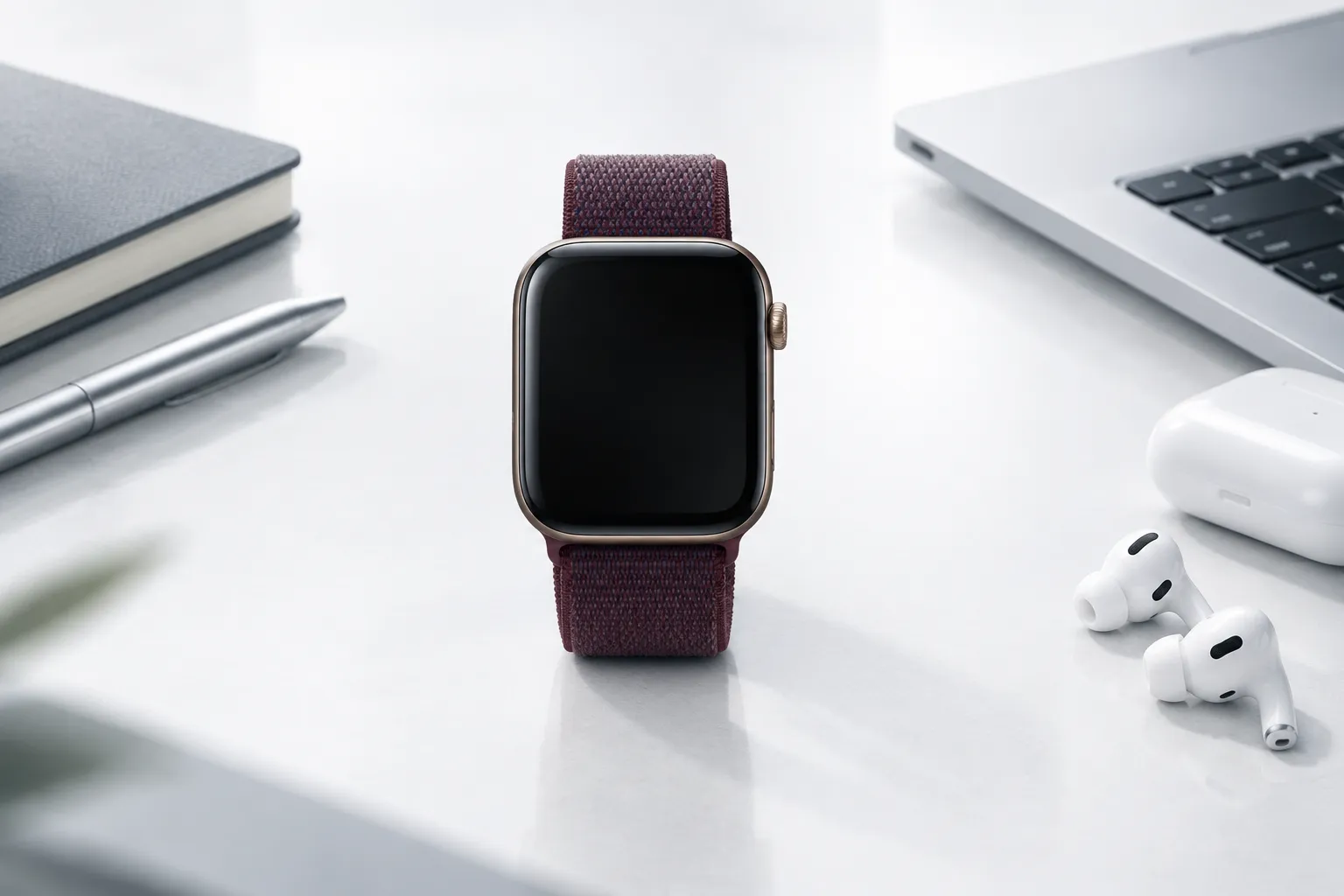
Apple Watch Series 12 and Ultra 4 are now in stores, but Audio Intelligence has strict requirements. This guide helps you understand whether your devices are compatible, who the features are designed for, and what alternatives exist if you're not covered.
TL;DR
- Supported: Series 12 / Ultra 4 + iPhone 16 or later (not 16e)
- Not supported: Series 11 and earlier, iPhone 15 and earlier, iPhone 16e, Android
- Not available: EU, non-English languages
- Alternative: TicNote Watch works with iOS and Android, globally, in 17 languages
Supported Devices
Apple Watch Requirements
You need an Apple Watch Series 12 (from $399) or Apple Watch Ultra 4 (from$799). Both features depend on the S11 chip and its Secure Exclave architecture, which earlier watches don't have.
The S11 chip is significant because it includes a hardware-isolated Secure Exclave — a dedicated secure area that's physically separated from the main processor. This is where audio is processed and discarded. Without this hardware, Live Rewind and Siri Recap simply can't work.
iPhone Requirements
Live Rewind and Siri Recap require an iPhone 16 or later, with Apple Intelligence enabled. The iPhone 16e is explicitly excluded — even though it's part of the iPhone 16 lineup, it doesn't support these features.
This is because Live Rewind and Siri Recap rely on Apple Intelligence models that run on your iPhone. The iPhone 16e doesn't have the necessary neural engine capabilities.
Sound Recognition is the exception — it works on the watch even when your iPhone isn't nearby. This is because Sound Recognition is processed entirely on the watch, without needing iPhone connectivity.
Software Requirements
Your watch needs watchOS 27 or later. Your iPhone needs the latest iOS version with Apple Intelligence enabled.
Unsupported Devices
Older Apple Watches
Series 11 and earlier models do not support Live Rewind or Siri Recap. The S11 chip's Secure Exclave is required for these features, and older watches don't have it.
Apple has not confirmed whether Sound Recognition or Shazam will come to older hardware through watchOS 27. These features could theoretically run on older chips, but Apple hasn't committed to supporting them.
Older iPhones
iPhone 15 and earlier models are not compatible. The iPhone 16e is explicitly excluded.
This is a significant restriction. If you bought an iPhone 15 last year, you can't use Live Rewind or Siri Recap — even if you buy a brand new Apple Watch Series 12.
Android Devices
Audio Intelligence is entirely incompatible with Android. There is no workaround.
This is expected — Apple has never supported Android — but it means Android users are completely locked out of these features.
Who It's For
Audio Intelligence works well for specific types of users:
Users who need to quickly recall a missed sentence. Live Rewind is perfect for the moment when someone says something important and you need to catch it quickly. The 15-second window is enough for a phone number, a name, or a quick detail.
People who want a general summary of their day's conversations. Siri Recap gives you a sense of what you discussed without requiring any effort. It's useful for recalling the gist of your day.
Deaf and hard-of-hearing users who benefit from Sound Recognition. Sound Recognition alerts you to sirens, smoke alarms, doorbells, and baby crying. It's a genuine accessibility feature that works even when your iPhone isn't nearby.
English speakers outside the EU. These are the only users who can access Live Rewind and Siri Recap at launch.
Users who already own the latest Apple devices. If you have an iPhone 16 or later and are willing to buy a Series 12 or Ultra 4, you can use these features.
Who It's Not For
Professionals Who Need Complete Records
If you need full recordings, word-for-word transcripts, or speaker identification, Audio Intelligence won't meet your needs.
Picture this scenario: you're a lawyer meeting with a client. The client gives you important instructions about their case. You need a complete record of what was said — not a 15-second snippet or a daily summary. You need to verify specific details, quote exact wording, and preserve the record for potential future proceedings.
Audio Intelligence can't do any of this. It's designed for casual recall, not professional documentation.
Users with Older Devices
If you have a Series 11 or earlier watch, or an iPhone 15 or earlier, you can't use the conversation features.
This is frustrating for users who recently upgraded. If you bought an iPhone 15 last year, you might expect it to support new features. But Apple has drawn a hard line: iPhone 16 or later, no exceptions.
Android Users
Audio Intelligence is entirely unavailable on Android. If you use an Android phone, you can't use these features — period.
This is a significant portion of the market. Android has roughly 70% global market share. Apple is excluding the majority of smartphone users.
EU Residents
Live Rewind and Siri Recap are not available in the EU at launch. No timeline has been announced.
This is due to regulatory constraints on Siri AI features. The EU has stricter privacy and AI regulations than the US, and Apple hasn't yet figured out how to comply.
Non-English Speakers
English is the only supported language at launch. Apple has not published a timeline for additional languages.
This excludes billions of potential users. If you speak Spanish, Mandarin, French, German, or any other language, you can't use these features.
The Alternative: TicNote Watch
If your device isn't supported, or if you need features Apple Watch doesn't offer, TicNote Watch provides an alternative:
Universal Compatibility
TicNote works with iOS and Android. You don't need a specific phone model. You don't need the latest hardware. If you have a smartphone, you can use TicNote.
It's available globally, including the EU. You don't need to wait for Apple to figure out regulatory compliance.
Complete Features
TicNote offers full audio recording, complete transcription, speaker identification, long-term storage, and export capability.
This means you can record a full meeting, get a word-for-word transcript, identify who said what, keep the recording as long as you need, and export it to your preferred platform.
Multi-Language Support
TicNote supports 17 languages, with more being added. This makes it accessible to a global audience, not just English speakers.
For international business professionals, this is essential. You can record a meeting in Mandarin, get a transcript in English, and share it with colleagues who speak different languages.
FAQ
You can also check the dedicated page for Apple Watch and Audio Intelligence FAQs.


