


 Extension
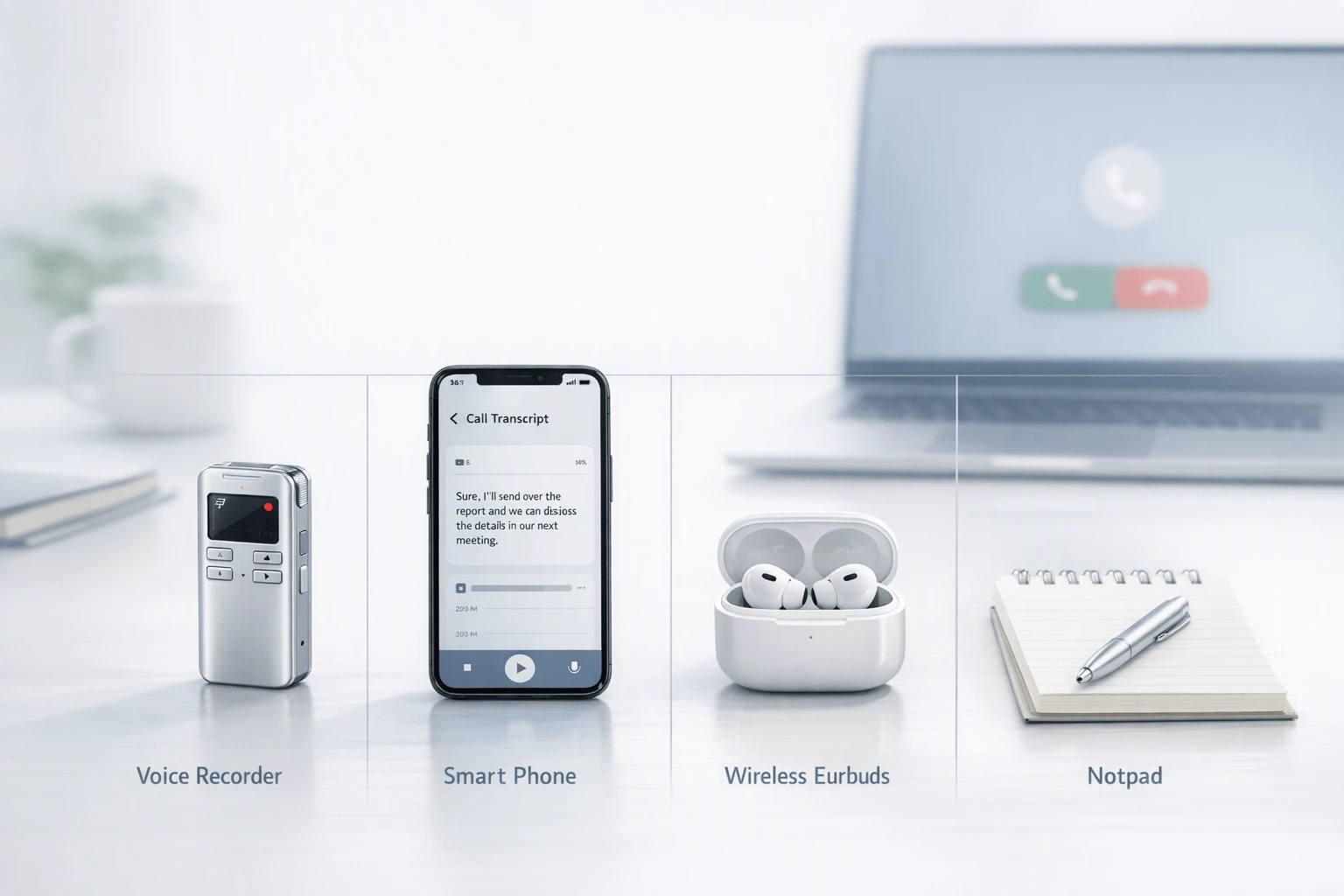
TL;DR: Best Voice Recorders and AI note takers for business calls
Business calls move fast, and relying on memory or manual notes can make it easy to miss important details, decisions, and follow-ups. An AI note taker can record conversations, transcribe them, summarize key points, and turn discussions into actionable notes—but the best option depends on how and where you take calls.
For business users, the choice usually comes down to four factors: hardware vs. app-based note taking, transcription and AI capabilities, privacy and data handling, and overall cost. Hardware AI note takers can capture in-person and phone conversations without requiring a meeting app, while software-based tools are often more convenient for Zoom, Google Meet, and Microsoft Teams calls.
In this guide, we compare the best AI note takers for business calls across these factors to help you find the right solution for your workflow, whether you need a dedicated recording device, an AI meeting app, or a balance of convenience, privacy, and cost.
What makes an AI note taker for business call worth using?
A good AI note taker for business call solves a harder problem than a normal meeting bot. Business calls often happen on mobile, on speakerphone, through VoIP apps, or right after an in-person visit. There may be no calendar event, no join link, and no pause between calls to type notes. That's why phone-heavy teams lose details fast: next steps get missed, follow-up weakens, and CRM updates happen later, after memory already faded.
Start with call reality, not meeting theory
Scheduled online meetings are easier to capture because software can join with a bot. Calls are messier.
- Smartphone calls may switch between handset, Bluetooth, and speaker mode
- VoIP calls can live inside apps like Zoom Phone or Teams
- Desk-phone calls may sit outside your main note workflow
- In-person follow-up often happens right after the call, when context still matters
For sales reps, insurance agents, consultants, founders, and field teams, that mix matters more than fancy summaries. If recording fails once, the tool fails the job. That's also why many buyers now look beyond generic meeting bots and compare bot-free note takers for calls and conversations when they need more flexible capture.
Use a scorecard that reflects real work
This article uses a weighted method instead of a vague "best of" list. The criteria are:
- Recording reliability across phone, VoIP, and in-person use
- Summary speed after the call ends
- Transcript quality and speaker separation
- Privacy and consent controls
- Storage, search, and export options
- Workflow fit for CRM, follow-up, and documentation
- Total cost of ownership, including hardware plus subscription
That matters because two tools can look similar on a pricing page and perform very differently in the field.
Match hardware or software to your workflow
Hardware usually fits people who live on calls. It can capture real-world audio across mobile, speakerphone, and face-to-face moments. In this group, TicNote Card fits wallet-carry convenience, while TicNote Pods 4G fit road warriors who want phone-free capture and fast summaries.
Software is often better for teams that work mainly inside Zoom, Teams, or CRM systems. Otter works well for straightforward meeting notes and search. Fireflies.ai is stronger for integrations, admin controls, and team-wide conversation workflows.
In short: if your calls happen everywhere, hardware has an edge. If your calls stay inside software, software may be enough.
Which tools are best for business calls in 2026?
The best tool depends on where your conversations happen. If you live on a smartphone, move between phone calls and in-person meetings, and want an AI note taker for business call workflows without changing habits, TicNote's hardware stands out because it captures first and organizes second. Software tools still work well for VoIP-heavy teams, but they're weaker when calls happen off-platform, in the field, or on the move.
Choose TicNote Card for phone-first professionals
TicNote Card is the strongest fit for consultants, insurance agents, and account executives who need reliable call capture in a form factor they'll actually carry. It's credit card-sized, 3 mm thin, and built to sit in a wallet, so the recorder is with you when a client calls unexpectedly.
Its appeal is simple:
- one-press recording
- 64GB storage
- up to 25 hours of battery life
- 3-mic array
- Earphone mode for call workflows
- Speaker mode for in-person conversations
That mix matters. Many people don't need another app screen. They need a device that starts fast, records cleanly, and syncs into transcripts, summaries, and action items without friction. The included Plus plan also improves value, since hardware users get 600 minutes per month and 1,500 monthly credits before moving up to paid tiers. If you want a closer look, you can see the device.
Pick TicNote Card Lite for lower-cost everyday capture
TicNote Card Lite is the practical buy for users who want the same basic AI workflow at a lower entry price of $129.99. It keeps the one-button approach, 3-mic array, and 25-hour battery life, then delivers transcripts, summaries, and action items after sync.
Its biggest advantage is modeless recording. There's no lever and no decision tree. You press record and keep moving. For busy reps and solo operators, that lower friction is a real benefit.
The trade-offs are fair and clear:
- less premium build than Card
- fewer accessories
- simpler overall package
If your goal is dependable capture without paying extra for the slimmer premium body and bundled case, Card Lite is the value option.
Use TicNote Pods 4G when speed matters between calls
TicNote Pods 4G is the best AI call note taker here for sales teams, field teams, and road warriors. Why? Because it solves the biggest mobile problem: your phone is not always available, stable, or convenient during a busy day.
The 4G charging case can upload without your phone nearby. That enables Live Summary during recording and Quick Summary as soon as the call ends. It also supports automatic call recording when you're wearing the earbuds, which is a meaningful advantage for mobile professionals who jump from one conversation to the next.
Its dual recording setup is also smart:
- earbuds handle calls and online meetings
- the case can capture room audio when you're not wearing them
That makes Pods 4G unusually flexible for field sales, site visits, client walk-throughs, and travel-heavy roles where context changes hour by hour.
Consider TicNote Pods Wi-Fi for global, sync-based workflows
TicNote Pods Wi-Fi fits users who want earbud-based capture but don't need phone-free 4G recording. It offers fast Wi-Fi transfer, global use with no region lock, and the same general earbud-style recording approach.
This is the right pick when your phone is usually nearby and post-call sync is good enough. You give up the 4G model's live upload and phone-free flexibility, but you keep a lighter, travel-friendly workflow.
Use Otter.ai if your calls already happen on supported platforms
Otter.ai is a software-first option for teams that live inside Zoom, Google Meet, or Microsoft Teams. Its strengths are searchable transcripts, meeting-bot capture, cloud organization, and no hardware to manage.
The pricing is also easy to verify: Otter Pricing says Otter.ai Business costs $20 per user/month billed monthly, or $16.99 per user/month billed annually. That structure makes sense for team-based VoIP environments.
But there's a limit. Otter is less compelling for traditional phone calls, hallway conversations, ride-alongs, and field notes because those workflows don't always happen inside supported software.
Choose Fireflies.ai for CRM-heavy VoIP teams
Fireflies.ai is strongest when the goal is conversation intelligence, automations, and team visibility across online calls. It's a solid fit for managers who want searchable call data, workflow triggers, and tighter links to CRM and team systems.
For solo professionals, though, per-seat pricing can add up fast. And like other software-only products, it works best when calls already happen inside supported digital platforms. If your week mixes mobile calls, office meetings, and in-person client visits, hardware often gives you broader coverage.
For a deeper look at that use case, this guide to AI voice recorders for sales calls breaks down fit by workflow. In practice, the best choice comes down to three things: capture channel, privacy requirements, and how quickly you need summaries between calls.
How do the top options compare on recording, summaries, pricing, and privacy?
If you're comparing an AI note taker for business call use, the big mistake is judging everything by transcript quality alone. For business buyers, the better lens is simpler: how the tool captures calls, when summaries arrive, what the real annual cost looks like, and how much control you get over sensitive data.
Compare the tools on the same scale
A normalized view helps because hardware and software solve different parts of the same problem.
| Product | Capture type | Phone-call fit | VoIP fit | Summary timing | Export options | Language support | Hardware required | Best for |
| TicNote Card | Dedicated recorder | Good for speakerphone and in-person recaps | Limited direct VoIP capture | After recording | Transcript, summary, docs | 120+ languages; 16 real-time | Yes | Mobile pros who want a wallet-size recorder |
| TicNote Card Lite | Dedicated recorder | Good for simple phone-call capture workflows | Limited direct VoIP capture | After sync | Transcript, summary, docs | 120+ languages; 16 real-time | Yes | Budget-focused users |
| TicNote Pods 4G | Earbuds + smart case | Strong; auto records calls while worn | Strong for mobile and hybrid work | During and right after recording | Transcript, summary, docs | 120+ languages; 16 real-time | Yes | Field teams and road warriors |
| TicNote Pods Wi‑Fi | Earbuds + smart case | Strong with phone nearby | Strong for hybrid workflows | After upload | Transcript, summary, docs | 120+ languages; 16 real-time | Yes | Global users who don't need 4G |
| Otter.ai | App and meeting bot | Weak for standard mobile calls | Strong for Zoom, Meet, Teams | Real-time and post-call | Text, share, cloud workflows | 6 listed languages | No | Teams centered on online meetings |
| Fireflies.ai | App and meeting bot | Weak for standard mobile calls | Strong for Zoom, Meet, Teams | Post-call, fast | Notes, integrations, CRM workflows | 100+ languages | No | Teams that need integrations and analytics |
Look at total annual cost, not sticker price
Hardware tools usually mean a one-time device price plus optional higher-tier cloud usage later. TicNote starts at $129.99 for Card Lite, $159.99 for Card, $249.99 for Pods Wi‑Fi, and $299.99 for Pods 4G, with a hardware-included Plus plan at $0/year. That changes the math if one person handles hundreds of calls per month.
Software-first tools look cheaper at first, but recurring seat fees add up faster. Fireflies starts at $10 per seat per month billed annually, and Otter business pricing commonly starts around $19.99 per user per month in market-facing pricing. For a five-person team, yearly software spend can quickly exceed the upfront cost of dedicated hardware.
Check privacy and consent before rollout
Use this buyer checklist:
- Confirm consent rules for every region where calls happen.
- Verify where audio, transcripts, and summaries are stored.
- Ask if customer content trains AI models.
- Confirm encryption in transit and at rest.
- Check whether recording can happen offline or on-device.
- Review admin controls, retention, deletion, and export.
On legality, Reporters Committee for Freedom of the Press — Can We Tape? (Federal law) states that under the federal Wiretap Act, 18 U.S.C. § 2511(2)(d), recording a telephone or in-person conversation is lawful when one party to the conversation consents, unless the recording is for the purpose of committing a criminal or tortious act. Business buyers should still validate state, national, and industry-specific rules before deployment.
In practice, TicNote stands out for buyers who want hardware capture, offline recording, and self-described private-by-default controls. Otter and Fireflies are often the cleaner fit for browser-based meeting teams that care more about app integrations than phone-call capture.
How to choose the right product for your call workflow
The best AI note taker for business call work depends less on features and more on where the call happens. A mobile sales rep, a founder who lives in transit, and a RevOps-led sales team do not need the same setup. The fastest way to choose is to match the product to your main call channel first, then your privacy, budget, and follow-up needs.
Pick TicNote Card if your calls start on your phone
TicNote Card is the best fit for smartphone-first professionals who take most client calls on mobile, then jump into hallway chats, site visits, or in-person follow-ups. Its credit-card shape, 25-hour battery, 64GB storage, and 3-mic array make it easy to keep with you all day without changing your routine.
Best-fit roles include:
- account executives
- insurance agents
- consultants
- founders
- field sellers who move between calls and face-to-face meetings
Choose it when you want premium portability and one device that covers both phone-centered and in-person capture. This is also the right place to invite readers to see how the devices compare before they commit.
Pick TicNote Card Lite if cost matters most
TicNote Card Lite is the practical choice for everyday capture at a lower price: $129.99 versus $159.99 for Card. It keeps the core workflow intact: press to record, sync, then get transcription, summaries, and action items.
It's best for users who want:
- simple one-button recording
- less concern about premium materials or accessories
- a lower upfront cost
- reliable notes for routine client and internal calls
If you want the same core AI outputs with less emphasis on extras, Card Lite is the value play.
Pick TicNote Pods 4G if you need phone-free capture
Pods 4G is the strongest match for field teams, road warriors, and founders who cannot keep a phone nearby during the workday. The built-in 4G eSIM lets the case upload audio in real time, and Live Summary plus Quick Summary help you review key points between appointments instead of waiting until later.
Use it when you need:
- call capture without your phone in hand
- earbud-based recording during active calls
- room capture when the case is nearby
- fast recap between back-to-back stops
This is the clearest high-conversion use case because the hardware changes the workflow, not just the notes.
Pick TicNote Pods Wi-Fi if you travel globally
Pods Wi-Fi fits users who want earbud-based capture but do not need cellular upload. It is the better choice for international travelers and distributed teams because it has no region lock and works well when your phone is usually nearby.
In short: if you want the earbud form factor and global flexibility, this is the cleaner pick.
Pick Otter.ai if your team is VoIP-native
Otter is simpler for teams that already live inside Zoom, Teams, or Google Meet. It makes the most sense when calls happen on supported cloud platforms and you want software-based meeting notes, not traditional mobile-call capture.
Pick Fireflies.ai if sales ops runs the process
Fireflies is the better fit for CRM-heavy sales organizations that care most about automations, integrations, analytics, and team-wide workflow visibility. If leadership wants conversation data pushed across systems, Fireflies has the stronger software-first case.
Use this quick workflow path
- Mobile phone calls + in-person follow-ups: TicNote Card
- Lower-cost daily recording: TicNote Card Lite
- Field work + no phone nearby: TicNote Pods 4G
- Global travel + earbuds + phone nearby: TicNote Pods Wi-Fi
- VoIP meetings on major platforms: Otter.ai
- CRM-driven team automation: Fireflies.ai
Think of the workflow diagram as four branches: mobile phone, VoIP, field or in-person, and mixed use. Start with the branch you use most often, then choose the tool that removes the most friction from recording, summary, and follow-up.
See which TicNote device fits your call workflow best
Which TicNote features are exclusive for business-call workflows?
For an AI note taker for business call use, the biggest advantage isn't just transcription. It's how fast useful details become usable after a conversation ends. TicNote stands out here because some models are built for call-heavy days, where missing one promise, next step, or objection can slow down the whole pipeline.
Get summaries while the call is still fresh
TicNote Pods 4G does something software-only tools often don't: it can surface Live Summary during recording and push Quick Summary right after the call ends. That matters when you're moving from one client call to the next with no gap to rewrite notes.
The practical difference is simple:
- Live Summary helps you spot decisions before the conversation is over
- Quick Summary reduces the delay between call and follow-up
- Post-call-only workflows often leave a 10 to 30 minute note lag across a busy day
For sales, consulting, and field work, that timing can be the difference between sending a same-hour recap and forgetting a key commitment.
Turn calls into business memory
TicNote also goes beyond basic transcripts. You can ask AI to find a pricing objection, pull a promise made last month, or turn a conversation into a client recap, report, or action list. In practice, that creates a searchable project record across accounts, not just a pile of audio files. If you want a broader view of how recorded conversations connect to assistant workflows, this guide on connecting AI assistants to voice recordings is a useful next read.
Keep recording when signal drops
Offline recording is another business-call advantage. If you're in a car, on-site, or in a weak-signal building, the device still captures the conversation and syncs later across phone, desktop, and browser. That means fewer lost details, faster documentation, and a stronger fit for real call workflows than transcription alone.
Final thoughts
For most people shopping for an AI note taker for business call, dedicated hardware is the safer bet. It cuts capture friction, works in more places, and handles phone calls, in-person conversations, and mixed workflows better than software that depends on scheduled meeting bots.
Here's the simplest framework:
- Choose TicNote Card or Card Lite if your work is smartphone-first and you want a recorder you can carry all day.
- Choose TicNote Pods 4G or Pods Wi-Fi if you take frequent calls, move between channels, and want one system for call capture plus follow-up.
- Choose Otter or Fireflies if most of your work happens inside Zoom, Teams, or Google Meet and you value software integrations first.
Before you buy, audit one week of calls by channel: mobile, VoIP, and in person. Then use the comparison table, the workflow diagram, and this device comparison guide to match the tool to your real workflow.
Buy the TicNote device that fits your call workflow


