


 Extension
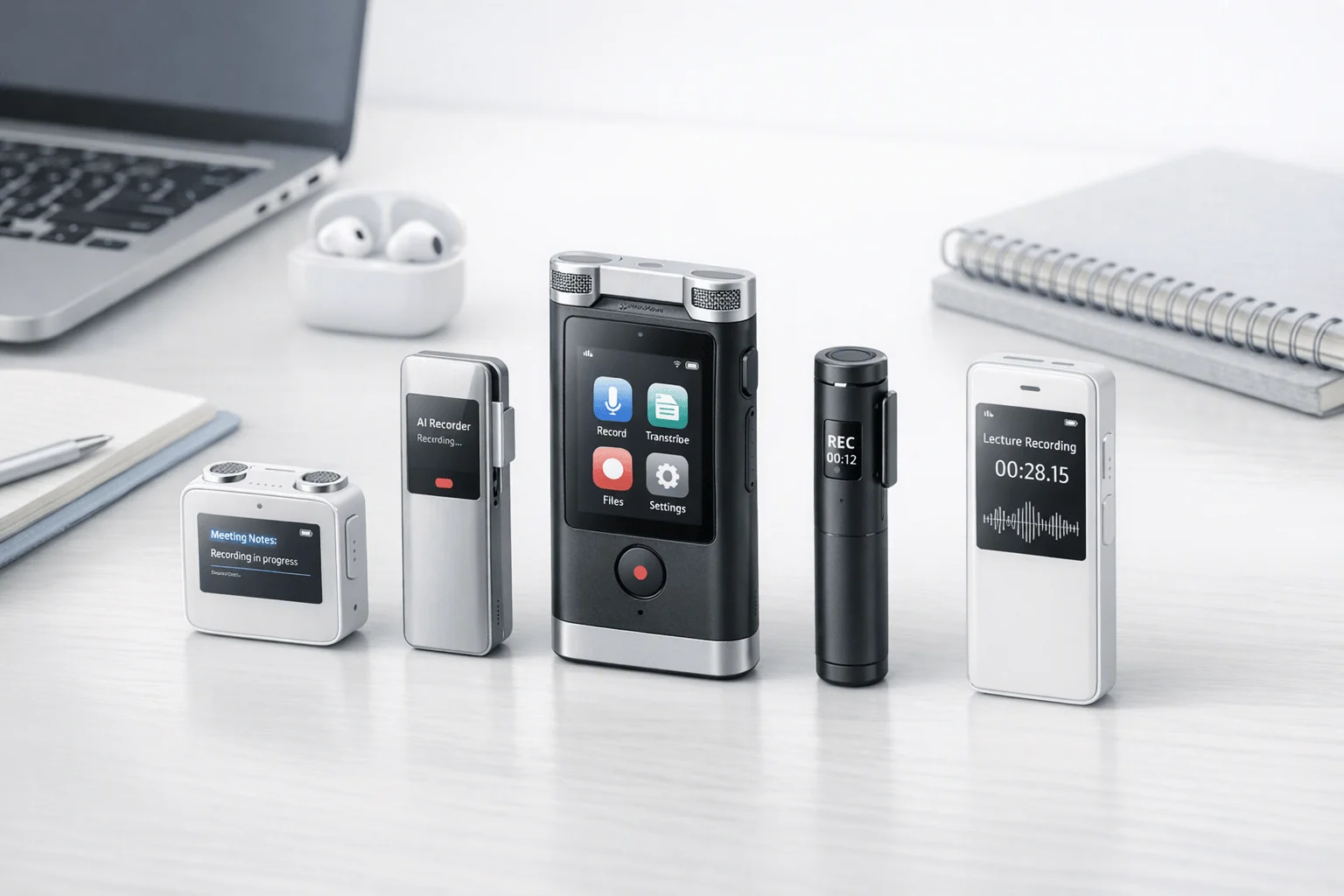
TL;DR: Best Voice Recorders for AI Notes
If you want the short answer, Buy TicNote Device: the best AI recording device for most buyers is dedicated hardware that matches how you actually work, not just another app. This guide is for professionals, students, educators, consultants, sales teams, and privacy-conscious healthcare or legal buyers comparing hardware-first options with clear trade-offs.
- Choose a wallet-size card recorder for in-person meetings, lectures, and desk-side conversations.
- Choose earbud-based recorders for calls, field work, commuting, and mobile capture.
- Stick with a phone app or meeting bot if you mostly record virtual meetings at a desk and don't need dedicated hardware.
TicNote is worth a close look because it combines dedicated devices with real-time transcription, summaries, translation, and cross-project AI search in one system. The Card models fit simple in-room capture, while the Pods suit calls and mobile workflows better. See the Device if you want to compare the formats first.
What should you expect from an AI recording device today?
A modern AI recording device should do far more than save audio. The baseline now is simple: capture clearly, turn speech into searchable text, pull out the main points, and help you find decisions later without replaying a full hour of audio. If a device still leaves you with messy files and manual note cleanup, it's behind the market.
Expect the full note workflow, not just recording
At minimum, buyers should expect:
- reliable voice capture in real rooms
- transcripts you can search and review
- speaker identification where available
- AI summaries and action items
- export options for notes, docs, or sharing
- organized storage by meeting, class, or project
Stronger products now go further. They add live highlights, translation, bilingual subtitles, and question-answering across past recordings. That matters because the real job is not recording sound. It's turning conversations into usable knowledge.
Choose the right format for how you work
Here's the plain-language split:
| Option | Best for | Main strength | Main limit |
| Dedicated recorder | Meetings, lectures, interviews | One-press capture, fewer distractions, better in-person use | Extra device to carry |
| Phone app | Casual notes, convenience | Always with you | Battery drain, interruptions, weaker room pickup |
| Meeting bot | Scheduled online meetings | Easy for remote calls | Poor fit for hallway chats, classrooms, and sensitive settings |
Dedicated hardware is usually the better fit for conference rooms, lectures, field interviews, and offline use. Phone apps are convenient, but notifications, calls, and battery trade-offs are real. Bots help with Zoom-style meetings, but they can feel intrusive and don't solve spontaneous or in-person conversations. If you want a deeper breakdown, see this guide on recorders versus smartphones for meetings and lectures.
Pick the form factor that matches the conversation
Card recorders fit desks, conference tables, and lecture halls. Wearable formats are better for calls, walking meetings, and multilingual conversations where hands-free use matters. That's where TicNote's lineup is practical: the Card and Card Lite suit room capture, while the Pods models better match calls and mobile workflows.
In short, the best device should match both your environment and your note workload.
See which TicNote device matches your meetings, calls, and lectures best
How we evaluate AI voice recorders fairly
A useful ai recording device should do more than look good on a spec sheet. To compare devices fairly, we use the same real-world scenarios, score the same practical factors, and separate brand claims from features a buyer can observe, test, or verify. That matters because most teams care less about flashy AI and more about reliable transcripts, fast capture, and predictable long-term cost.
Test in real situations, not ideal demos
We assess recorders in scenarios buyers actually face:
- quiet one-on-one meetings
- noisy group discussions
- lecture halls with distant speakers
- phone and online calls
- bilingual or multilingual conversations
This helps us judge transcript usefulness, not just raw word accuracy. A device may perform well in a silent room and still struggle with overlapping speech, accents, or room echo. We also avoid ranking products on marketing-only features unless they can be demonstrated consistently.
Score what buyers actually live with
Our scorecard focuses on the factors that shape daily use:
- transcription accuracy and speaker separation
- microphone pickup range in normal rooms
- startup speed and recording reliability
- battery life and storage capacity
- call recording practicality
- export formats and search workflow
- cloud sync, summary speed, and project organization
- total ownership cost over 12 to 24 months
Commercial buyers usually value reliability over novelty. If a recorder saves 5 minutes per meeting but adds subscription friction or weak exports, that trade-off should be visible.
Mark vendor claims clearly
Some data points should be labeled as brand-provided until verified by the buyer, including:
- language support counts
- encryption and end-to-end security wording
- GDPR or other compliance claims
- stated pickup distance
- privacy architecture details
Comparison tables should include a simple verification note column when needed. That keeps the review transparent and helps legal, healthcare, and procurement teams validate risk before purchase.
Trust box concept: show three lines for each product — what we tested, what the brand claims, and what buyers should verify before rollout.
Which TicNote device fits your workflow best?
The right AI recording device depends less on raw specs and more on how you actually work. Instead of treating this as a sales pitch, it helps to think of TicNote's lineup as a simple matching guide: card recorders suit pocketable in-person capture, while earbud recorders fit calls, travel, and mobile work.
Choose TicNote Card for wallet-ready meeting capture
TicNote Card is the best fit for professionals who want a slim recorder they can carry every day and use without thinking. At 3 mm thin, with 64 GB of storage, a 25-hour battery, and a 3-mic array, it's built for frequent meetings, lectures, interviews, and client sessions.
The lever switch matters more than it sounds. It lets you move between earphone mode and speaker mode, which is useful when your day mixes one-on-one conversations with room-based meetings. That makes the Card the premium choice for buyers who want a dedicated meeting recorder that stays in a wallet, not a bag.
Trade-off: it costs more than the Lite model at $159.99, but you get the thinner body, higher storage, and more premium carry setup.
Pick Card Lite if price matters most
Card Lite keeps the core AI note taker experience at a lower entry price. It uses one-button, modeless recording, so there is no switch to manage before you start. It also keeps the same 3-mic array and 25-hour battery life, which is important if you care more about simple capture than premium hardware.
The trade-offs are clear. The build is simpler, the body is thicker at 5.8 mm, and storage is lower at 4 GB. At $129.99, though, it's the practical option for students, solo professionals, and buyers who want the basics done well.
Use Pods 4G for phone-free field work and live summaries
TicNote Pods 4G is the strongest match for people who work in motion. The earbud-plus-case setup supports calls, online meetings, and room recording, and the built-in 4G eSIM means you can record and upload without your phone nearby.
This is the model for consultants, field engineers, road-warrior sales teams, and anyone who needs a call recording device plus instant AI output. Live Summary runs during recording, and Quick Summary arrives right after the session ends. That's a real workflow gain when you need decisions fast, not hours later.
Trade-off: at $299.99, it is the most expensive model, and 4G use can add regional considerations.
Go with Pods Wi-Fi for global travel and sync-based use
Pods Wi-Fi makes more sense if you usually have your phone nearby and want fewer cellular constraints. It offers the same earbud-style flexibility, lighter hardware than the 4G version, Wi-Fi transfer for larger uploads, and no region lock for international use.
The trade-off is simple: no phone-free upload. You sync after capture instead of streaming live. For many travelers, that's a fair exchange for global compatibility and a lower price of $249.99.
| Workflow need | Best fit | Why |
| In-person meetings and lectures | Card | Slim wallet format, 64 GB, premium carry |
| Lower-cost everyday recording | Card Lite | One-button use, lower entry price |
| Calls, field work, live recap | Pods 4G | Phone-free recording, Live Summary, Quick Summary |
| International travel with phone nearby | Pods Wi-Fi | No region lock, Wi-Fi sync, lighter case |
If you want a deeper breakdown of card versus earbud formats, this device comparison guide can help you narrow it down fast.
Where does TicNote stand out from other Voice Recorders?
A good ai recording device should do more than save audio. In real work, the real gap is speed: how fast you can capture a meeting, turn it into useful text, and act on it before details go stale. That's where TicNote stands out. Some competing devices match one part of the workflow, like recording quality or transcription, but fewer combine multiple hardware formats with live AI tools, searchable knowledge features, and document generation in one system.
Get usable text during the meeting, not hours later
Real-time transcription matters because it reduces rework. You can confirm names, numbers, and decisions while people are still in the room. Real-time translation with bilingual subtitles is also useful in multilingual calls, guest lectures, and cross-border client meetings, where missing one phrase can change the meaning of the whole discussion.
TicNote adds two practical layers here:
- live transcription during recording
- real-time translation in 120+ languages, with real-time transcription in 16 languages
- highlights and annotations while the session is still happening
- photo-to-transcript syncing for moments when a whiteboard or slide matters
The key buying question is simple: do these features work during recording, or only after upload? That difference shapes how useful the device feels in live settings.
Move faster with Live Summary and Quick Summary
Most recorders summarize after the fact. That's helpful, but it doesn't solve urgent follow-up. Live Summary is different: it gives you an AI recap while the meeting is still active. Quick Summary delivers a full recap as soon as recording ends.
That timing matters for:
- sales reps sending same-day follow-ups
- field teams logging site notes before the next stop
- managers making time-sensitive decisions
Within TicNote's range, Pods 4G is the most practical option for this workflow because it can upload in real time without a phone nearby and produce summaries during an active session. If you want a deeper look at live summary tools for meetings, that comparison helps frame the trade-offs.
Turn recordings into a searchable knowledge base
Transcription alone often creates more files, not more clarity. The bigger win is being able to ask questions across recordings, group sessions by project, and generate usable outputs from source material.
TicNote's workflow includes:
- Ask AI across recordings
- project-based organization
- document generation for notes, reports, and formatted drafts
- timelines, schedules, and speaker identification
This matters because teams don't just need transcripts. They need decisions, action items, and exact quotes without hunting through scattered files. As the GPT-4 Technical Report (2023) states, GPT-4 can accept image and text inputs and produce text outputs, exhibiting human-level performance on various professional and academic benchmarks.
Pick the right form factor for the environment
The hardware choice changes the workflow as much as the software does.
| Format | Best fit | Strengths | Trade-off |
| Card recorder | table meetings, lectures, workshops | simple room capture, wallet-friendly carry, one-button use | less natural for calls on the move |
| Earbud recorder | calls, walking meetings, travel, mobile work | wearable capture, call recording, flexible mobile use | higher price, more moving parts |
In short, card-style devices suit rooms. Earbud setups suit motion, calls, and mixed environments. TicNote is unusual because it gives buyers both paths: Card and Card Lite for table capture, plus Pods models for calls and mobile workflows.
How do privacy, consent, and long-term costs compare?
For many buyers, privacy rules and total cost matter more than mic count or battery life. That's especially true with an ai recording device, where one bad policy decision can create legal risk or lock you into higher yearly spend than the hardware price suggests. The smart move is to compare three things side by side: consent rules, data handling, and full ownership cost over 12 months.
Check recording consent before you press record
Recording laws vary by country and state. Some places allow one-party consent. Others require everyone to agree. For example, Recording Phone Calls and Conversations (California Attorney General) states that California is a two-party consent state: California Penal Code section 632 generally requires the consent of all parties to a confidential communication before it can be recorded.
Use a simple rule in practice: disclose clearly before recording meetings, lectures, consultations, and calls. Buyers should confirm:
- What laws apply where the recording happens
- Whether verbal disclosure is enough
- Whether written consent is needed for sensitive settings
- How the tool signals that recording is active
Trust check: if a vendor makes recording easy, it should also make disclosure and policy review easy.
Ask exact privacy and encryption questions
Don't stop at "private" or "secure." Ask vendors these exact questions:
- Where is audio processed: on device, in the cloud, or both?
- What is encrypted in transit and at rest?
- Is customer content used to train AI models?
- Who controls encryption keys?
- Which claims are self-reported, and which are externally certified?
TicNote says it is GDPR-aligned, uses a U.S.-based cloud, encrypts recordings and transcripts, does not use customer content to train models, and supports local processing for some functions. It also states that synced data is encrypted in transit and at rest, and that users control what gets stored. Treat those as vendor claims to verify in your own security review.
Model the real yearly cost, not the sticker price
A lower device price doesn't always mean lower long-term cost. Included minutes, plan discounts, and overage packs can change the math fast.
| Cost factor | TicNote example |
| Hardware | Card Lite $129.99 to Pods 4G $299.99 |
| Included plan | Plus for hardware users: 600 min/month |
| Annual upgrade | Pro with device: $79/year |
| High-volume plan | Business with device: $239/year |
| Extra minutes | 1,000 min for $6.99 |
If your team records 10 to 20 hours per week, model the full 12-month total. Monthly sticker price hides real spend. High-volume teams should compare device cost, annual software, and pay-as-you-go usage in one sheet before they buy.
A practical checklist for choosing the right AI meeting recorder
The right ai recording device depends less on specs and more on where you record, how often you move, and whether you need calls, lectures, or multilingual conversations captured cleanly. Use this framework to narrow your options fast, then explore category-level recorder comparisons if you want broader alternatives before buying.
Match the recorder to the meeting type
- Conference rooms: Choose a card-style recorder if you mainly place the device on a table and need simple in-person capture.
- One-on-ones: A slim card recorder is usually enough, especially for consultants, managers, and client meetings.
- Lectures: Pick a card recorder for long battery life and easy desk placement.
- Interviews: Use earbuds when you need mobility, quick notes after the session, or call capture too.
- Consultations: Choose the format that best fits your privacy process and consent workflow.
| Meeting type | Best form factor | Why |
| Conference room | Card recorder | Easy table placement, clear room capture |
| One-on-one | Card recorder | Fast, low-friction recording |
| Calls and hybrid work | Earbuds | Better for wearable and call-based use |
| Field interviews | Earbuds | Hands-free and more mobile |
| Lectures | Card recorder | Stable placement and long sessions |
Prioritize mobility and call recording needs
If you need a wearable recorder, TicNote Pods 4G is the strongest fit. It can record calls while worn, switch between earbuds and case recording, and works without your phone nearby. If most of your meetings happen around a table, TicNote Card or Card Lite is the more practical choice. If nearly all meetings are virtual, app-based tools may be enough.
Compare budget, minutes, and language fit
Start with device cost, then check ongoing usage. TicNote Card Lite starts at $129.99, Card at $159.99, Pods Wi‑Fi at $249.99, and Pods 4G at $299.99. Hardware includes the Plus plan with 600 minutes per month, so compare that with your real workload. If you work across languages, prioritize real-time transcription, translation, and bilingual subtitle support over raw storage alone.
Quick checklist:
- Pick card for desks, rooms, and lectures
- Pick earbuds for calls, travel, and wearable capture
- Check included minutes before comparing subscription upgrades
- Compare language support, not just recording quality
- Review privacy, consent, and export workflow before purchase
Final thoughts
The best AI recording device isn't the one with the longest feature list. It's the one that captures reliably where your conversations actually happen, turns audio into useful summaries, fits your privacy review, and doesn't hide the real long-term cost behind vague plan limits.
Before you buy, focus on four things:
- in-person recording quality
- call and online meeting capture
- multilingual transcription or translation needs
- verifiable privacy and consent controls
That's why format matters. A card recorder makes sense for lectures, conference rooms, and desk meetings. Earbud-style recorders make more sense if you take frequent calls, move between online and in-person conversations, or need more flexible bilingual workflows.
TicNote stands out as a practical option because it covers both paths: card devices for simple room capture and earbud devices for calls and mobile use. It also keeps the workflow useful after recording, with summaries, action items, searchable transcripts, and tools that can compare alternatives for meetings and lectures without forcing a one-format-fits-all choice.
See which TicNote device fits your workflow best


