


 Extension
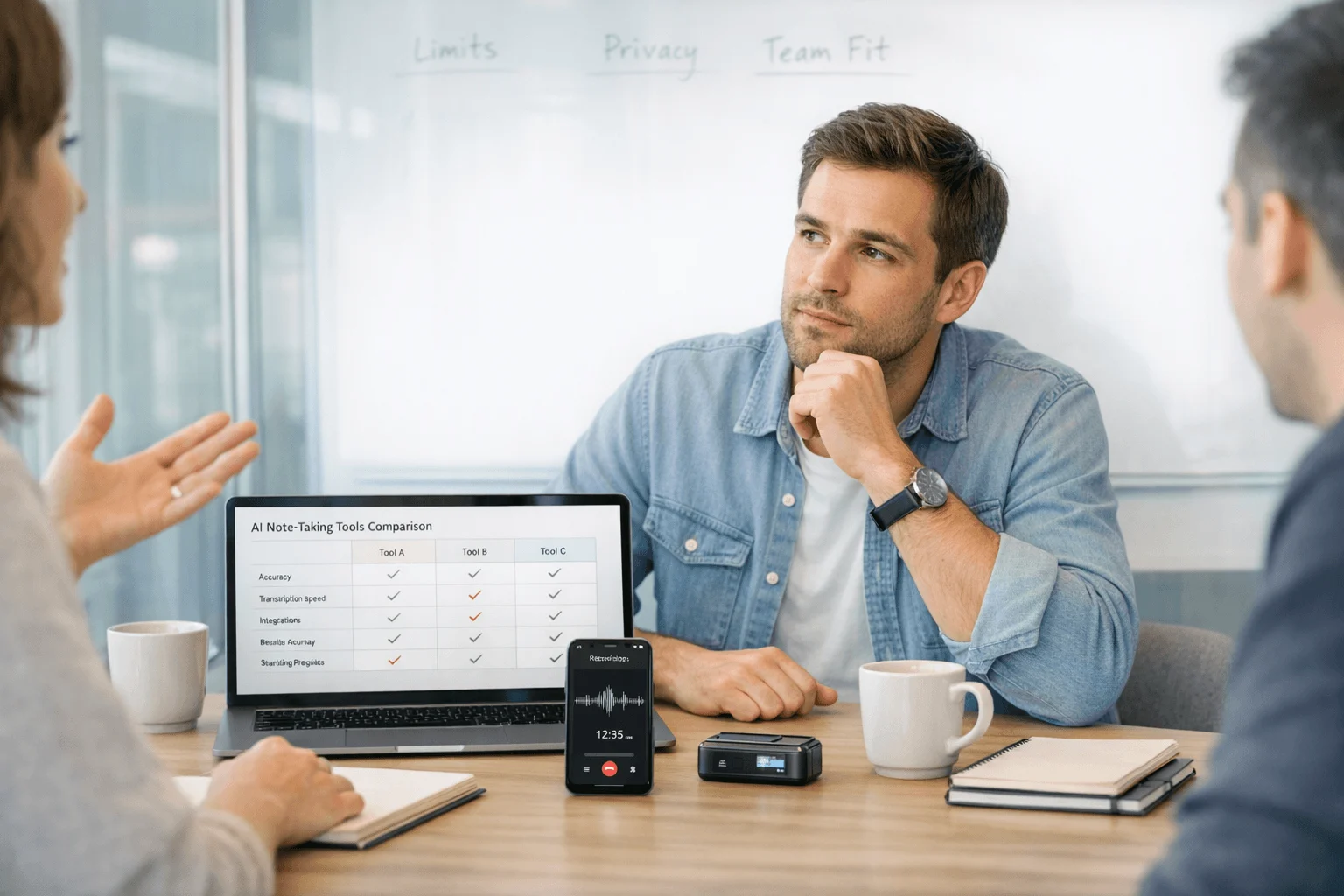
TL;DR: Best Free AI Note Takers for Fast Decisions
I've left a 45-minute client call, a 30-minute team sync, and a phone follow-up the same day with nothing usable in my notes. That's why I don't judge these tools on summary quality alone. A lot of "free" AI note takers are really short trials, and capture method matters just as much as the transcript.
After testing bot-based, browser-based, app-based, and hardware-based options across meetings, calls, and in-person conversations, I picked 5 best free AI note takers. Read along and learn more.
Full disclosure: we're TicNote. We make AI note-taking hardware, and our devices come with a free plan that includes 600 transcription minutes per month. We're not on the list below because you have to buy the device first — it's not a zero-cost entry. But if you stick around to the end, we'll make the case for why the math might work in your favor anyway.
Quick Picks: Which Free AI Meeting Note Taker Is Best for You?
If you just need a fast shortlist, start with capture style, not brand. I'd use Fathom for solo Zoom-heavy work, Otter for occasional live transcription and in-person notes, Tactiq if you want browser-based notes without a meeting bot, and Fireflies when your team needs multilingual capture across platforms.
| Tool | Free-plan viability | Capture method | Works well when | Falls short when | Best for |
| Fathom | Strong for solo use | Meeting bot/app | You want polished summaries from online meetings | You need in-person or phone capture | Solo meeting summaries |
| Otter | Good at low volume | App + live transcription | You need quick transcripts and in-person notes | Free minutes run out fast for heavy teams | Low-volume users |
| Fireflies | Fair for testing | Meeting bot | You want to test multilingual meeting capture | Free tier gets tight for regular use | Language testing |
| Tactiq | Usable with limits | Browser extension, bot-free | You want notes inside Google Meet without bots | Transcript and AI credits are limited | Bot-free browser notes |
| Krisp trial | Short-term only | Bot-free desktop app | You want to test bot-free meeting notes | Not practical as a long-term free plan | Trial use |
Quick picks by scenario
- Best for solo users:Fathom. It's the easiest fit when you mostly join your own online meetings and want clean summaries without extra setup.
- Best for privacy-focused shoppers:Tactiq. Its bot-free browser capture is the cleanest option if you want meeting notes without inviting a recorder bot.
- Best free meeting transcription app for low-volume users:Otter. It's a practical pick when you only need occasional live transcription and quick meeting notes.
- Best for multilingual team testing:Fireflies. Useful when your team spans languages and you want to evaluate before committing to a paid plan.
- Best for noisy environments:Krisp. Worth testing when call quality is the bottleneck, not the note-taking itself.
5 Best Free AI Note Takers for Meetings
The best free AI note taker depends less on summary quality alone and more on where your conversations actually happen. If your week includes Zoom calls, speakerphone check-ins, hallway debriefs, and client meetings away from your desk, the wrong tool will miss half the record before AI ever helps.
I looked at each option through one practical filter: can it capture the conversation you really have, not just the tidy laptop meeting. That's why this list covers bot-based, browser-based, and app-based tools — the ones that cost nothing to start.
Fathom: Best for solo users who mainly need free AI meeting note taker coverage for desktop video calls
If you're a freelancer or consultant taking a few Zoom calls a week, Fathom is one of the easiest free tools to recommend. It fits when your main goal is simple post-call summaries, action items, and less time rewatching recordings.
Its reputation for individual users is strong for a reason. Across competitor comparisons, Fathom is usually one of the more generous free options for solo workflows. The tradeoff is that it becomes less compelling when you need deeper admin controls, broader collaboration, or anything beyond mainstream online meetings.
Key features
- Strong meeting summaries for recurring online calls
- Low-friction workflow for individual users
- Simple fit for Zoom-heavy and desktop-first schedules
Pros
- Widely regarded as generous for individuals
- Strong fit for solo call recap workflows
- Easy to test before paying
- Useful if your work stays in online meetings
Cons
- Weaker for team collaboration and admin needs
- Less suited to phone calls or in-person capture
- Value drops fast if meetings happen away from your laptop
Otter: Best for low-volume users who want live transcription for short meetings and in-person notes
A team lead grabs a 20-minute hallway update after standup and wants searchable text before lunch. That's still where Otter makes sense. It fits best when live transcription matters more than polished AI outputs and monthly usage stays modest.
Otter has been a familiar name in live transcription for years, and that reputation still helps it. It's often useful for in-person notes and transcript-first workflows, but the free tier becomes tight quickly if you record frequent meetings.
Key features
- Live transcription during conversations and meetings
- Searchable transcripts for quick recall
- Basic AI note support around captured meetings
- Works well for transcript-first users
Pros
- Familiar product for many buyers
- Good starter option for in-person notes
- Useful for transcript-first workflows
- Simple onboarding
Cons
- Free plan is restrictive for frequent meetings
- Not the strongest long-term free option
- Less competitive if you want richer summaries or broader capture methods
Fireflies: Best for small teams testing multilingual meeting notes before rolling out a paid workflow
A small distributed team joins calls across different platforms and wants searchable records in more than one language. Fireflies is often shortlisted for exactly that kind of early evaluation. It fits teams that want transcription plus some follow-up automation before committing to a broader rollout.
In competitor comparisons, Fireflies keeps showing up for multilingual and team use cases. That's real. But so is the catch: the free plan looks broader at first glance than it feels once a team starts recording several meetings every week.
Key features
- Multilingual support for distributed teams
- Meeting capture across major platforms
- Searchable notes and transcripts
- Team-oriented workflow potential
Pros
- Useful for cross-language teams
- Recognizable option for team pilots
- Broad meeting workflow fit
- Easy to compare against other bot-based tools
Cons
- Free-plan depth is limited
- Important features sit behind paid tiers
- Practical value drops once recording volume rises
Tactiq: Best for users who want bot-free notes from browser-based meetings
Some people simply don't want a bot joining the call. If you live in Google Meet and want on-screen transcription through a browser extension, Tactiq is one of the cleaner ways to do it. It's a good fit when setup speed matters more than capturing every possible call type.
Its extension-based model, real-time transcript flow, exports, and AI credits make it easy to test. The issue is consistency over time. In practice, transcript limits, AI credits, and occasional reliability concerns can weaken the free-plan value.
Key features
- Bot-free browser capture inside meeting workflows
- Real-time transcripts you can follow during calls
- Export options for sharing notes after meetings
- Summary and action-item support
Pros
- No meeting bot needed
- Good fit for browser-heavy meetings
- Quick setup
- Helpful for teams that want visible in-call notes
Cons
- Not ideal for phone calls or in-person conversations
- Free AI credits and transcript limits can run out quickly
- You may still need another tool for broader recording coverage
Krisp: Best for users testing bot-free meeting transcription where noise cancellation matters
If you work from a noisy home office, cleaner audio may be the first problem to solve, not prettier notes. That's why Krisp earns a spot here. It's interesting because it combines bot-free meeting notes with noise cancellation, which can improve what gets captured in the first place.
That said, I wouldn't treat it as the best durable free option. Most comparisons position Krisp more like a free trial path than a long-term free plan. It's worth testing when call quality is hurting transcription quality, but not as your forever free pick.
Key features
- Bot-free note taking for desktop calls
- Noise cancellation to improve meeting audio
- Useful for remote-call workflows in noisy environments
Pros
- Strong angle for noisy environments
- Useful short-term testing path
- Different from standard summary-only tools
Cons
- Not a true long-term free pick
- Paid plans matter quickly
- Less relevant for in-person or phone-based capture outside desktop calls
How I Evaluated Free AI Note Takers
I didn't rank these tools by who had the longest feature page. I ranked them by the point where a free plan still works in a real week. If you're a founder with five 30-minute calls, a consultant bouncing between Zoom and phone calls, a sales rep walking from conference room to car, or a team lead who exports every sync into docs, that cutoff matters more than one extra AI summary template.
Most lists miss that. They treat a free tier as usable if it exists at all. In practice, some free plans are fine for 2 to 4 meetings a month and useless after that. Others stay practical because the capture method fits real work.
Use four filters first
I used four decision variables. Free-plan viability means monthly minutes, AI credits, and the real ceiling before the tool becomes a demo. Capture method means bot, app, browser extension, or hardware, because that decides whether you can record Zoom, phone calls, hallway chats, or in-person meetings. Privacy and consent covers bot joiners, cloud processing, and added review needs. Export and control means whether you can search, move, and reuse transcripts in tools like Notion or Obsidian.
Compare by workflow, not branding
| Tool | Works well when | Falls short when | Best for |
| Fathom | You live in Zoom and want fast recaps | You need phone or in-person capture | Solo consultant who mainly takes Zoom client calls |
| Otter | You want searchable transcripts across recurring meetings | Free limits pile up quickly on busy weeks | Team lead who needs searchable meeting history |
| Fireflies | You need broad meeting platform support | Bot-based capture is a privacy hurdle | Small team running scheduled remote meetings |
| Tactiq | You prefer a browser extension over a bot | You work outside browser-based meetings | Freelancer who joins Google Meet and wants lightweight notes |
| Krisp | You want noise cancellation plus meeting notes | You need strong in-person capture | Remote professional taking calls from noisy environments |
How to Choose the Right Free AI Note Taker
Start with where your conversations actually happen. If 80% of your week is Zoom or Google Meet and you work solo, I'd pick Fathom first because its free plan stays useful longest for desktop recap workflows. If you want bot-free capture inside the meeting tab, Tactiq makes more sense. If you mostly need simple live transcripts for low-volume meetings or in-person notes, Otter is still the easiest transcript-first option. And if your team is testing multilingual capture across departments, Fireflies is usually the easiest pilot.
Then look one step past the summary. A decent recap is fine for a one-off call, but it breaks down when notes need to move into follow-ups, CRM tasks, or a team knowledge base. Think about what happens to your notes after the meeting ends — that determines which tool actually saves you time versus which one just adds another app to check.
Finally, set your upgrade line before you commit. A practical rule is simple: if you record more than 300 to 600 minutes a month, most free plans stop feeling free. My short version: Fathom for solo online meetings, Otter for light transcript use, Fireflies for team pilots, Tactiq for bot-free browser capture, Krisp for testing note-taking on noisy calls.
Why you should consider TicNote (Hint: It's cheaper than many "free" AI note takers)
Ok, we know that TicNote is not technically free. You have to buy the device upfront.
But hear us out.
All free AI note takers are designed to turn you into a paying customer at some point. And it often costs $20–$30 per month to upgrade from a limited free plan.
TicNote's pricing works differently.
You purchase the AI note-taking device upfront, but once you own it, the included Plus plan gives you 600 transcription minutes per month with access to all AI features — summaries, speaker identification, templates, Ask AI, Mindmap, and direct export to Notion and Obsidian. You only pay if you need more transcription minutes.
So instead of paying $20+ per user every month just to unlock features, you pay once for the device and then scale minutes as needed.
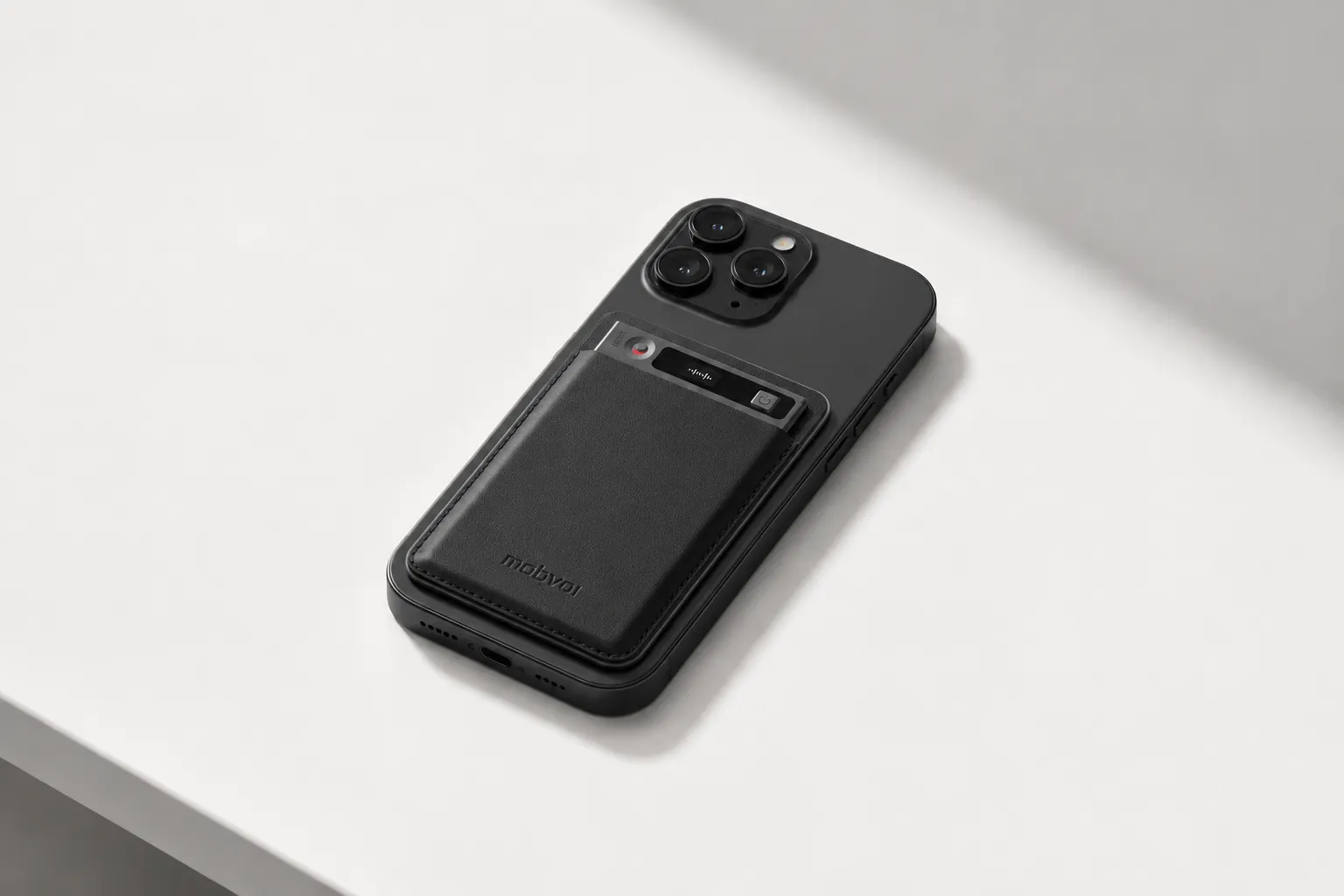
Plus, TicNote is more versatile than software-only note takers. The TicNote AI Voice Recorder records phone calls via Earphone mode and in-person meetings via Speaker mode. The TicNote Pods 4G goes further with built-in 4G, Live Summary, and automatic call recording — no phone nearby needed. You'll never deal with meeting bots, permissions, or platform restrictions.
If you record meetings often and across different formats, that math works in your favor.
Conclusion: The Best Free AI Note Taker Depends on Where You Record
The right choice usually isn't the tool with the longest feature list. It's the one that can capture your actual conversations, for free, long enough to prove the workflow fits your week. In practice, the best option for Zoom meetings is often different from the best one for phone calls, hallway chats, or privacy-sensitive teams that don't want a bot joining every meeting.
That's also where many free plans hit their limit. They're good for testing, not for permanent heavy use. If most of your conversations happen away from a laptop, hardware-backed options start to matter because they can record calls and in-person meetings in ways browser tools can't.
Take 10 minutes now: list last week's meeting types, total minutes, and whether they happened by bot, browser, app, phone, or in person, then match that pattern to the shortlist above. Before you choose, compare your top two again based on capture method, free limits, and privacy tradeoffs.


