


 Extension
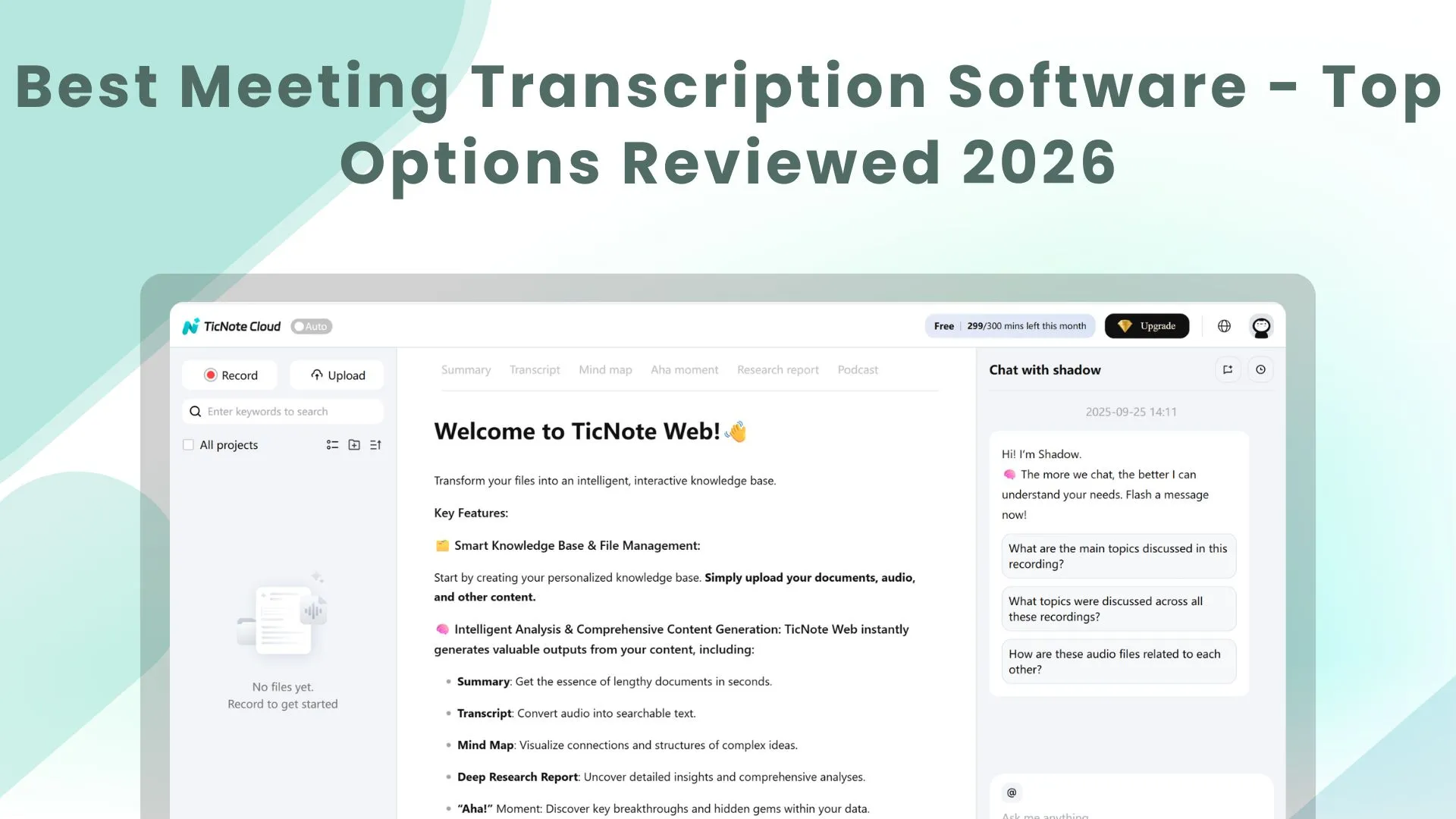
2026 is shaping up to be the year AI shifts from answering questions to collaborating as a true partner—think digital coworkers, smarter infrastructure, and new safeguards designed to keep trust and security from becoming an afterthought. In that world, meeting transcripts stop being “notes” and start becoming operational fuel: decisions you can trace, actions you can ship, and shared context your team (and your agents) can actually use. This guide compares the best meeting transcription tools for turning conversations into searchable knowledge and project-ready deliverables—fast, clean, and practical.
Which Transcription Tool Is Right for You?
Use this quick 2-minute checklist:
- Do you need a bot to join the call, or do you want bot-free capture?
- Do you need translation for global teams, or only one language?
- Do you need collaboration (sharing, permissions, version history), or just personal notes?
- Do you need CRM sync, or is a searchable library enough?
Quick Answer
The best meeting transcription tool in 2026 depends on what “best” means for your work.
- TicNote Cloud is the top overall pick when you want transcripts, summaries, and project-ready outputs in one place.
- Otter.ai stands out for real-time transcription during meetings.
- Fireflies.ai is best for sales teams that want CRM-friendly call notes.
- Fathom is the best free option for unlimited recording and transcription.
Top Meeting Transcription Software Compared
Based on hands-on usage patterns and widely reported feature sets, here are leading meeting transcription tools for 2026:
| Tool | Starting Price | Accuracy | Languages | Best For |
| TicNote Cloud | Free plan (with credits) / Pro upgrade | High | 17+ for real time translation and 70+ after meeting | Deliverables + reusable team knowledge |
| Otter.ai | Free / $8.33/mo | Up to 95% | 3 | Individuals & real-time transcription |
| Fireflies.ai | Free / $10/mo | High | 60+ | Sales teams & CRM integration |
| Fathom | Free | High | 50+ | Budget-conscious users |
| Jamie | Free / $24/mo | High | 40+ | Privacy-focused (no bot) |
| MeetGeek | Free / $15/mo | High | 50+ | Mixed meeting types & analytics |
| Notta | Free / $8.17/mo | Very High (98%) | 80+ | Multilingual teams |
Detailed Reviews of Top Tools
#1 TicNote Cloud – Best Overall
TicNote Cloud is built for people who want outcomes, not just notes. It treats every meeting as raw material you can turn into clean, reusable work: briefs, reports, follow-ups, and shareable knowledge.
It is especially strong when your meetings connect to bigger projects, where context matters and you need to trace decisions later.
Key Features:
- Real-time recording without a meeting bot (plus audio/video uploads in batches)
- Speaker diarization (who said what) and real-time transcription + translation in 17+ languages
- Multi-level summaries (short, medium, full), plus keywords and timeline/theme jumps
- Auto mind maps that show how ideas connect
- Edit directly inside transcripts (WYSIWYG-style), with comments and collaboration tools
- Output templates for deliverables (for example: report formats), plus document translation that preserves layout
- Knowledge system features: Projects, tags, permissions (Owner/Editor/Viewer), traceable citations, version history
- Privacy-first stance: no training on user data without permission
Pricing note: TicNote follows a device-plus-cloud model in many markets, with a free plan (credits) and optional Pro upgrades.
#2 Otter.ai – Best for Real-Time Transcription
Otter.ai is known for live transcription during calls. If your main need is “show me the words as we talk,” it is one of the most common picks.
Key Features:
- Live transcription during meetings
- Speaker identification (when conditions allow)
- AI chat or search to find key moments
- Auto summaries and action items
- Works across common meeting apps and devices
Free plan is available; paid plans start around $8.33/month.
#3 Fireflies.ai – Best for Sales Teams
Fireflies is designed for teams that want call notes tied to revenue workflows. It is strongest when you care about searchable call history and CRM-friendly outputs.
Key Features:
- Joins and captures calls across major meeting platforms
- Notes with speaker labels and structured summaries
- Searchable transcript library
- Workflow features for teams (sharing, routing, follow-ups)
- CRM integrations for logging and call context
Free plan is available; paid plans start around $10/month.
#4 Fathom – Best Free Option
Fathom is the simplest answer when cost is your top constraint. It offers unlimited core recording and transcription for free, which is rare.
Key Features:
- Unlimited recording and transcription on the free tier
- Fast summaries and highlights
- Sharing and basic organization
- Works across popular meeting platforms
Core features are free.
#5 Jamie – Best for Privacy (No Bot Required)
Jamie focuses on bot-free capture and privacy-forward positioning. It’s a good fit when your team dislikes bots in meetings or wants a less “intrusive” setup.
Key Features:
- Bot-free recording from your device
- Works across meeting tools (and even offline in some cases)
- Structured notes with action items
- Multilingual summaries (tool support varies by plan)
Free plan is available; paid plans start around $24/month.
#6 MeetGeek – Best for Diverse Meeting Types
MeetGeek is geared toward teams that want a steady meeting log: transcripts, summaries, and patterns across many internal calls.
Key Features:
- Automated meeting capture and summaries
- Organization options (folders/tags, searchable history)
- Analytics-style views for recurring meetings
- Sharing for teams that need consistent reporting
Free plan is available; paid plans start around $15/month.
#7 Notta – Best for Multilingual Teams
Notta is a strong option when you work across languages and want a fast, easy way to capture and export transcripts.
Key Features:
- Multilingual transcription support
- Exports for sharing and reuse
- Useful for interviews, lectures, and cross-border teams
- Plans that scale from personal to business use
Free plan is available; paid plans start around $8.17/month.
Key Features to Consider
When picking meeting transcription software, focus on these factors:
Accuracy & Quality
- Accuracy changes with audio quality, accents, and noise
- Speaker labels help you track ownership and decisions
- If your work uses special terms, test with real meeting audio
Platform Integration
- Confirm support for Zoom, Google Meet, and Microsoft Teams
- Check calendar sync (Google Calendar, Outlook) if you want automation
- If you are in sales, look for CRM links (Salesforce, HubSpot, Pipedrive)
Security & Compliance
- Look for clear data handling rules and admin controls
- For regulated teams, confirm GDPR/HIPAA needs (where relevant)
- Ask about encryption and retention controls
AI Features
- Summaries and action items save the most time
- Search and “ask your meeting” chat can replace re-watching recordings
- For global teams, translation can matter as much as transcription
Pricing Comparison
Free Tiers
- Most tools offer a free plan with limits (often minutes per month)
- Fathom stands out with unlimited free core features
- Free plans often restrict exports, integrations, or team controls
Paid Plans
- Common range: roughly $7–$30 per user per month
- Higher tiers usually add team features and deeper integrations
- Annual billing often reduces cost
Enterprise
- Custom pricing is common for large teams
- Expect SSO, admin controls, and stronger security options
- Some vendors offer SLAs and onboarding support
Use Cases by Team Type
Sales Teams
Best tools: Fireflies.ai, Otter.ai
Key needs: CRM logging, follow-ups, searchable deal context
Product & Engineering
Best tools: TicNote Cloud, MeetGeek
Key needs: action items, decision trails, reusable knowledge
Customer Success
Best tools: Otter.ai, Fireflies.ai
Key needs: summaries, easy sharing, account history
Remote Teams
Best tools: TicNote Cloud, Fathom
Key needs: async review, searchable transcripts, simple sharing
Privacy-Focused Organizations
Best tools: TicNote Cloud, Jamie
Key needs: bot-free capture options, clear privacy controls
How We Evaluated These Tools
Our recommendations are based on:
- Real-world usability (how fast you get to a useful output)
- Feature depth (summaries, search, integrations, team workflows)
- Pricing value (what you get at each tier)
- Common user feedback patterns (ease of use, reliability, sharing)
Find Your Perfect Transcription Tool
As AI becomes more collaborative, the winning transcription tool is the one that helps a small team punch above its weight—capturing what was said, preserving context, and producing outputs you can hand to humans or agents without a cleanup marathon, while keeping trust and safeguards in mind. Start with TicNote Cloud if you want meetings to reliably turn into deliverables and reusable team knowledge; choose Otter.ai for live transcription; pick Fireflies.ai for CRM-driven sales workflows; and use Fathom when free and simple is the priority.


