


 Extension
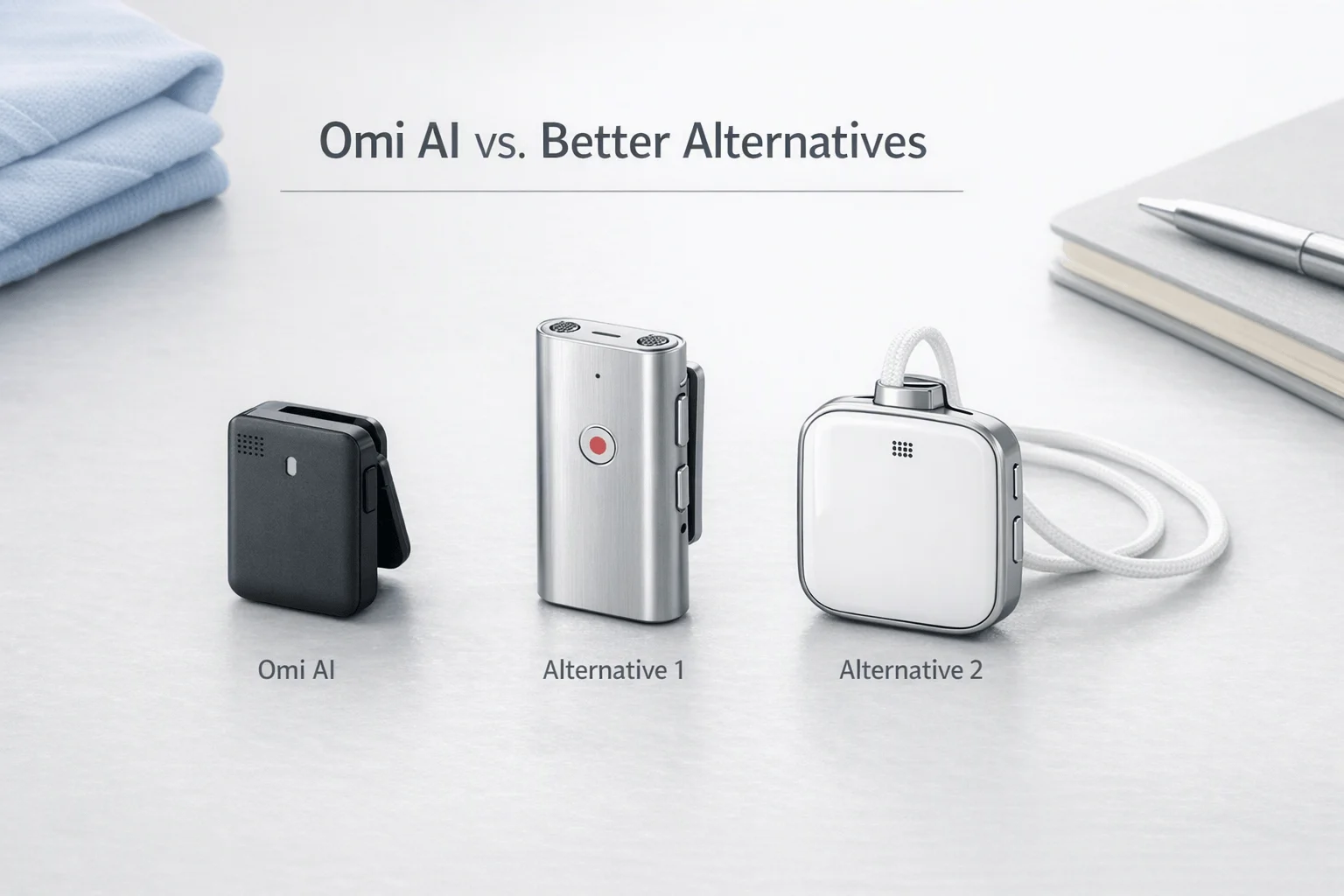
TL;DR: Wearable Tech verdict on Omi
If you want a quick take, the Omi AI wearable review verdict is simple: Omi is most compelling as an open, developer-friendly ambient recorder, not a polished meeting wearable for every buyer. Confirmed details like its $89 base price, open-source angle, offline recording, and free tier make it interesting, but many of its bigger workflow benefits still depend on how smoothly its app, sync, and setup fit your routine.
Best case: developers, tinkerers, and privacy-minded users who value local control and flexibility. More likely frustration: buyers who want a turnkey device with low setup friction, predictable transcription flow, solid battery expectations, and clear long-term practicality. Below, we score Omi on those points, then compare it in a normalized table with three stronger alternatives for people who want a more ready-to-use AI note taker wearable.
Omi AI wearable review: what it promises and who it fits
The core idea behind the Omi AI wearable is simple: capture more of your day so you forget less. Omi positions itself as a low-cost, open-source "second brain" for conversations, screen activity, tasks, and recall. In practice, though, buyers should separate what the product does now from the bigger brand vision around intent detection and future brain-signal concepts. The real buying question is more practical: does it save time in meetings, calls, and daily follow-up without creating extra setup work?
Understand what Omi is actually selling
At the hardware level, Omi is not a polished enterprise meeting badge. The main Omi device is a small wearable priced at $89, while the Omi Glass Dev Kit targets builders at a much higher price point. That pricing makes Omi stand out in a category where dedicated AI note hardware often starts closer to $129 to $159.
What you get is a wearable built around ambient capture, memory support, and experimentation:
- conversation recording
- screen and context capture
- searchable summaries, tasks, and memories
- daily recap features
- app support across phone, desktop, and web
- optional open workflows, including BYO API choices in some setups
That last point matters. Closed systems usually aim for fewer decisions and faster results. Open systems give you more control, but they also ask more from you.
Expect a phone-first workflow, not magic
For most buyers, Omi makes the most sense as a companion-device product. The wearable records, but the broader value comes from the app layer, sync flow, summaries, and AI processing choices. If you're comfortable adjusting settings, testing models, or managing APIs, that flexibility is a benefit. If you want one-tap recording and a polished summary every time, the experience may feel less mature.
Here's the fit at a glance:
| Buyer type | Fit level | Why |
| Developers and tinkerers | High | Open-source design and hackable workflows are a real draw |
| Privacy-conscious professionals | Medium | More control is appealing, but setup and policy details still need close review |
| Meeting-heavy knowledge workers | Medium-low | Useful in theory, but many will prefer simpler, more turnkey tools |
Know if this review is for you
Keep reading if you care about three things: real-world friction, privacy tradeoffs, and whether open-source freedom is worth the extra work. Omi looks most compelling for tinkerers and early adopters. It looks less compelling for buyers who just want a mature wearable recorder that works cleanly out of the box.
In the next sections, we'll benchmark Omi against simpler alternatives, including TicNote, and break down where each device fits best with a normalized comparison table and buyer-friendly product cards.
How does Omi perform in daily use?
In daily use, the omi ai wearable feels most compelling when you treat it like a lightweight memory layer, not a polished business recorder. The core promise is simple: capture conversations, screen context, and follow-up tasks with less friction than pulling out your phone. In practice, first-day usability depends heavily on how technical you are, how much permission setup you tolerate, and whether you expect a consumer-ready workflow or a developer-friendly platform.
Expect easy basics, then some setup tradeoffs
For non-technical users, the first mile matters most:
- account creation
- Bluetooth pairing
- microphone and notification permissions
- app background access
- sync across phone, desktop, or web
That basic path should be manageable. Where friction can rise is in advanced use. Omi's broader value comes from routing conversation and screen data into tasks, memories, and searchable recaps. If that means tweaking permissions, testing app stability, using BYO API keys, or exploring self-hosted and open-source options, the experience shifts fast from simple gadget to tinkering project.
A fair first-day score looks like this:
| User type | Setup score | Why |
| Non-technical buyer | 6/10 | Core onboarding is approachable, but deeper features can feel unfinished or permission-heavy |
| Power user | 7/10 | Flexible apps and integrations help, but still require patience |
| Developer | 8/10 | Open-source access and hackability are a real plus |
If setup simplicity is your top filter, check current product details before buying and compare Omi against more wearable voice recorder options with a more mature out-of-box workflow.
Judge capture quality by workflow, not by claims
The right daily-use test is not just "does it record?" It's whether the output is usable fast enough to trust.
A good review should check:
- room pickup in quiet and medium-noise spaces
- speech separation in two- to four-person conversations
- transcript delay after recording
- summary speed and usefulness
- short chat performance versus 30- to 60-minute meetings
- reliability when walking, commuting, or switching devices
On paper, Omi product specifications say Omi can record up to 720 minutes on a full charge and uses Bluetooth 5.3 for connectivity. That sounds solid, but battery and connection specs alone don't guarantee clean transcripts.
In real-world category testing, products like Omi usually do best with ambient note capture: quick conversations, idea capture, and loose daily memory logs. They tend to struggle more with overlapping speakers, phone calls, dense team meetings, and structured professional documentation where speaker labels, precise terminology, and fast summaries matter more.
| Workflow factor | Omi outlook | What to watch |
| Short chats | Stronger fit | Good for reminders, action items, memory prompts |
| Long meetings | Mixed | Accuracy and recap quality matter more than raw recording time |
| Phone calls | Limited | Call workflow maturity is less clear than on dedicated note-taking wearables |
| Noisy spaces | Mixed | Small wearable mics usually lose ground fast in crowd noise |
| Summary timing | Competitive but variable | Depends on app stability and sync path |
Set realistic expectations for battery and reliability
Battery claims should be treated as maximums, not all-day guarantees. Real wear time drops with active Bluetooth, frequent sync, and heavier transcription use. Comfort also matters more than spec sheets suggest. A tiny wearable can feel convenient for short sessions but still create trust issues if it misses clips, drops pairing, or needs too much babysitting.
That's the real dividing line: Omi feels closer to a promising prototype-era AI wearable than a business-ready recorder built for repeatable, high-stakes capture. If you want experimentation, customization, and open-source flexibility, that may be a fair trade. If you need cleaner recording workflows and more confidence in all-day use, more mature AI note taker wearables later in this article will likely fit better.
Privacy, consent, and data control in this wearable tech category
Privacy is where devices like the omi ai wearable shift from clever to consequential. These products don't just capture a memo you choose to record. They can collect ambient speech, meeting context, and in some cases screen activity, which creates a very different risk profile than a phone voice note or a standard recorder. If you want a broader framework, this guide to wearable tech privacy risks and use cases is a useful starting point.
Check where processing happens
The first question is simple: what stays on the device, and what goes to the cloud?
That split matters. Local processing lowers exposure because fewer raw files leave your hardware. Cloud processing can add better summaries, search, and sync, but it also increases the number of systems that may store or handle your data. Omi's appeal is that it presents an open-source, more user-controlled model, with on-device options and BYO API key support for some workflows. That gives advanced users more control over routing and cost.
But there's a tradeoff. A DIY stack means more setup, more points of failure, and more responsibility if something is misconfigured. For many buyers, a managed workflow with clearer retention rules, deletion tools, and documented security controls is the safer choice in practice.
Treat BYO infrastructure as power with responsibility
BYO API keys and self-hosting can be strong advantages when you need:
- tighter control over model providers
- clearer usage billing
- custom automation or developer flexibility
- reduced dependence on one vendor's cloud
Still, control is not the same as compliance. If you route transcripts through your own tools, you also own more of the security burden.
Get consent before you press record
Consent rules vary by country, state, workplace, and call type. The baseline is straightforward: don't assume a wearable recorder is treated like a personal notes app. According to the U.S. Department of Justice, Citizen's Guide To U.S. Federal Law On The Use Of Concealed Recorders (updated Jan. 8, 2015), under federal law, "it is legal to record a conversation if one party to the conversation gives consent." That does not override stricter state laws, employer rules, or professional confidentiality duties.
Before buying, use this checklist:
- clear consent prompts or visible recording behavior
- audio retention and deletion controls
- export and account deletion options
- plain-language privacy terms
- encryption claims and where data is stored
- call-recording limits for your region and workplace
- policy for sensitive meetings, client calls, or health and legal discussions
In this category, the best privacy feature isn't a slogan. It's documented control.
Where does Omi stand out—and where does it fall short?
The biggest reason the omi ai wearable stands out is simple: it offers a more open, builder-friendly path than most devices in this category. At a stated entry price of $89 for the base device, Omi lowers the cost of trying an AI wearable, and its open-source positioning gives developers real room to test automations, local models, and custom routing. In a market where many products are more locked down and more subscription-led, that is real differentiation.
Wins on flexibility and price
Omi looks strongest for users who want control over how capture turns into output. Its pitch goes beyond recording. It combines conversation capture, screen activity, task sync, and searchable memory into one system. That matters for technical users who want to connect notes to workflows instead of staying inside one preset app.
A few strengths stand out:
- Lower upfront cost than many dedicated AI wearables
- Open-source appeal for developers and tinkerers
- Offline recording support on the base device
- BYO API key options in the wearable app path
- Support across phone, desktop, web, and wearable surfaces
For that audience, Omi can feel more like a platform than a gadget.
Falls short for mainstream reliability
That same flexibility creates tradeoffs. Mainstream buyers usually want fast setup, stable summaries, clear permissions, and support that feels predictable. Omi may not be the best fit if you need a polished, low-friction workflow for client meetings, calls, or compliance-sensitive documentation.
Potential downsides for non-technical users include:
- More setup friction than simpler record-and-sync devices
- Less certainty around long-term polish and support quality
- Fewer guardrails for users who do not want to configure workflows
- Weaker fit for direct call capture and structured recap workflows
So where does that leave it? Omi is compelling for builders, but less convincing for buyers who value simplicity, portability, and dependable outputs first. If that is your priority, it is worth comparing it with other AI wearables worth shortlisting before you decide.
Alternatives to consider
If the omi ai wearable feels more like an experiment than a finished daily tool, there are stronger options for buyers who want cleaner capture, simpler setup, or a more predictable notes workflow. The biggest difference is not just hardware. It is how fast you can start recording, how usable the summaries are after the meeting, and how much trust you have in the privacy model.
Consider TicNote for structured note-taking
TicNote is a family of AI note-taking devices rather than a single wearable. That matters. You can pick a slim card recorder, a simpler budget card, or earbuds built for calls and mobile work.
- Form factors: card recorder, card recorder lite, open-ear earbuds
- Best for: meeting-heavy professionals, consultants, sales teams, and users who want one-press capture
- Strengths: offline recording, transcription with summaries and action items, speaker identification, translation, and broader hardware choice
- Tradeoffs: best experience depends on syncing into its cloud workflow, and advanced usage may still depend on plan limits
- Workflow style: record first, sync when needed, then review transcript, summary, and to-dos in a structured app flow
Compared with Omi, TicNote is less about a "second brain" idea and more about reliable capture-to-summary execution. That makes it easier to recommend for people who need records of meetings, calls, or lectures without much setup friction. If you want a broader category view, this guide to AI wearables for meetings and recall adds more side-by-side context. You can also check TicNote product details if you want to compare the card and earbud formats more closely.
Consider Comulytic for simpler professional capture
Comulytic looks more focused than Omi. Instead of screen memory and broad personal recall, it centers on work conversations, summaries, and client context.
- Form factor: portable note-taking device
- Best for: sales, consulting, finance, legal, and other client-facing roles
- Strengths: simpler value proposition, long claimed battery life, and a workflow built around professional follow-up
- Tradeoffs: buyers should verify privacy terms, what "unlimited" transcription really covers, and whether premium features add recurring cost
- Workflow style: record conversations, then use summaries and AI follow-up features inside the app
For some buyers, that narrower scope is a plus. It is easier to understand than Omi, and likely easier to deploy in teams that care more about recap quality than wearable experimentation.
Consider Pocket for lightweight daily capture
Pocket is the option for shoppers who want small, fast, low-friction capture. It appears designed for convenience first.
- Form factor: compact standalone device
- Best for: founders, creators, and busy users who want quick memory capture
- Strengths: portable design, long battery claims, broad language support, and simple everyday use
- Tradeoffs: it may feel lighter on deep documentation workflows than tools built around formal meeting records
- Workflow style: press once, capture the conversation, then search notes and action items later
Pocket makes more sense than Omi if your top need is speed and portability. But if you document regulated, client-sensitive, or high-stakes meetings, a more structured system may fit better.
Compare the practical differences
| Product | Setup | Privacy posture | Recording mode | Call support | Summary workflow | Portability |
| Omi | Moderate; more experimental | Strong on paper; verify data controls in practice | wearable + screen/conversation capture | Limited clarity by use case | memory, tasks, recaps | Very portable |
| TicNote | Easy to moderate, depends on model | Strong claimed controls, encryption, offline option | one-press device or earbud capture | Stronger on call and meeting flexibility | transcript, summary, action items | High |
| Comulytic | Simple | Check exact policy details and cloud terms | dedicated recorder workflow | Not fully clear from surfaced materials | summary and client follow-up focus | High |
| Very easy | Good buyer-friendly claims; still verify retention details | quick standalone capture | Not the main focus | notes, search, action items | Very high |
In short, Omi remains the best fit for developers, tinkerers, and users drawn to open-source memory capture. TicNote is the better fit when you want a structured note-taking workflow and more hardware choice. Pocket is the better fit when portability matters most, while Comulytic suits buyers who want a more straightforward professional recorder.
Which wearable is the better fit by use case?
If your shortlist includes the omi ai wearable, the right pick depends less on headline features and more on how much setup friction you can tolerate. In this category, the best device is usually the one that matches your workflow on day one, not the one with the longest spec sheet.
Choose Omi for open workflows
Omi is the better fit for developers, makers, and privacy-focused tinkerers. Its open-source approach, on-device angle, BYO API key support, and dev-kit path make it the most flexible option here. If experimentation matters more than polish, Omi wins.
Choose TicNote for structured notes
For professionals who need reliable meeting output, TicNote is the stronger fit. The item-card evidence is straightforward: dedicated hardware across four SKUs, real-time transcription, summaries, action items, speaker identification, and cross-device sync are built into one workflow with less setup burden than Omi Glass and less manual tweaking than an open wearable. If you want cleaner end-to-end capture, review, and follow-up, TicNote is the safer buy.
Split simplicity from portability
If you want minimal setup, TicNote Card Lite stands out because it is modeless: press once and record. If you want the lightest everyday carry, Omi device is compelling at $89 with a tiny puck-like form factor, while card-style devices may still fit better in a wallet-first routine. For a broader side-by-side view, this guide to AI note taker wearable alternatives is a useful next read. Before you buy, use the comparison table and each product page to confirm current pricing, battery claims, and subscription limits.
Final thoughts
The Omi AI wearable is compelling because it lowers the cost of entry and brings an open, experimental feel to ambient AI. But that doesn't make it the default best buy. If you want a cleaner meeting workflow, clearer privacy expectations, and less setup friction, more mature options may fit better.
Match the device to your tolerance for tradeoffs
Your decision should come down to three things:
- how much setup and tinkering you're willing to handle
- how important structured summaries and reliable daily workflows are
- how comfortable you are with the device's privacy model and ongoing data capture
If you're still comparing the category, this wearable device buying guide gives a broader look at current options and buyer fit. Sign up for future wearable-tech reviews and comparison updates if you want the latest changes in specs, apps, and privacy policies.


