


 Extension
TL;DR: AI Note Taker verdict for device vs app buyers
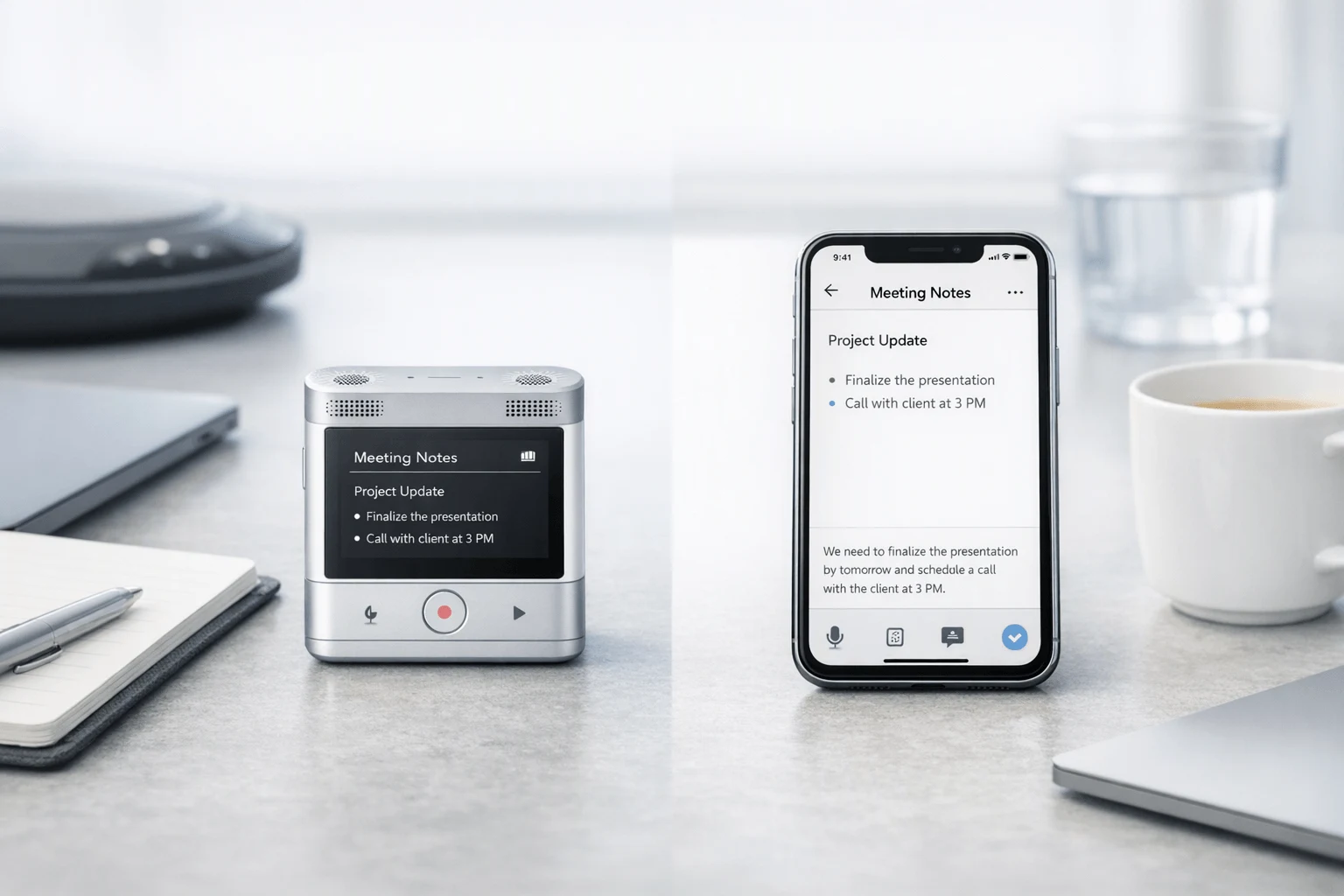
If you want the shortest answer, buy a dedicated TicNote device for serious capture: in the note taker device vs note taker app debate, hardware usually wins for meetings, interviews, lectures, phone calls, and offline use because it starts faster and fails less often. Apps still make sense if your workflow is light, online-only, and budget-first.
- Best quick answer: Buy a device if missed details cost you time or money; use an app if you only record occasionally.
- Who should buy a device: Professionals, students, sales teams, legal, healthcare, and field users who need one-tap recording, fewer interruptions, and predictable capture.
- Who should stick with an app: Casual users who want convenience, lower upfront cost, and don't mind relying on phone or laptop setup.
TicNote fits buyers who want both dependable hardware capture and AI note workflows across room recording, call recording note taker use, and hybrid work. See the TicNote device lineup
Note taker device vs note taker app: what actually changes in daily use?
The biggest difference in the note taker device vs note taker app debate isn't the summary screen. It's the audio you capture before AI does anything. A transcript can only be as good as the mic position, room noise, and recording stability. That's why a limitations-first review matters: if the input is weak, the summary, speaker labels, and action items usually get weaker too.
Start with placement, not software
A dedicated meeting recorder has one simple advantage: you can place it where voices actually are. Put it in the center of a table, near a lecturer, or between an interviewer and subject, and pickup stays more consistent. A phone often ends up in a pocket, face-down on one side of the table, or buried in a bag. A laptop mic is usually tuned for one nearby speaker, not a six-person room.
In daily use, that changes results for:
- professionals in conference rooms with side conversations
- students recording lectures from a desk halfway back
- consultants running workshops and whiteboard sessions
- healthcare or legal users who need clearer, more searchable records
Cut friction before the meeting starts
Apps lose time. You unlock your phone, open the app, allow permissions, check storage, and hope a call or notification doesn't interrupt. That sounds minor, but the first 30 to 90 seconds often hold the agenda, names, and key context.
A physical recorder removes that hesitation. Card-style options like TicNote AI Voice Recorder and TicNote Lite AI Voice Recorder are useful examples because they reduce capture to a quick press instead of a phone workflow. That's not flashy. It's just practical.
Reduce battery risk and offline failure
Phones already handle calls, chat, maps, email, and video meetings. Recording competes with all of that. A dedicated recorder usually gives more predictable battery life and keeps working offline, which matters in hospitals, classrooms, client sites, airports, and poor-signal buildings.
Device-first workflows are also less exposed to:
- app crashes
- incoming notifications
- low-storage pop-ups
- accidental app switching
- mobile OS permission issues
Lower privacy exposure on shared devices
Phones and laptops mix personal apps, work accounts, browser sessions, and broad permissions. A purpose-built AI voice recorder can record offline first and sync later, which reduces exposure during capture. That's useful, especially for sensitive meetings.
Still, privacy claims need buyer review. For regulated teams, check encryption, retention controls, cloud location, consent rules, and whether compliance claims are independently validated before purchase. The next section's comparison table makes those trade-offs easier to scan.
Which setup wins for accuracy, summaries, and compliance?
In the note taker device vs note taker app debate, the best setup depends on the audio source. A dedicated device usually wins in in-person meetings because mic placement and room pickup matter more than software polish. A phone app works best for quick capture, while a laptop meeting app often performs best for scheduled virtual calls with clean direct audio.
Match the setup to the audio environment
For noisy rooms and multi-speaker meetings, device-first workflows usually produce the most usable raw audio. That's the foundation for better transcripts. If the recording is cleaner, AI can label speakers more accurately, split sentences better, and create summaries that need fewer fixes.
Here's the simple rule:
- Device-first: best for conference rooms, client visits, lectures, and field notes
- Phone app-first: best for convenience, backup capture, and one-on-one conversations
- Laptop meeting app: best for Zoom, Teams, and Google Meet when the app records direct meeting audio
No AI note taker is perfect. Overlapping speech, weak mic position, HVAC noise, and side talk can all reduce transcript quality fast.
Expect errors in labels, jargon, and summaries
The most common failures are predictable:
- overlapping speakers
- accents and fast speech
- industry jargon and acronyms
- names, numbers, and abbreviations
- summaries that compress too much and miss nuance
That last problem matters most. A short AI summary can sound confident while skipping the exact wording behind a decision. For legal, medical, academic, or contract-related use, treat summaries as drafts, not final records.
TicNote helps here because the workflow doesn't stop at the summary. Searchable transcripts, speaker identification, and Ask AI can cut replay time and make it easier to trace who said what. But high-stakes content still needs human review before you rely on it.
Check consent and privacy before you record
Compliance isn't optional. In the U.S., Legal Information Institute, 18 U.S. Code § 2511 (current through Pub. L. 119-45) states that federal law permits recording a wire, oral, or electronic communication where one of the parties to the communication has given prior consent, unless the recording is for the purpose of committing any criminal or tortious act. State laws, employer rules, school policy, and platform terms can be stricter, so buyers should verify local requirements before using any meeting recorder or call-recording tool.
Use this buyer checklist:
- Where is data processed?
- Is content used for model training?
- Is audio encrypted in transit and at rest?
- Can admins set retention and deletion rules?
- Is offline recording possible when cloud access is not appropriate?
For healthcare and legal teams, those questions matter as much as transcript accuracy.
Comparison table: AI note taker device, phone app, and laptop meeting app
In real use, note taker device vs note taker app comes down to one question: what fails first when the meeting gets messy? A dedicated recorder usually wins on speed, mic placement, and reliability. Apps win on lower upfront cost and fast cloud access.
Scan the workflow differences
| Setup | Capture quality | Microphone placement | One-tap speed | Offline recording | Battery dependence | Phone-call support | In-person meeting fit | Online meeting fit | Privacy exposure | Summary timing | Speaker identification | Translation | Best user type |
| Dedicated AI note taker device | High | Purpose-built, closer to voices | Fast | Yes | Separate from phone | Strong on supported hardware | Excellent | Good | Lower than app-only in many workflows | Usually after recording; some devices support live summary | Usually yes | Often yes | Consultants, field teams, legal, healthcare |
| Phone note-taking app | Medium | Phone mic position varies | Medium | Sometimes limited | Drains phone | Often limited by OS or policy | Fair | Fair | Higher because phone carries more apps and permissions | Usually after upload or processing | Often yes | Often yes | Students, light users, solo professionals |
| Laptop meeting app | Medium to high for virtual meetings | Laptop mic, fixed position | Slowest | Usually poor for room capture | Depends on laptop power | Best for VoIP meetings | Weak | Excellent | Higher in shared-work or bot-based setups | Often near-real time | Often yes | Sometimes | Remote teams, internal meetings |
For cost, software looks cheaper at first, but heavy usage adds up. Otter Pricing states its Basic plan includes 300 monthly transcription minutes and 30 minutes per conversation. By contrast, device buyers pay upfront, then use included minutes and lower device-linked plans. TicNote examples: Lite at $129.99, AI Voice Recorder at $159.99, Pods Wi-Fi at $249.99, and Pods 4G at $299.99.
- Hardware cost: one-time purchase, then included Plus plan for device users
- App-only cost: low entry price, but recurring limits can push upgrades fast
- TicNote Pro with device: $79/year; without device: $19.99/month
- Pay-as-you-go minutes: from $6.99 for 1,000 minutes
If you record often, device economics usually look better by month six to twelve. If you only need occasional transcripts, an app may still be enough.
View the TicNote device lineup
Best AI note taker options reviewed
If you're comparing a dedicated recorder to software, this is where the note taker device vs note taker app decision gets practical. The best pick depends less on raw AI features and more on how you actually capture audio: in a room, on a phone call, on the move, or mostly inside Zoom and Teams.
TicNote AI Voice Recorder: best premium everyday-carry pick
This is the strongest fit for professionals who want a dedicated AI note taker that feels easy to carry every day. It uses a premium card-style design, measures just 3mm thin, includes 64GB of storage, runs for up to 25 hours, and uses a 3-mic array for in-person capture.
What stands out is flexibility. The lever switch between Earphone and Speaker modes gives you more control than simpler recorders, and the included leather case makes it feel like a polished work tool instead of a cheap accessory. The magnetic phone attachment also helps when you need to capture calls or keep the device close to your phone.
Best for:
- consultants and sales professionals
- managers with back-to-back meetings
- buyers who want premium hardware and higher storage
Limits:
- costs more than the Lite model at $159.99
- requires choosing the right mode before recording
Best-fit verdict: If you want a premium, always-with-you recorder for meetings, interviews, and flexible phone attachment, this is the most balanced TicNote device.
TicNote Lite AI Voice Recorder: best value for simple daily capture
The Lite version is the easiest one to recommend to students, solo professionals, and budget-conscious buyers. It keeps the core formula: 25-hour battery life, a 3-mic array, and dedicated hardware capture, but drops the mode switch in favor of one-button, modeless recording.
That matters in real use. You press once and record. There is less friction, less setup, and less chance of choosing the wrong mode. The built-in magnetic sleeve also keeps the setup simple.
Best for:
- students recording lectures
- first-time hardware buyers
- users who want the lowest-friction recorder
Limits:
- lower storage than the premium card recorder
- fewer premium extras in the box
Best-fit verdict: At $129.99, TicNote Lite is the smart buy for people who want dedicated capture and AI help without paying for premium finish or added controls.
TicNote Pods 4G: best for hybrid calls, travel, and field work
TicNote Pods 4G is the most powerful option in the lineup. The earbuds-plus-charging-case format is built for people who move between calls, room meetings, and travel days. Its biggest edge is 4G cellular, which means it can record and upload without needing your phone nearby.
It also does more than basic transcription. You get live summaries during recording, support for call recording note taker use, dual recording behavior that switches between earbuds for calls and the case for room capture, plus translation workflows for live conversations.
Best for:
- road warriors and field teams
- account executives on constant calls
- users who need phone-free capture
Limits:
- higher price at $299.99
- shorter battery life with 4G on, around 13 hours
Best-fit verdict: If your work happens across cars, airports, client sites, and phone calls, this is the most capable all-in-one option.
TicNote Pods Wi-Fi: best global sync-based alternative
TicNote Pods Wi-Fi keeps the same earbuds-plus-case workflow but takes a different approach. Instead of built-in cellular, it relies on Wi-Fi and Bluetooth transfer, then starts transcription after upload. The big advantage is simple global use with no region lock.
That makes it a better fit for international users who care more about travel flexibility than full phone-free recording. It is less independent than the 4G version, but also easier to justify if your workflow is sync-based anyway.
Best for:
- international travelers
- global teams
- users who upload and review later
Limits:
- less phone-free than the 4G model
- summaries depend on upload timing
Best-fit verdict: Choose this if you want the Pods form factor and global use, but do not need constant cellular independence.
App-only tools still make sense for virtual-first teams
App-only tools such as Otter, Fireflies.ai, and Notta are still strong choices when most of your meetings happen inside Zoom, Google Meet, or Microsoft Teams. In that setup, laptop meeting apps can capture clean system audio, auto-join meetings, and move notes into team workflows fast.
They are weaker when the job shifts to conference rooms, hallway conversations, phone calls, offline work, or field notes. That's the gap hardware fills. If you want a broader view of AI note takers for meetings, calls, and in-person notes, the pattern is clear: app-first tools are efficient for virtual meetings, while TicNote is the more complete option for buyers who need one system across in-person, phone-call, and hybrid workflows.
How to choose the right product for your workflow
If you're deciding on a note taker device vs note taker app, the best choice usually comes down to where your conversations happen and how much recording friction you can tolerate. App-only tools are often fine for screen-based meetings, but dedicated hardware becomes the better fit once you need faster capture, more reliable in-person recording, phone-call support, or stronger control over what gets recorded and when.
Pick TicNote AI Voice Recorder for the best everyday balance
This is the best overall choice for most professionals. At $159.99, it hits the sweet spot between portability, storage, battery life, and a polished carry setup.
Why it works so well:
- credit-card size with a slim 3mm body
- 64GB storage for long recording use
- 25-hour battery life
- leather case and magnetic ring included
- 3-mic array for room capture
It's the right fit for client meetings, recurring office conversations, interviews, and consultants moving between desks and conference rooms. If you want a recorder that feels easy to carry every day and still gives you AI transcripts, summaries, and searchable notes after the meeting, this is the safest buy.
Pick TicNote Lite AI Voice Recorder for lower-cost core capture
Choose the Lite if you want the simplest hardware workflow at the lowest entry price. At $129.99, it's the value pick for people who care more about dependable recording than premium extras.
Best use cases include:
- students recording lectures
- lecturers capturing classes
- freelancers in occasional client meetings
- first-time AI note taker buyers
Its biggest advantage is simple, one-button recording. No mode switch. No extra setup. Just press and record. You still get post-recording transcription, summaries, and AI tools, but the experience stays straightforward.
Pick TicNote Pods 4G for live summaries and phone-free use
This is the best choice when speed and mobility matter more than price. At $299.99, TicNote Pods 4G is built for field teams, sales reps, and implementation consultants who can't depend on having their phone nearby.
It stands out for three reasons:
- built-in 4G eSIM for phone-free upload
- live summary during recording
- automatic call capture when wearing the earbuds
If your work happens in transit, on site, or across back-to-back calls, this is the strongest option. It's also the most capable pick for people who want meeting notes while the conversation is still happening.
Pick TicNote Pods Wi-Fi for travel and global use
Choose Pods Wi-Fi if you want the earbuds form factor without 4G dependency. At $249.99, it's ideal for international users and travel-heavy teams because it has no region lock and supports an upload-later workflow.
That makes it a smart fit for buyers who:
- work across countries
- prefer manual sync over cellular service
- want call and room capture in one device style
The trade-off is simple: you give up live 4G upload, but gain a more flexible global setup.
Pick an app-only tool for mostly online meetings
If nearly all your meetings happen on Zoom, Google Meet, or Teams, an app-only tool can be enough at first. Tools like Otter, Fireflies.ai, and Notta make sense when your workflow is mostly digital and you rarely need in-person recording.
Hardware becomes better value when you start hitting this cutover point:
- more in-person meetings than online ones
- more field work or travel
- more privacy-sensitive conversations
- more need for call recording
- more missed recordings because opening an app takes too long
A simple workflow chart looks like this: mostly online meetings = app-first; mixed online and in-person meetings = card recorder; calls, travel, and field work = earbuds device. If you want a deeper hardware breakdown, see this guide to AI note taking devices compared.
Buy the TicNote device that fits your workflow
What exclusive TicNote features matter if you need more than transcripts?
In the note taker device vs note taker app debate, the real question isn't just who makes the cleanest transcript. It's which tool helps you act faster after the meeting, call, or interview ends. That's where TicNote stands out: it goes beyond capture and turns conversations into translation, searchable knowledge, and finished work.
Read translated text during the conversation
For multilingual teams, post-call translation is often too late. You need to understand the discussion while it's happening, not an hour later. TicNote supports real-time translation with bilingual subtitles, which is useful for cross-border meetings, travel, interviews, and study sessions where missing one answer can change the outcome.
Two workflows matter here:
- Pods 4G conversation translation for two-way exchanges
- Pods 4G listen translation for understanding a speaker in real time
- Real-time subtitles that reduce note-taking pressure during live discussions
Turn isolated recordings into a project knowledge base
Most apps store meetings as separate files. TicNote lets you ask AI across recordings and projects, so managers, sales teams, and consultants can find exact quotes, trace decisions, compare client calls, and stop rehashing the same issues. That matters more over 30 meetings than in one good transcript.
If you organize ideas visually after calls, this also pairs well with visual note mapping methods.
Create deliverables, not just transcripts
Many buyers don't need raw text alone. They need outputs they can send. TicNote can generate formatted notes, reports, slides, podcasts, and structured documents from recordings, which cuts admin time and improves ROI. For teams judging tools by follow-through, not just transcription quality, that's a meaningful difference.
Final thoughts
In the note taker device vs note taker app debate, the simplest answer is usually the right one: buy for the place where your conversations actually happen. If most of your work happens in real rooms, on phone calls, during travel, or across mixed settings, a dedicated device is the safer choice because capture starts faster and fails less often. If you mostly live in Zoom, Meet, or Teams and want the lowest starting cost, an app can be enough.
That real-world filter matters more than any polished demo. The best tool is the one you will reliably use when the moment is live, not the one that looks best in a product video. If you want more context on remote workflows, this guide to AI note takers for Zoom meetings is a useful next read.
For mixed workflows, TicNote offers the most complete path because it covers in-person meetings, calls, offline capture, transcription, summaries, and structured outputs in one system. Check the comparison table above, then compare the TicNote lineup based on how and where you record most often.


