


 Extension
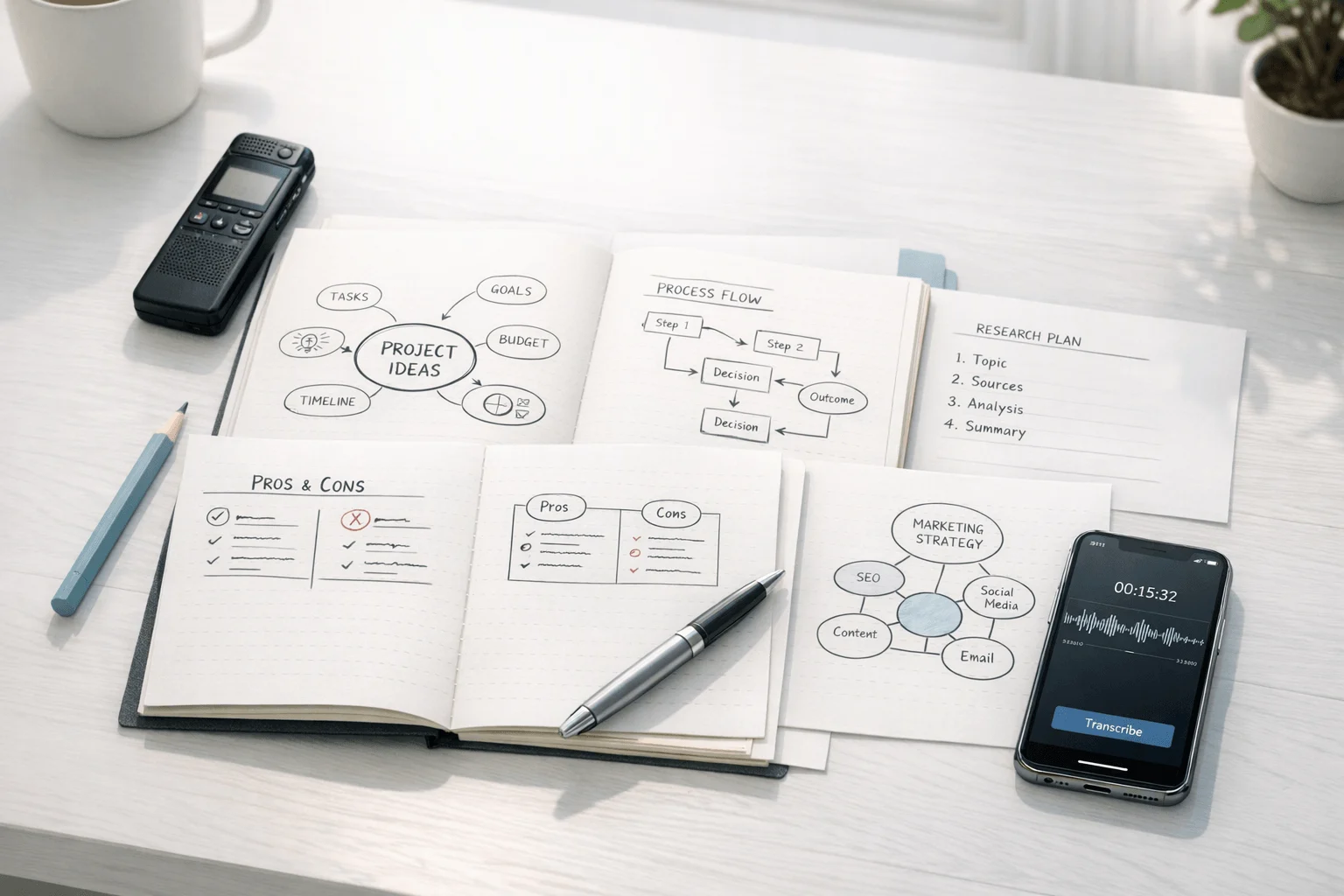
TL;DR: AI Note Taker insights for mind mapping notes
If your notes keep turning into dense walls of text, mind mapping note taking is often the faster fix: it organizes ideas by relationship, not by sequence, and that makes review easier. In this guide, you'll get a clear comparison of four practical visual note structures, a step-by-step workflow for building better maps, and a shortlist of beginner mistakes that make most maps harder to use.
Here's the key trade-off: manual mind maps are excellent for studying, brainstorming, and exam review, but live lectures and meetings move too fast for clean visual capture in real time. That's where an AI note taker becomes useful, because it can turn spoken content into structured notes and mind maps after the conversation.
- Learn how visual note formats differ and when each one fits best
- See how to build a usable map without overloading it
- Understand where AI helps when audio is easier to capture than draw
- Expect a comparison chart, practical workflow guidance, and a balanced TicNote recommendation near the end
How does mind mapping note taking work?
Mind mapping note taking is a visual way to organize ideas around one main topic. You place the core idea in the center, add main branches for big themes, and then build sub-branches for details, examples, or actions. That structure makes the hierarchy easy to scan, so relationships stand out faster than they do in long blocks of text.
Build notes around structure, not decoration
A mind map is not random doodling. It's a note system with a clear job: show what matters most, what belongs together, and how ideas connect. Instead of writing full sentences, you usually use short keywords, arrows, labels, and simple visual grouping.
That matters during review. In one glance, you can often see the main point, the supporting ideas, and the gaps in your understanding.
Use visual cues to improve recall
Visual note structures help many people learn because they reduce clutter and group information into chunks (small, meaningful units). Color, spacing, and branch position can make ideas easier to retrieve later. They also help you spot patterns, causes, and contrasts instead of just storing isolated facts.
Research supports that value. In a meta-analysis of 142 studies, learners who used concept mapping had higher knowledge retention than those in comparison conditions, with a mean effect size of g = 0.58, according to the Educational Psychology Review meta-analysis by Schroeder et al. (2018).
Know when mind maps work best
Mind maps work especially well for:
- lecture review
- concept-heavy subjects
- brainstorming sessions
- essay or presentation planning
- meeting recap synthesis
Linear notes are still better when you need exact quotes, step-by-step procedures, or a full chronological record. In other words, choose the format that matches the shape of the information. Next, we'll compare the main visual note methods side by side so you can pick based on function, not aesthetics.
Mind mapping note taking methods compared
Not all visual notes work the same way. The best mind mapping note taking method depends on what you need to capture: a big topic, a set of parts, a process, or a messy early-stage idea. Choose the structure first, and your notes become easier to review, faster to build, and more useful later.
Use radial topic maps for study and review
A radial map is the classic format. You place the main topic in the center, then build outward with major branches for themes and smaller branches for details.
This format works best for:
- lecture summaries
- chapter reviews
- exam prep
- broad themes with clear subtopics
For example, a biology chapter might split into cells, energy, and genetics. Under each branch, you add facts, formulas, and examples. This makes scanning easier than a long page of bullets.
Use breakdown maps for part-to-whole notes
A breakdown map shows how one thing splits into components. Think of a brace diagram or a clean left-to-right parts tree.
It fits topics like:
- anatomy and body systems
- product features and parts
- company structure
- arguments with main claims and support
Use this when your goal is to unpack what something contains. It is less useful for time order, but excellent for showing hierarchy.
Use process maps for steps and decisions
Process maps follow sequence. They use arrows, boxes, and branch points to show what happens first, next, and under which condition.
They are ideal for:
- workflows
- experiments
- troubleshooting paths
- decision trees
- operations notes
This is where flow beats radial mapping. If your notes depend on order, outcomes, or if-then choices, a process map is clearer than a center-out diagram.
Use freeform idea webs for brainstorming
Idea webs are loose by design. Instead of forcing a neat structure, you connect related thoughts as they appear.
They work well for:
- brainstorming sessions
- project planning
- problem solving
- early creative thinking
The trade-off is simple: they help discovery more than polish. That makes them strong at the start of thinking, not always at the final review stage.
Compare the main visual note formats fast
| Method | Structure | Best for | Limits | Speed | Ideal user |
| Radial map | Center topic with branches | Studying and review | Weak for timelines | Fast | Students |
| Breakdown map | Part-to-whole hierarchy | Systems and components | Weak for decisions | Medium | Analytical learners |
| Process map | Step flow with arrows | Workflows and choices | Less flexible for big themes | Medium | Operators and planners |
| Idea web | Loose connected nodes | Brainstorming and planning | Can get messy fast | Very fast | Creative thinkers |
A quick rule helps. Use radial for topics, breakdown for components, process for sequence, and idea webs for discovery. If you also keep daily notes, this pairs well with a structured daily note workflow that turns scattered capture into organized review.
Spoken sessions can follow the same logic. A lecture, meeting, or brainstorm may start as audio, then later become a structured visual map with an AI note taker.
How do you take notes with a mind map step by step?
Mind mapping note taking works best when you build the page in layers instead of trying to capture everything at once. Start with one clear topic, expand into a few big branches, then add only the details that help you study, plan, or act later.
Start with one core topic
Put the main subject in the center of the page, or at the start node if you prefer a left-to-right layout. This could be a class topic, a project question, or a meeting theme.
A tight scope keeps the map clean. If the center says "Biology," the page will sprawl. If it says "Cell respiration," you can organize it fast.
Examples:
- Class: World War I causes
- Project: Website redesign Q3
- Meeting: Monday sales pipeline review
Add 3 to 7 main branches
Next, pull out the biggest categories. In most cases, 3 to 7 branches are enough because they force you to group ideas before the page gets messy.
You can find these branches from:
- Lecture headings
- Meeting agenda items
- Main speakers or departments
- Process stages
- Problem, cause, solution, result
Use short labels, not full sentences. Good branch names include "Causes," "Timeline," "Risks," "Budget," or "Next steps." Short labels are easier to scan and remember.
Layer in supporting details
Under each main branch, add the proof and specifics:
- facts
- examples
- definitions
- dates
- action items
- quotes
- evidence
Nesting helps when a point clearly belongs under another point. For example, "Risks" can split into "Technical," "Budget," and "Staffing." But stop when the branch becomes hard to read. If a sub-branch needs more than 4 to 6 small nodes, it may deserve its own map.
Use keywords, color, and symbols with purpose
Keep each node to one to five words. Add arrows when two branches connect. Label those links with terms like "causes," "blocks," or "leads to" so the relationship is obvious.
Use simple visual cues:
- one color per major branch
- stars for priorities
- question marks for unclear points
- checkmarks for completed tasks
- one small image only when it improves recall
The rule is simple: symbols should add meaning, not decoration.
Turn the map into review-ready notes
Once the map is done, convert it into a usable output. One map can become:
- flashcards for study
- a short summary
- an essay outline
- a project checklist
- meeting follow-ups
A simple workflow is: capture, map, review, revise. If you record lectures or discussions, tools like TicNote can speed up the first draft by turning spoken content into transcripts, summaries, and a mind map before you clean it up. That is especially useful if you also want AI help for lecture recording and study notes in the same workflow.
Common mind mapping mistakes beginners should avoid
Most beginners struggle with mind mapping note taking for the same reason: they try to make one page do too much. The good news is that these mistakes are easy to fix, and small changes can make your map faster to read, easier to review, and much more useful later.
Write less, see more
A mind map works best when it captures ideas in keywords, not paragraphs. Long sentences slow you down and hide the main point. Instead, use short phrases, trigger words, and terms you can recognize at a glance.
Split crowded branches early
When one branch holds too many details, the whole page becomes hard to scan. If a section starts looking packed, break it into smaller sub-branches or move that topic to a second map. Clean spacing improves clarity.
Give each map one job
Don't mix brainstorming, meeting minutes, and exam review on the same page. A map should do one task well. That could be planning, summarizing, revising, or problem-solving.
Label connections clearly
Lines alone don't explain much. If two ideas connect, add simple labels such as:
- causes
- leads to
- contrasts with
- depends on
These words turn a loose sketch into something you can understand later.
Review the map to make it stick
A mind map becomes a memory tool when you revisit it. Use this quick checklist:
- revise key branches
- quiz yourself from memory
- reuse the map in a summary, task list, or study sheet
That's it. You don't need perfect visual notes. You need clear ones you can return to and use.
Which note-taking situations fit each visual method best?
The best visual format depends on the kind of thinking you need to capture. In mind mapping note taking, the right method helps you review faster because it matches how the material is built: ideas, parts, or steps. If your notes often come from live calls or lectures, it also helps to pair manual maps with tools that can capture Zoom meetings without a bot when writing everything by hand stops being practical.
Use radial maps for concept-heavy topics
Radial maps work best when one main idea connects to several related themes.
- Classes like psychology, literature, marketing, and biology overviews
- Essay planning around one thesis
- Meeting recaps with a few big themes
- Brainstorming names, campaign ideas, or product concepts
This format is fast and flexible. You can start messy, then group ideas later.
Use breakdown maps for parts and frameworks
A breakdown map fits subjects made of clear categories or components.
- Anatomy and body systems
- Business models and org structures
- Essay frameworks with main points and subpoints
- Product features split by function
Choose this when you need order more than exploration. It turns complex material into a clean hierarchy.
Use process maps for sequences and next steps
Process maps are best when the order matters.
- Science experiments
- History timelines
- Workflows and team handoffs
- Meetings focused on decisions, owners, and deadlines
- Presentation flow from intro to conclusion
If you need to answer "what happens next?", use a process map.
Quick decision guide
- Pick a radial map for themes and idea generation
- Pick a breakdown map for parts, categories, and frameworks
- Pick a process map for steps, time order, and action items
For students, visual notes help most when the lesson is dense and connected. For professionals, the same rule applies: broad discussions suit radial summaries, while execution meetings need process views. When conversations move too fast for manual capture, an AI note taker like TicNote can turn recordings into transcripts, summaries, and mind maps so you can organize first and refine later.
How can an AI Note Taker extend mind mapping from live conversations?
Manual mind mapping works well when ideas come at a calm pace. In lectures, meetings, and interviews, the problem is different: you have to listen, decide what matters, choose a branch structure, and write fast enough to keep up. That is where mind mapping note taking often breaks down. People miss exact quotes, skip details, or delay organizing the discussion until later, when context is already fading.
Capture first, map second
An AI note taker solves the speed problem by separating capture from structure. Instead of forcing yourself to build a perfect map in real time, you record the conversation first, then review a clean version after. With TicNote, that workflow can include:
- time-stamped transcripts
- speaker-aware summaries
- to-do lists pulled from the discussion
- searchable notes
- interactive mind maps generated from recordings
- highlights and annotations during live transcription
- photo sync tied to exact moments
- AI Q&A for finding quotes or decisions later
- document generation for reports, notes, and study materials
That makes it easier to turn spoken content into visual notes without losing the original detail. If you want a broader look at this category, this guide to AI recording note takers shows how these tools fit meetings, calls, and in-person notes.
Pick the right TicNote device for your workflow
Here is the simple breakdown:
- TicNote AI Voice Recorder: best for professionals who want a premium card-style recorder, 64GB storage, and a thin portable design.
- TicNote Lite AI Voice Recorder: best for beginners or students who want lower-cost, one-button recording with fewer setup choices.
- TicNote Pods 4G: best for meeting-heavy users who need phone-free recording and live summary while moving between calls or sites.
- TicNote Pods Wi-Fi: best for global users who prefer sync-based workflows and want no region lock.
For most students, Lite is the easiest starting point. For office professionals, the standard AI Voice Recorder is the more polished everyday carry. For field teams, consultants, and heavy meeting schedules, Pods 4G makes the most sense because live summary reduces review time during the day.
See the TicNote device lineup and choose the best fit for your note-taking workflow.
Final thoughts
The best mind mapping note taking method depends on the shape of the information, not just what feels comfortable at first. A radial map works well for brainstorming, but a flowchart or concept map often fits process-heavy or cause-and-effect material better. In practice, the strongest note system is the one you can review, edit, and reuse.
Keep it simple:
- start with one visual format
- review your map within 24 hours
- trim weak branches and add missing links
- switch structures when the task changes
That matters because good maps are built in revision, not only in capture. And if you often collect ideas from lectures, meetings, or spoken brainstorming, AI can speed up the messy first draft. Tools like TicNote can turn raw audio into transcripts, summaries, and mind maps, which makes visual notes faster to build and easier to refine. If you want a hardware-first setup, this guide to AI note taking devices is a useful next read.
See the right TicNote device for your workflow


